Trending

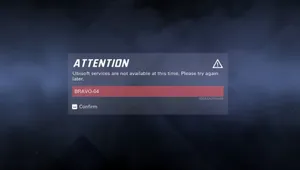
Although, there are some problems that arise in the matchmaking of any online multiplayer game; in Ubisoft newest game - XDefiant, there is no exception. One of the most commonly encountered problems is the "Unable to Find Match" error. Here are some fixes for the problem:
XDefiant is free for all device players, and, overall, most users report that matchmaking has come across issues. The most common one is the "Unable to Find Match" error message when trying to join an existing playlist.
This error can be met while trying to join any playlist or game mode and the game might seem to be proceeded, but ultimately kicks you with the error message. Below are some of the potential fixes if you've been facing this persistent issue with the XDefiant Unable to Find Match error.
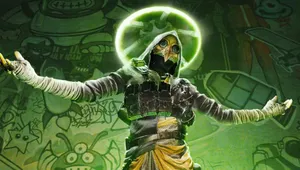
Solution for XDefiant Unable to Find Match Error
Unable to Find Match is an error for XDefiant that occurs due to a problem with the servers of the game. So, the best move regarding the error is trying again after checking on the servers for the game.
The server status may be checked by visiting the official account of XAccount for XDefiant, as developers quickly inform players about issues with the servers. Try out some of these fixes if the error is still persistent for you.
Check your internet connection
And with the XDefiant servers being underserved, a strong internet connection would help you a lot in finding a proper match. A packet loss check can be carried out to determine if your connection is up to that task.
Move within the Start menu using the mouse; click inside where it says cmd. Right here, you type in ping 8.8.8.8 -t and hit Enter. Now, if it's good, no packets should be lost with your connection. Now, if you're facing packet loss, you will see 'Request timed out' right here.
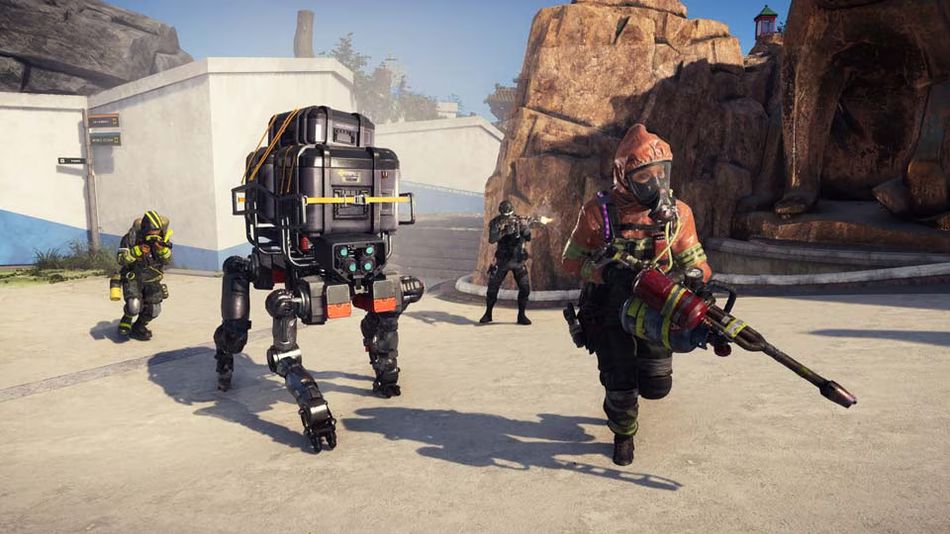
Verify integrity of game files
If your connection does appear strong, but you persistently get the "Unable to Find Match" error in XDefiant, it may be well worth it to verify the integrity of game files. Head to Ubisoft Connect and from there to your library. Click the three dots located right next to the XDefiant game icon. Next, click on Verify files.
Reinstall the game
As a last resort, you can try to resolve the error by reinstalling XDefiant on your system. Reinstalling the game is simple: You can just find the game's page on the store of the console you're using, or through Ubisoft Connect on PC.
Please wait for updates from developers If nothing seems to do the trick, then all that is left is for one to wait for the next update that the developers will release.
With the servers of XDefiant barely holding on with player traffic, developers had promised players that they are on top of problems with the matchmaking. Therefore, keep a keen eye out for notifications if they release any update and try joining a playlist after the problem is fixed.
DON'T MISS:
- Insider information reveals the fate of Ubisoft's XDefiant
- xDefiant fails console certification, gets delayed
- XDefiant Insider Session impressions: Ubisoft have finally nailed it
- Ubisoft's The Division Heartland has been reportedly Cancelled
- Ubisoft reveal Assassin's Creed Shadows cinematic trailer, release date, editions and more