Trending

Having trouble with low FPS and stuttering when playing XDefiant? We've got your fix, alright. Many players are reportedly struggling with very low FPS and stuttering in Ubisoft's XDefiant, although the game itself does not indicate the need to have some powerful hardware.
It's pretty well-optimized, but there are some settings in the game that might be a problem for your PC's performance. This is how you will fix those issues for.
To fix low FPS and stuttering in XDefiant, you will have to perform some in-game settings changes. These in-game settings very greatly affect the performance of the game during playback on your PC.
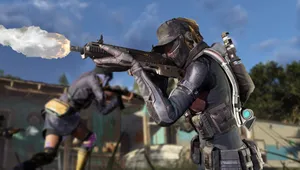
Fix Low FPS & Stuttering in XDefiant
Changing of in-game settings
Tweaking these particular options should go a long way in helping:
- Reduced Latency Support: Disabled
- V-Sync: Off
- Contact Shadows: All Low
- International Quality Observation: Bad
- Spot Shadow Resolution: Low
- Particle Detail: Low/Medium
- Resolution Scale: 85%
Lower these settings down to a minimum for very low graphic quality to ensure uninterrupted gameplay - a significant aspect of any competitive game, just like XDefiant.
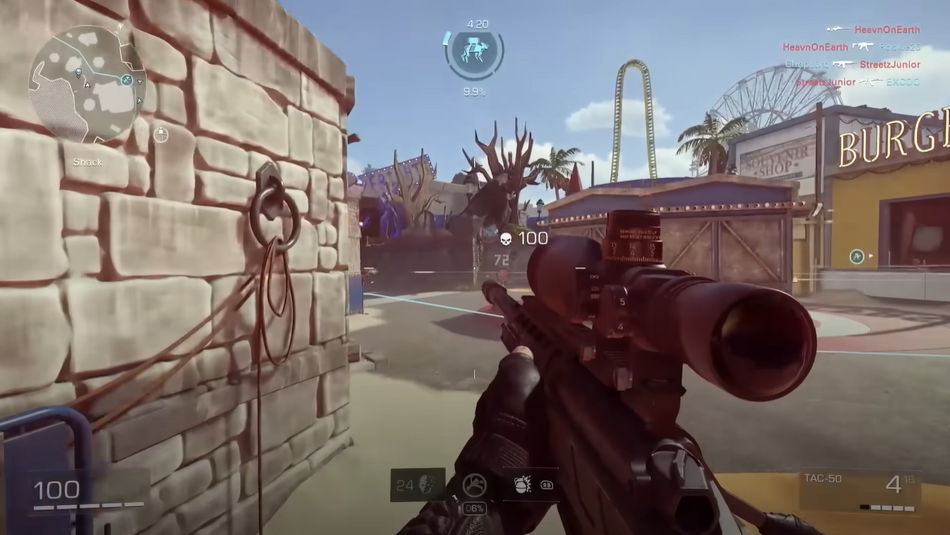
Update Graphics Drivers
Out-of-date graphics drivers are likely to make a tremendous difference in in-game performance. Be sure to update your GPU drivers for the best effectiveness.
For Nvidia:
- Download GeForce Experience at Nvidia.com.
Begin by opening GeForce Experience. Now go to the tab labeled 'Drivers'. Click on the 'Check for updates' button which is to the top right corner. If the update is available, install it.
For the AMD:
- Right-click on the desktop.
- Open AMD Radeon Settings.
- Click on the home icon.
- Click 'New Updates' in the bottom left.
- Click on 'check for update.'
If an update is available, install it.
Using wired connection
It mostly happens due to ping spikes and a bad internet connection. Stutter or lags always happen because of bad internet connectivity. Using a wired LAN cable straight from the router to your PC would improve the speed of the internet and reduce in-game ping.
Close background apps
Ensure no other applications or processes run behind during the gameplay of XDefiant. More importantly, parallel applications like OBS or GeForce Experience may make the FPS drastically low.
By following it, you will experience a smooth XDefiant without any performance issues, and you can just worry about winning the game
DON'T MISS:
- XDefiant's Refer-A-Friend program explained: Rewards, XP boosters, skins and more
- XDefiant: List of all available weapons and how to get them
- XDefiant: Fastest ways to level up weapons and Battle Pass
- Ubisoft is working on XDefiant's Hit Registration Issue
- Ubisoft confirm Assassin's Creed Shadows protagonists will be "romantically attracted to different types of people" e