Trending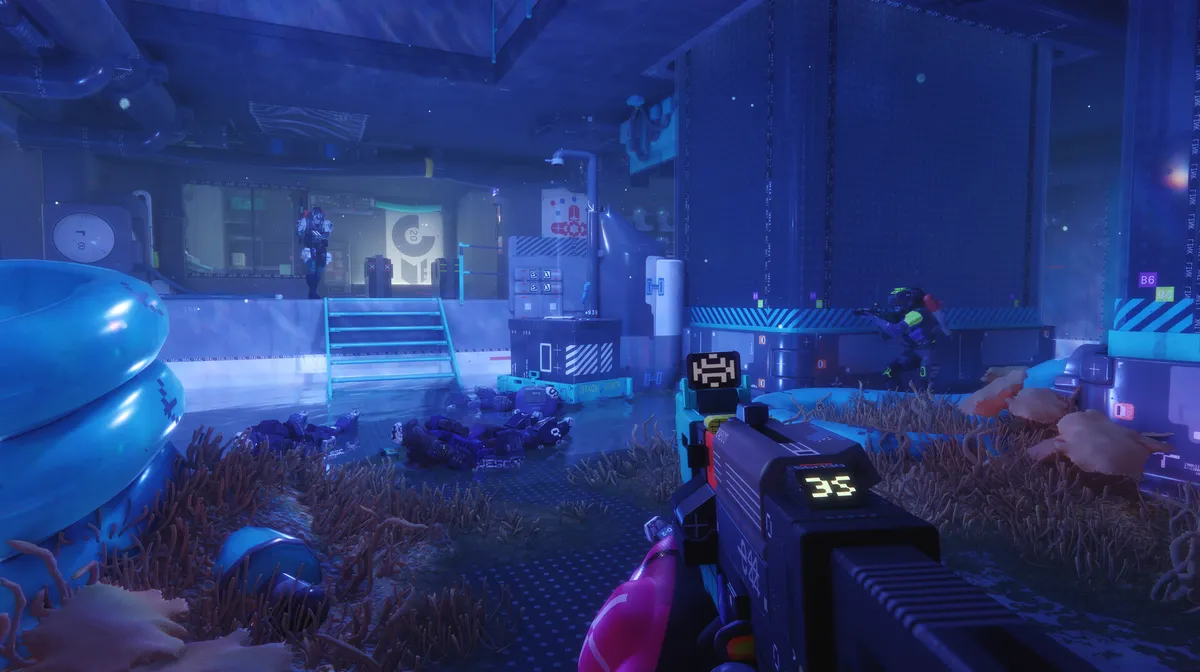

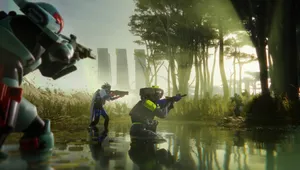
Bungie’s Marathon Server Slam playtest is now available for all players. This gives players their first taste of what Bungie’s next extraction shooter has to offer, but unfortunately came at the cost of a few bugs thanks to obvious server overload.
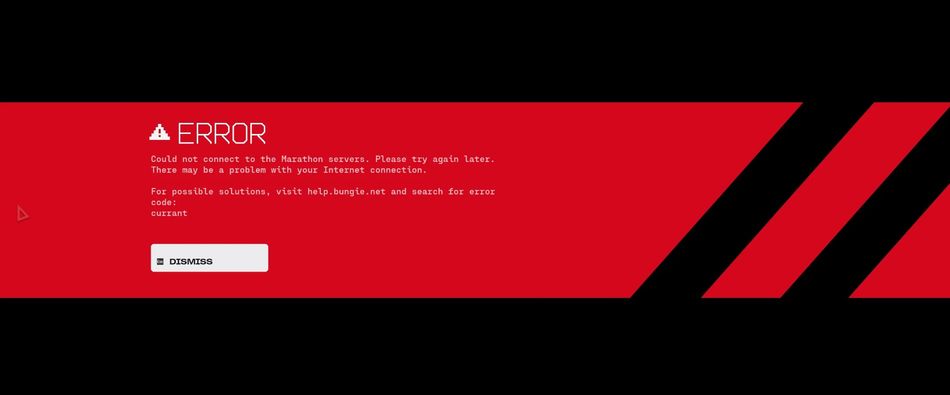
The most common bug being experienced by players right now is the dreaded ‘Currant’ error code. Here’s what that error means and the best ways to resolve it.
Are the Marathon servers down?
The majority of players are able to access matches and login, however some queuing and instability has occurred. Server Slam events are designed to overload online game performance.
With an influx of players logging in at once, short login messages are to be expected. Players reporting they are receiving the ‘Currant’ code does not necessarily mean servers are down.
What does the ‘Currant’ error mean?
It means there is a network connectivity problem. Specifically, your computer is having trouble connecting to or staying connected to Bungie’s services. Some known reasons include:
- Unstable Wi-Fi connection
- Temporary ISP disruptions
- NAT or firewall configuration issues
- Packet loss during peak traffic
Essentially it means that it’s a client-side networking issue and not a complete server outage.
Possible fixes for the ‘Currant’ error
Below are some things you can try if you receive this error:
- Restart your router and modem
- Fully close and relaunch the game
- Restart your PC or console
- Use a wired Ethernet connection instead of Wi-Fi
Several players have found that restarting and trying again a few minutes later has worked. Also, some Reddit users reported that disabling crossplay got them into the game.

DON'T MISS: