Trending
This guide will be updated with more potential fixes until Blizzard officially fix the issue.
It appears that an issue with Battle.net and Xbox/PlayStation account merging is what's causing this Overwatch 2 error code to pop up. It's an account-specific error as some players report that trying to play the game on the same console but with a different account fixed the problem.
So the first thing you should do is make sure that your Battle.net is linked properly with your PlayStation / Xbox account. You can learn how to do that here. If you think your accounts are linked properly, try removing them and then linking again.
If the error message still keeps appearing you could try to create a different account to play Overwatch 2, until Blizzard release a fix for this problem. We know that's far from ideal so here are some potential fixes that you can try, but keep in mind that these won't work for every account.
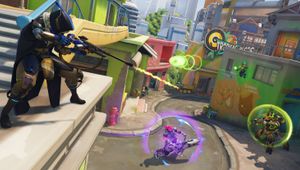
Here's what else you can do to fix Overwatch 2 error LC-208:
- Try reinstalling the game
- Restart the console, also try hard-reset
- Try disconnecting and then re-connecting your BattleNet and Xbox/PSN
- Connect your controller via cable and try disconnecting your other wireless devices like headphones
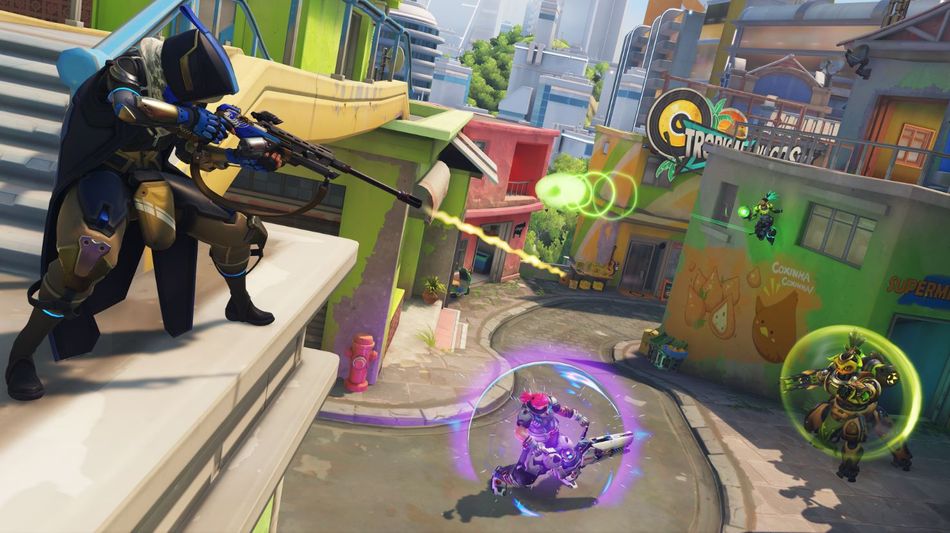
It does seem like this specific error requires an internal fix from Blizzard, at least for most of the players so patience is required. It's been a very rocky launch for Overwatch 2 and the devs probably have their hands full at the moment.
Overwatch 2 launched today on PC, PlayStation 4, PlayStation 5, Xbox One, Xbox Series X|S and Nintendo Switch.

DON'T MISS: