Trending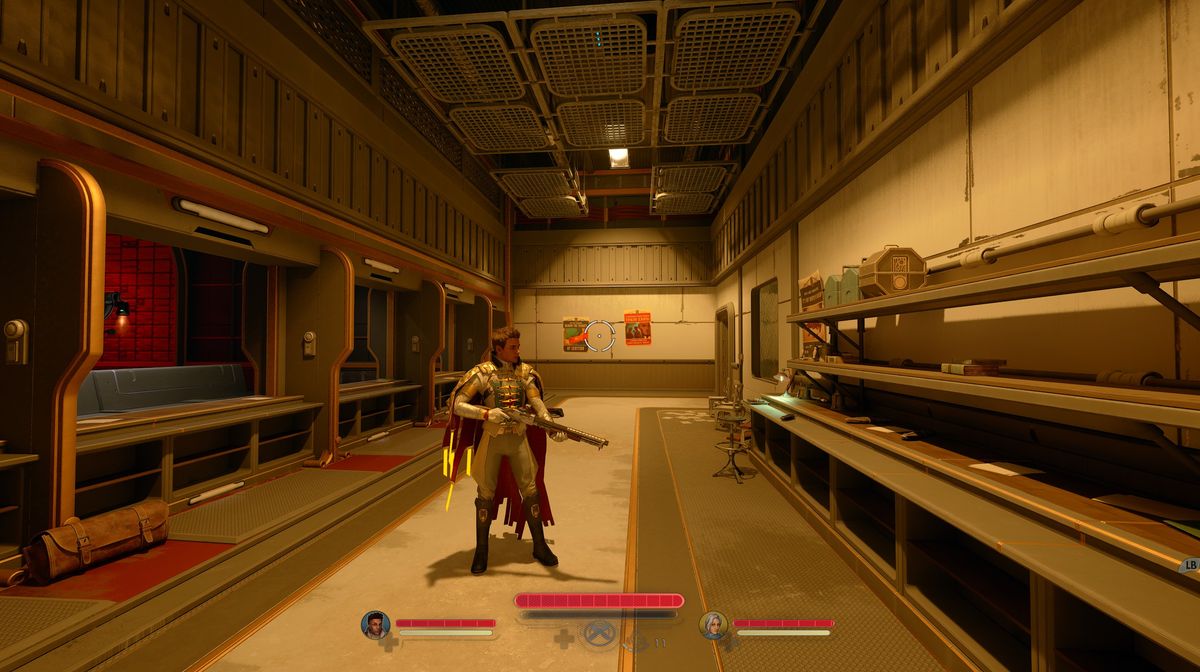
The Outer Worlds 2 is out now, and if you watched promotional videos or the other people playing, you might have noticed that some of them play the game from the first, while the others from the third perspective.
This is a custom for the games developed by Obsidian Entertainment, so The Outer Worlds 2 doesn't deviate from this role, even though you didn't even realise it.
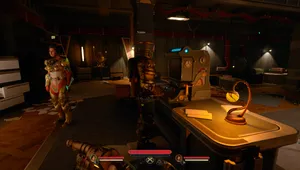
Yes, The Outer Worlds 2 can be played not just from two but from three perspectives: the first person, the classic third person, and finally, the third person with a far camera. If you don't know how to change camera perspective in this game, we have a guide for you.

On Xbox Controller
There are actually two ways to change in-game camera perspective: you can do it directly while playing, or you can do it from the in-game menu.
To change camera perspective and choose one from three available options, simply press and hold the Toggle View button on Xbox controller. It's the button left of the menu and share button on the controller.
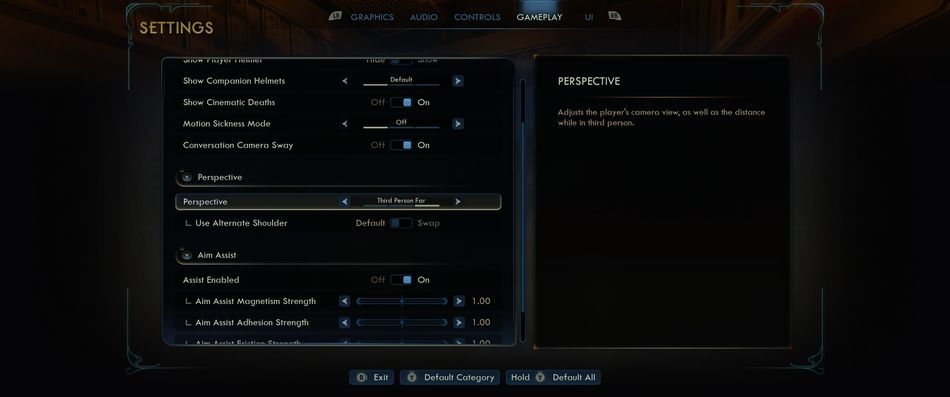
You can also navigate to the "Gameplay" tab and scroll down to find the "Perspective" option. Here, you can choose one of the three options and even choose which shoulder to use (a perfect option for those left-handed among us).
On Keyboard
If you're playing the game using the mouse and keyboard, you can switch perspective by pressing U on the keyboard, and you can choose an alternate shoulder by pressing H.
DON'T MISS!