Trending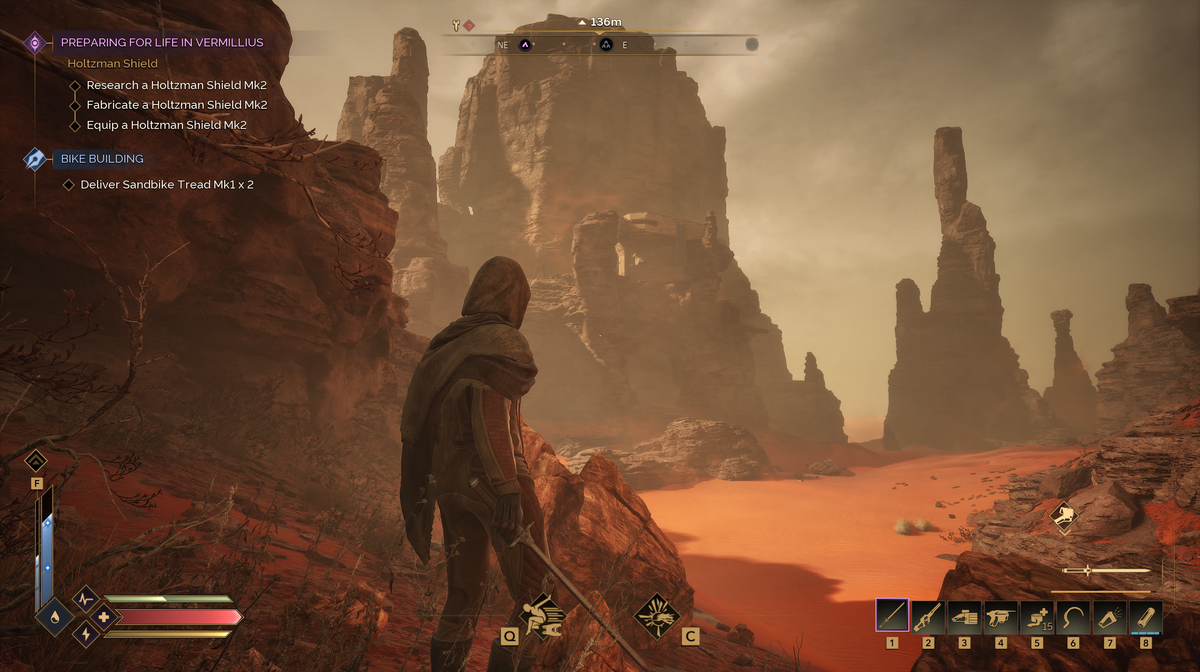
Why the Forced Move Feels So Frustrating
In the early game, Dune: Awakening introduces a deep crafting and base-building system. Many players spend hours designing and perfecting their personal outposts. That’s why being required to leave it all behind – sometimes with no easy way to move everything – can feel like a slap in the face.
As one Reddit user summed up the frustration: “Why bother decorating if you’re just going to force me to destroy it?” While survival MMOs like Once Human allow players to transfer their base – decorations and all – Dune: Awakening currently falls short of that convenience.
What You Can Actually Do?
While there’s no one-click solution, the game does provide tools to help you relocate your base more smoothly:
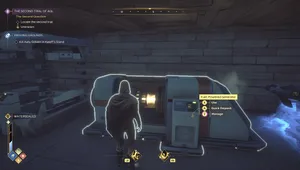
- Blueprints with the Solido Replicator
You can research and craft the Solido Replicator to create a blueprint of your base. This blueprint can be used at a new location to rebuild the same design – although you’ll need to manually place each structure and object. - Manual Dismantling for Material Recovery
Dismantling your base – especially starting from the foundations – allows the structures above to collapse and return resources to you. It’s not perfect, but it does mean your time and effort aren’t entirely lost. - Use Sandbike Mk II Upgrades
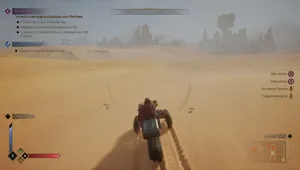
After completing early contracts, players unlock Mk II upgrades for their sandbike. These allow for a significantly larger cargo capacity – enough to carry most of your salvaged materials to the new base. - Reclaim Old Bases
If Needed You can technically abandon your base and later reclaim the area, though many players find that moving forward – particularly toward Vermillius Gap and other regions – is ultimately more beneficial.
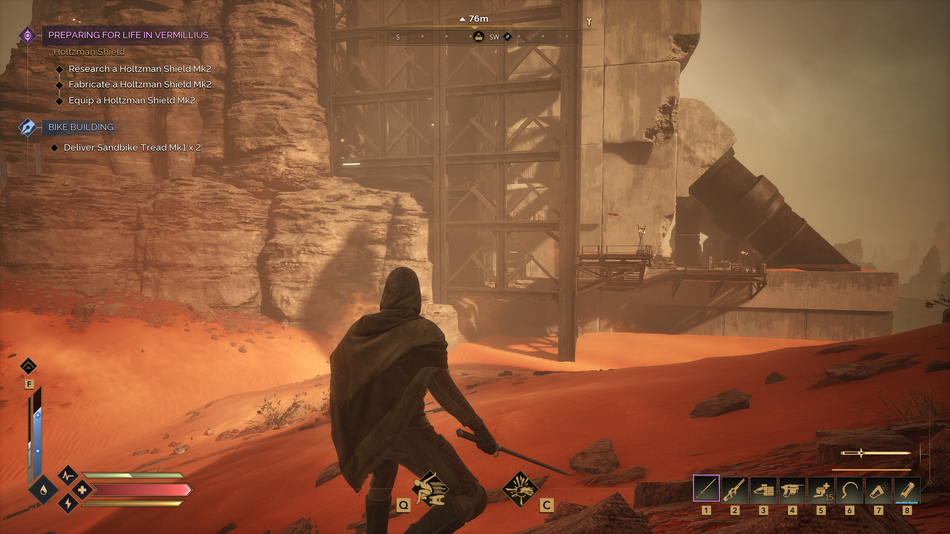
It (Mostly) Only Happens Once
The good news? This forced relocation is primarily a one-time event. Once you’ve established your second base and crafted your first ornithopter, your mobility across Arrakis becomes far easier. With flight and resource transport streamlined, you’re no longer tied down or vulnerable to forced relocation.
From that point on, you’ll have more freedom – and fewer interruptions – when it comes to maintaining your base.
How to Relocate With Minimal Stress
Here’s a step-by-step checklist to make your next move efficient and pain-free:
- Craft the Solido Replicator and save a blueprint of your current base.
- Dismantle your base carefully, starting with foundations to recover the most materials.
- Upgrade your sandbike with the Mk II container and booster to carry your resources.
- Place a new Sub‑Fief Console at your chosen site and rebuild using the blueprint.
- Optionally return to reclaim your old base later – or leave it to the sands of Arrakis.