Trending

Call of Duty: Black Ops 7 is almost upon us, and hype is running high. Treyarch is returning for another major title in the series, and with rival shooters Battlefield 6 and ARC Raiders launching in 2025, it’s looking like 2025 will be a competitive year for shooters. That means a lot of players will be dying to get their hands on the moment the game unlocks.
On top of that, the latest game in the franchise is already promising a robust amount of launch content. This includes a stacked Zombies mode, a broad arsenal of weapons and equipment, and the largest opening seasonal vision for the series yet.
This is why preloading is sure to be especially important for those who don’t want to waste time installing the game at launch. In this complete guide on how to preload Black Ops 7, we’ll give you platform-specific file size estimates so you can clear storage space in advance.
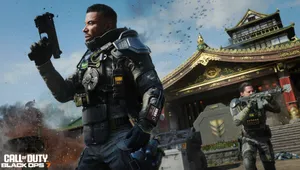
How To Preload Black Ops 7
To preload and download Black Ops 7 to your desired format, all you need to do is buy any version of Black Ops 7 that is digital, ensure you have enough space on your hard drive, and wait for the game to finish installing.
Black Ops 7 preloads became available on November 10, four days prior to the game’s release. The preload gives players enough time to download all the necessary data and clear out any unneeded files to make sure everything is ready for November 14.
Here is how to do it:
- Launch the official Call of Duty: Black Ops 7 website.
- Select the Pre-Order Now button from the top right corner of the homepage.
- Scroll down until you reach the list of platforms and editions.
- Select your edition of choice, either the Cross-Gen/Standard Edition or Vault Edition.
- Select your platform, Xbox, Xbox PC, PlayStation, Battle.net, or Steam.
- Press the Pre-Order button.
- You’ll be redirected to the storefront of your platform.
- Finish the purchase.
- Download the game to your system.
- Once it is installed, Black Ops 7 will be ready to launch on 14 November.
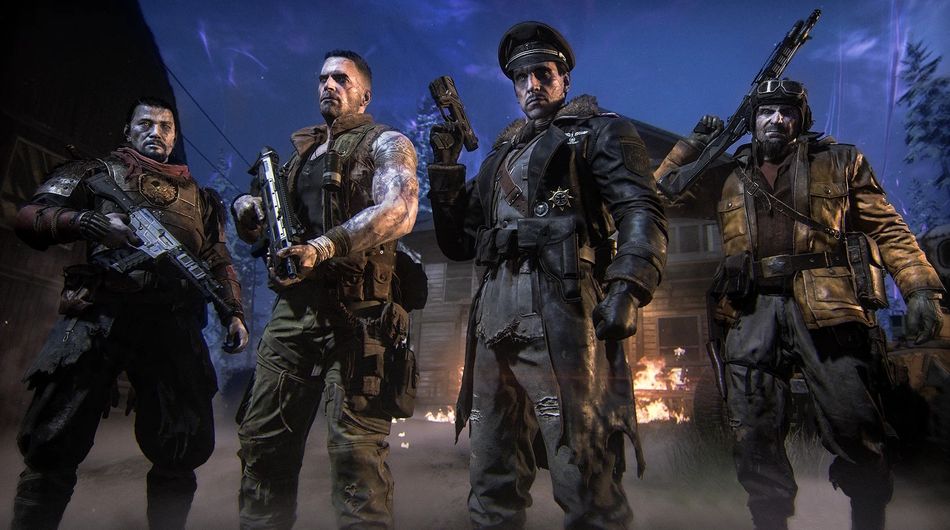
Black Ops 7 File Sizes (PlayStation, Xbox and PC)
Call of Duty is again a very large game, with storage requirements that will take up a lot of space for many people. Black Ops 7’s installation is somewhere between 100 GB and nearly 300 GB, depending on the platform and the amount of content.
The game is installable on a per-component basis, with separate options to install or uninstall the:
- Campaign
- Zombies
- Multiplayer
Meaning you can save space by not installing every mode if you wish. You can install Warzone separately too, but bear in mind that it will require an additional 80 GB beyond what a normal install requires.
Platform File Size Estimates
- PlayStation: 96.677 GB
- Xbox: 214.8 GB
- PC: 162.45 GB
DON'T MISS: