Trending

The first Starfield DLC, Shattered Space, is receiving very positive feedback from the fans, especially due to better mission design, and the first mission called What Remains is a true testament to this claim.
Namely, during this mission, you'll be prompted to do some optional objectives in the form of finding the optional logs for a deeper understanding of the events on the Oracle starstation, then you'll have to solve some environmental puzzles, and finally, you'll have to be very quick during a portion of the mission where the huge recycler threatens to smash you like a potato.
If this last part of the mission gives you trouble and you do not know how to stop the fatal recycler and escape this pickle, we have a guide that will help you with this task.

How to escape being smashed by the recycler during What Remains
After disposing of several phantoms inside a large reactor room, you'll continue to move vertically through a zero gravity environment to find an alternate path to reach the gravity controls. Once you pull the lever and enter the room full of floating boxes, be prepared to react very quickly because as soon as the alarm sounds off, the machine will start, and you'll have just half a minute to stop it.
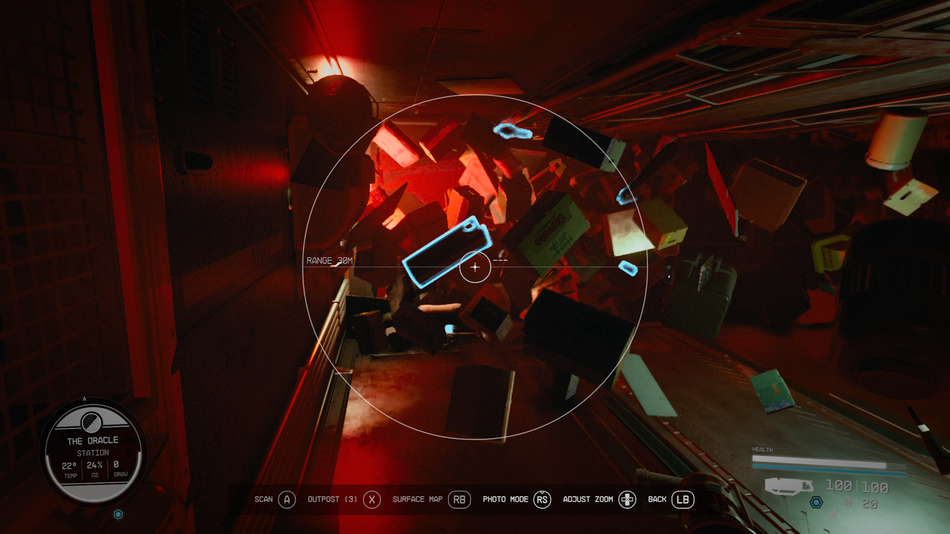
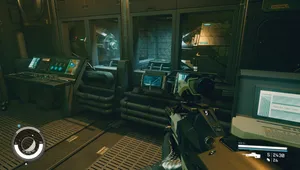
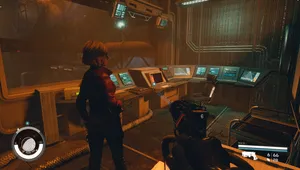
As soon as you enter the room, pull your scanner and search for two bigger objects (for reference, see the picture above). Those objects are batteries you're going to need to stop the recycling process and open the path forward.
When you find two batteries, go to the end of the room and see that there are two slots for the batteries you just found. Put both of them inside and the recycling process will be terminated.