Trending

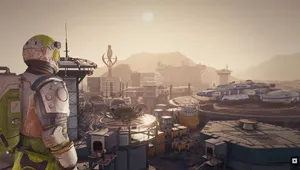
The first official DLC for Starfield, Shattered Space, came out a year after the game's release and in this story expansion, the players will be able to do new missions, explore additional planets, and even unlock several new achievements.
If you decide to buy this DLC for Starfield, or you're a respected owner of Starfield: Premium Edition, you can play Shattered Space right now, but first, several requirements must be met.
Playing new downloadable content is usually a very simple task, and given that Starfield is a very straightforward game regarding mission selection and world exploration, you might think that accessing this DLC will be concise too. Well, I must disappoint you because it surely isn't. If you want to find out how to start playing Shattered Space DLC, we have a guide for you.
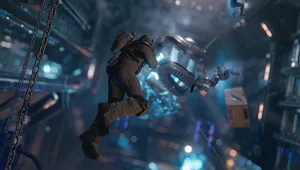
How to access Shattered Space DLC in Starfield
Firstly, to avoid a mistake that happened to me, you must check out all the updates for Starfield that landed on September 30, because instead of one, you must install two updates, one for the base game and one to install the DLC. If you don't know how to check for updates (Xbox version of the game), highlight Starfield on the Xbox home screen and press the start button. Choose Manage game and add-ons and open Starfield. Check both Starfield Update and Starfield: Shattered Space and start downloading them.
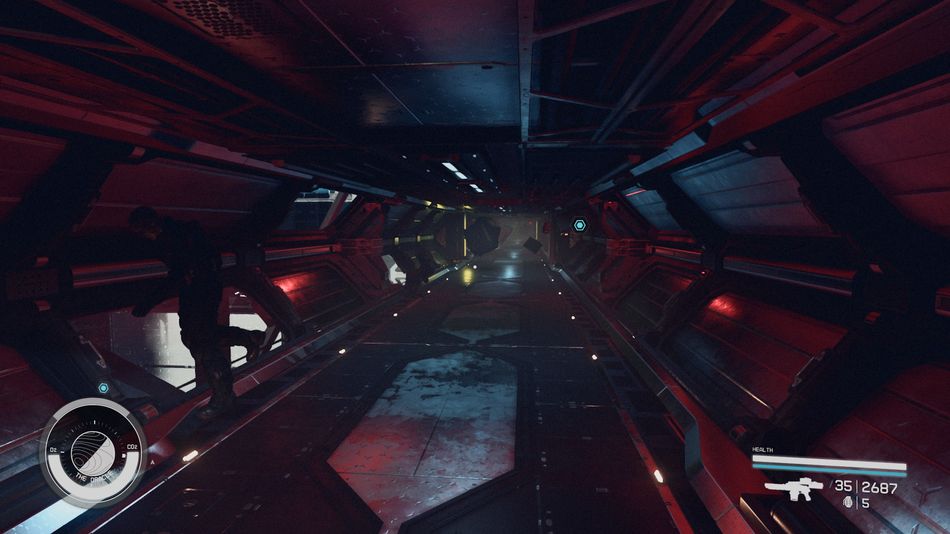
Once the update and the DLC are downloaded, load the game and load your most recent save. The first requirement you must meet is to complete the first mission in the base game, "One Small Step," where you must go to Jemison. Once this mission is done, all you have to do is launch your ship into any system without any active missions, and you'll receive a distress call from Sirak Veth'aal.
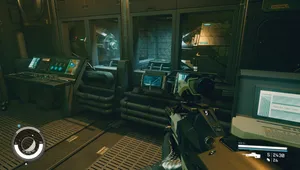
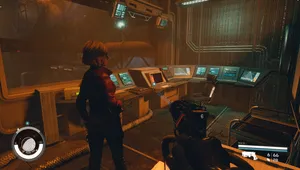
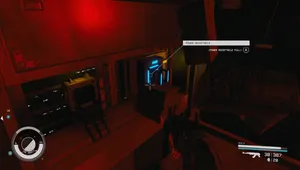
Enter the Oracle starstation and you'll begin the What Remains mission. This mission is the DLC's initiation. One more thing that you should consider before starting Shattered Space is that your recommended level should be 35+. However, it is not obligatory, and you can start it on the lower level too, especially if you fancy a bit of challenge.

DON'T MISS!