Trending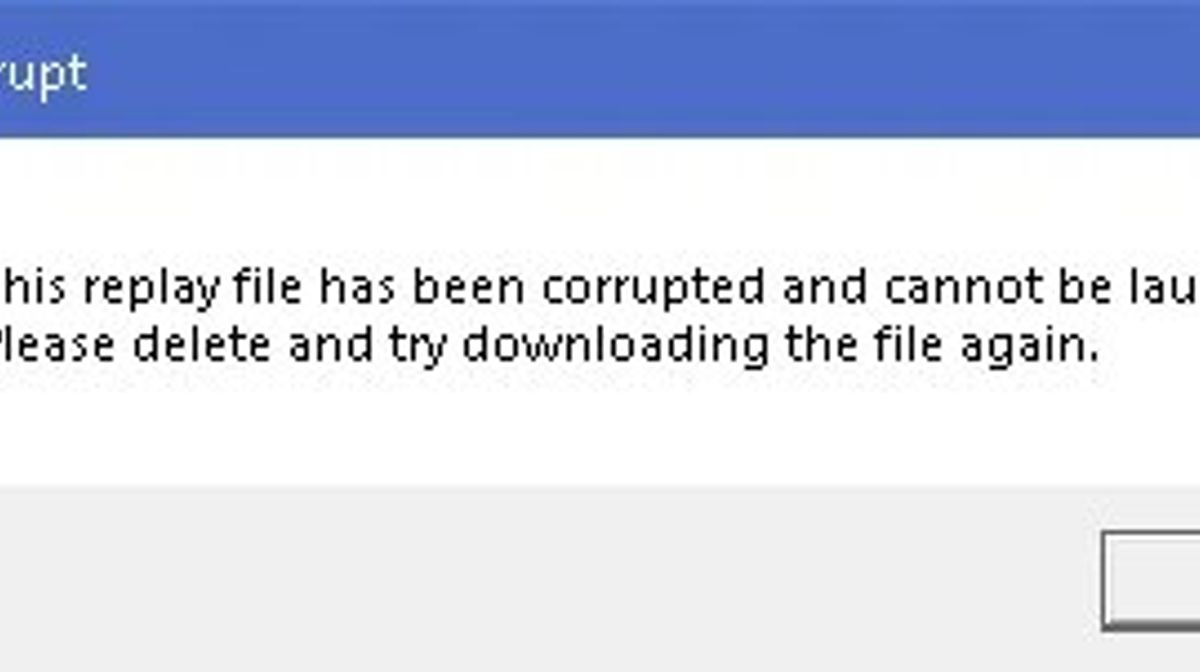

After engaging in an intense session of League of Legends, many solo queue enthusiasts and teams enjoy re-watching their games to relive the most thrilling moments. Unfortunately, a new bug is troubling the community by corrupting replay files.
In the League client, some players currently face issues accessing many of their replays because the files become corrupted after matches conclude. Although Riot Games promised to resolve this problem in Patch 14.10, players still encounter difficulties when attempting to review their specific games.
However, there are certain methods to recover your replays, though it demands some behind-the-scenes effort. So just follow our detailed instructions to resolve this issue.

How to fix corrupted replays in League of Legends? Explained
Here is how to resolve corrupted replays in League of Legends while waiting for an official update from the developers.Riot has provided a temporary solution to recover your valuable recordings with a few backend steps.
Follow these steps:
- Locate the folder containing your replays by opening Settings in the top-right corner of the client and selecting the Replays tab in the menu.
- Open the folder, identify the non-functioning replay file, and rename it to a random string of letters or numbers (e.g., NA-ABCDEFG).
- Re-download the corresponding replay from your client.
- If this doesn’t resolve the issue, repeat the steps.
This approach should fix the corrupted replay within two to three attempts, so you need to be patient if you’re determined to save your gameplay. There will be instances where multiple attempts are necessary for a single replay, but with persistence, you should be able to recover your replays.
If these steps don't work, you can try using the Hextech Repair Tool to fix any corrupted game files. Otherwise, all we can do is wait for Riot to address this like they promised to.
DON'T MISS:
- Riot prepares to celebrate Pride across all their games and more
- TFT Patch 14.10 made massive changes to Augments, Traits and more
- How to solve the "unable to connect to the authentication service" error in League of Legends
- League of Legends is making major changes to Ranked System
- League of Legends PBE reveals upcoming champion in an unexpected way