Trending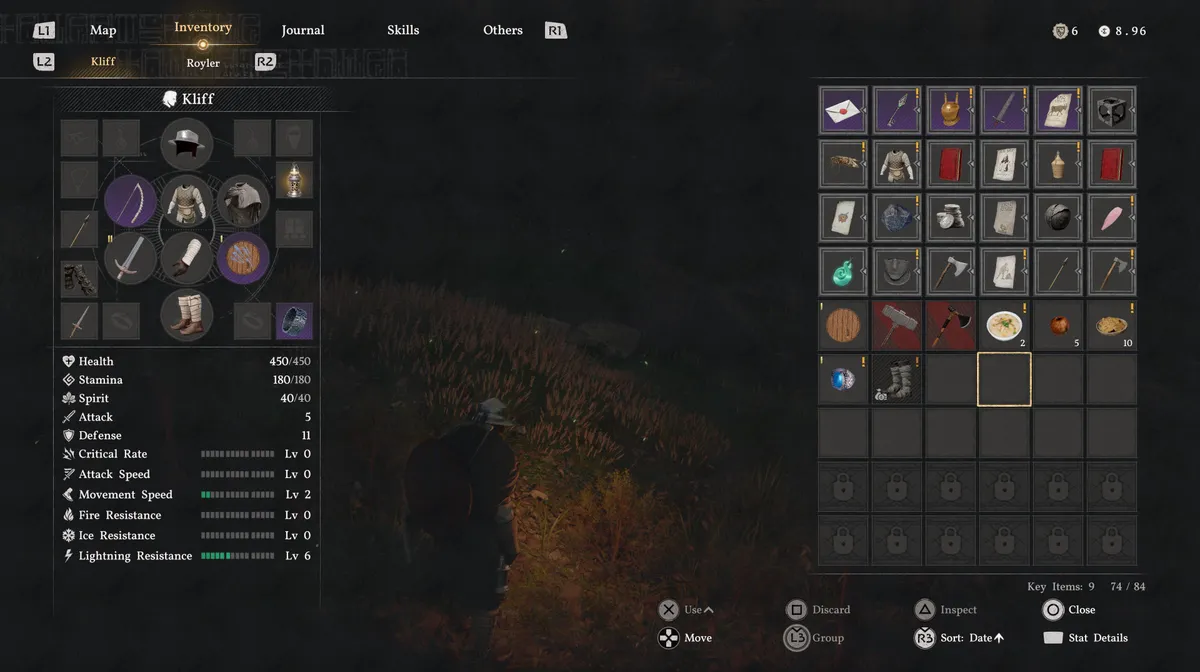
Running out of inventory space in Crimson Desert is a problem that hits earlier than you'd expect. There are two ways to expand your carrying capacity: completing quests that reward a 'Medium Bag', or buying 'Small Bags' directly from merchants. One is free but tied to progress; the other costs coin but is available almost anywhere.

Method 1: Complete quests that reward a Medium Bag
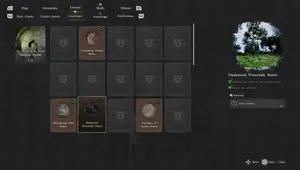
The most reliable way to expand your inventory is through quests. Main story quests and faction quests that list a Medium Bag as a reward will each add three slots to your inventory upon completion. To check whether a quest pays out a Medium Bag, open your Journal, select the quest, and look at the Reward section on the right-hand panel. If a Medium Bag is listed there, finishing it will upgrade your capacity. Once the quest is done, a notification appears in the upper-left corner of the screen confirming the expansion and how many slots were added.
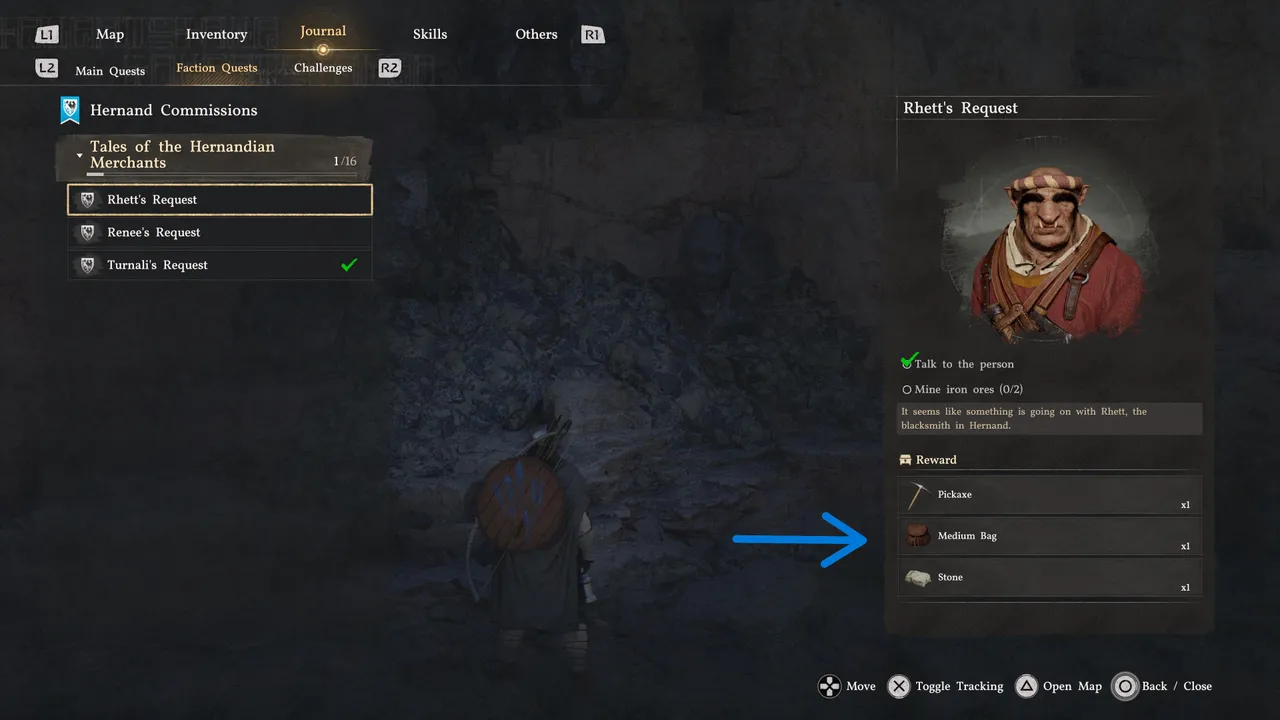
Rhett's Request, found under Faction Quests in the Hernand Commissions category, is one early example. Complete it and you'll receive a Medium Bag alongside a Pickaxe and a Stone.
Method 2: Buy small bags from merchants
If you'd rather not wait on quest rewards, Small Bags can be purchased from almost any merchant across the game. Each Small Bag adds a single slot to your inventory and costs just a handful of copper coins. It's a modest upgrade, but buying several in one go adds up quickly, and the convenience of being able to do it mid-exploration makes it worth keeping in mind whenever you pass a vendor.
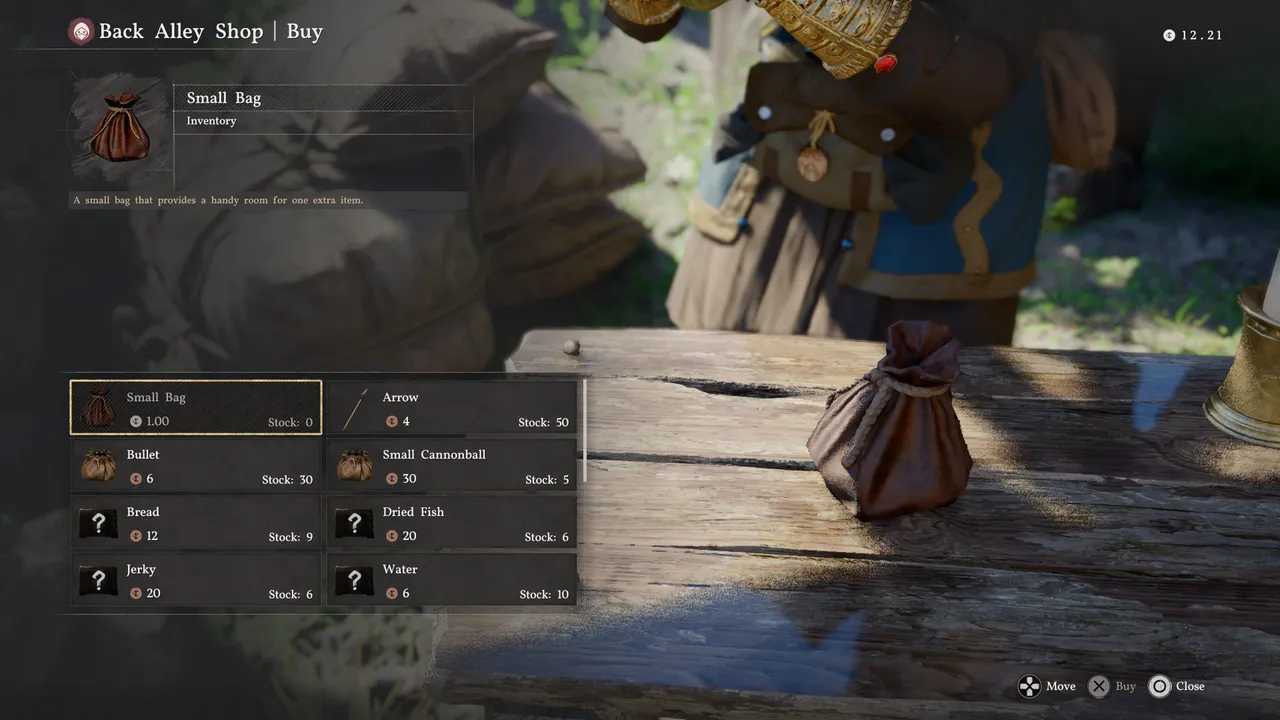
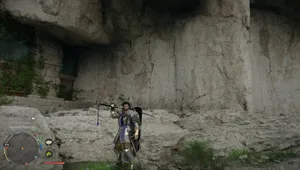
Be sure to speak with any vendor you come across; they are usually shown on the minimap as the question marks. Approach them, hold L1 to pop up the additional conversation, and then greet them. The next interaction will have an option to buy from a merchant, and inside their inventory will almost always be a Small Bag.

DON'T MISS!