Trending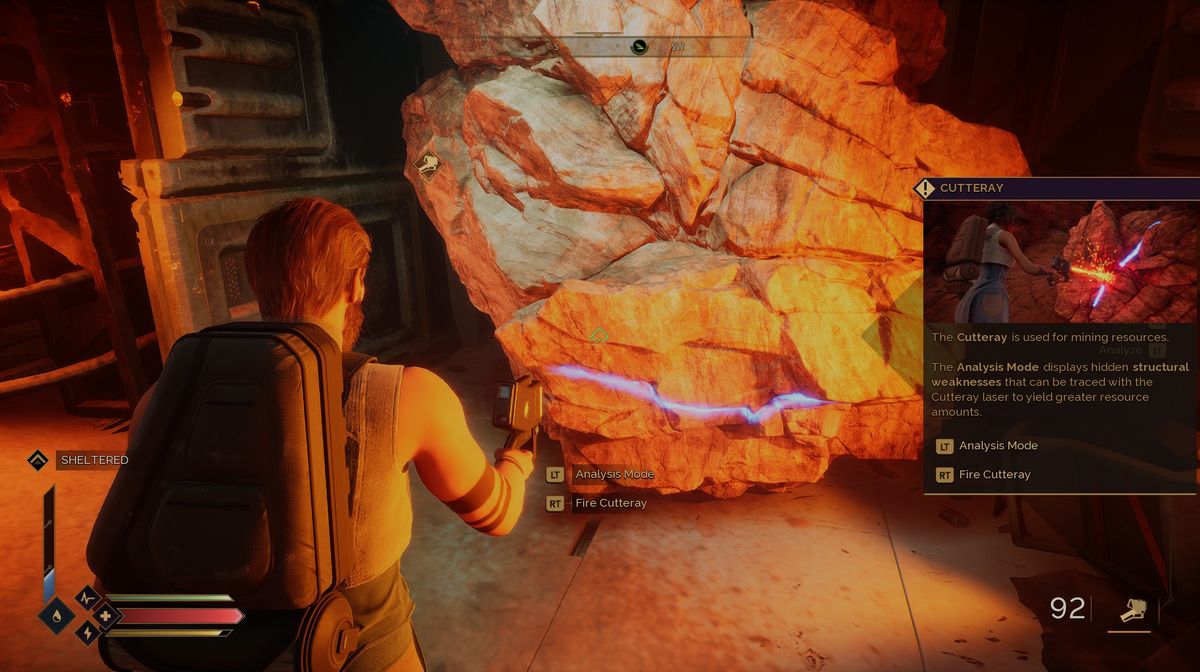
Being a true survival game, Dune: Awakening utilises all the mechanics known to us from this genre, like base building, crafting, managing resources, and, of course, using the means to gather those resources. The most gathering in this game will be done through picking them up all over the game's open world and by extracting them with a special tool called the cutteray.
The cutteray is a device you'll craft at the very beginning of the game; perhaps it is even the very first thing you'll craft in the first place, and making it won't be puzzling at all; all you're going to have to do is follow the small tutorial, and the tool will be yours.
However, when it comes to using it, some confusion might appear, and if you're one of those players who don't know how to use the cutteray, we have a guide that will explain this to you
How to use the cutteray properly
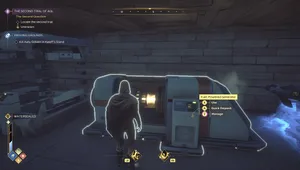
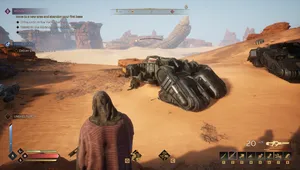
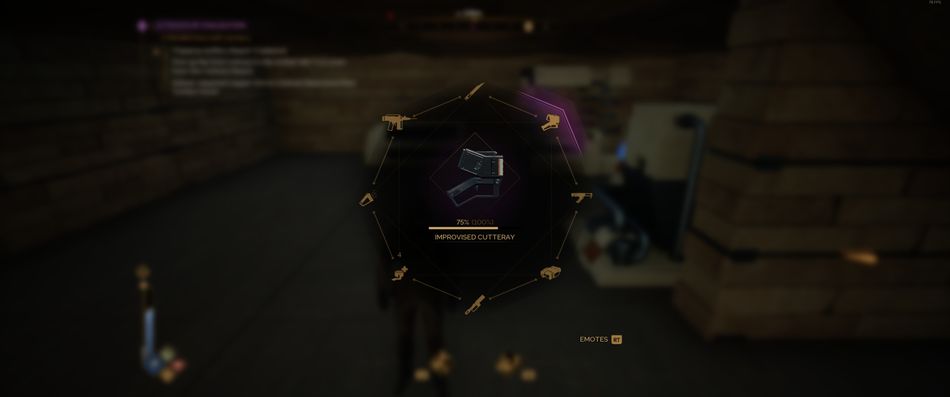
Once the cutteray is crafted, you'll be prompted to add it to the quick menu, so do that right away. If you're using the controller, hold the Y button (Xbox controller) or the corresponding number on the keyboard, and choose cutteray. Now, when you come across a large piece of metal, rock, or any other material that cannot be picked up manually, but instead, it features a cutteray icon on it, pull out your cutteray, aim it towards a material pile, and scan it by holding the LT button.
Once the object is scanned, you'll notice the white line on it, usually a curve, but sometimes it is the straight line. Now, while aiming with the cutteray, hold the RT button and cut over that line; you can even skip some parts, but at the end, you're going to have to cut the entire thing.
Once the line is cut, the pile will be destroyed and all the materials will get transformed to your backpack. Later in the game, new schematics will allow you to build better versions of cutterays, but basically, every utteration does pretty much the same job, only a bit more efficiently than the basic one.

DON'T MISS!