Trending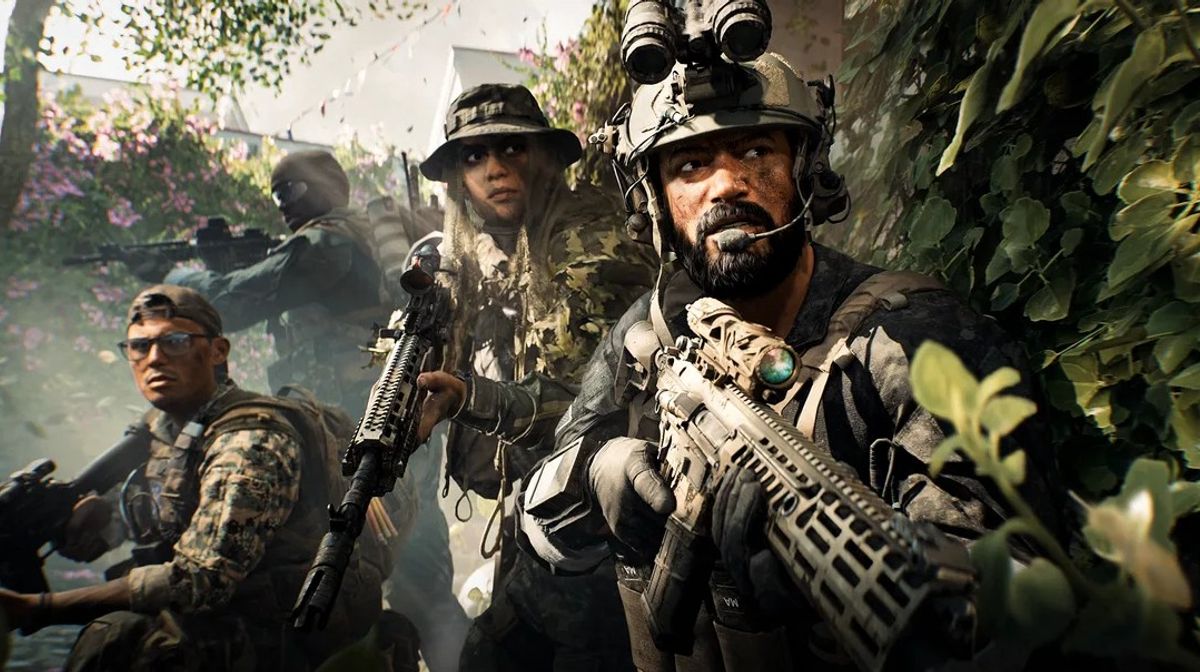

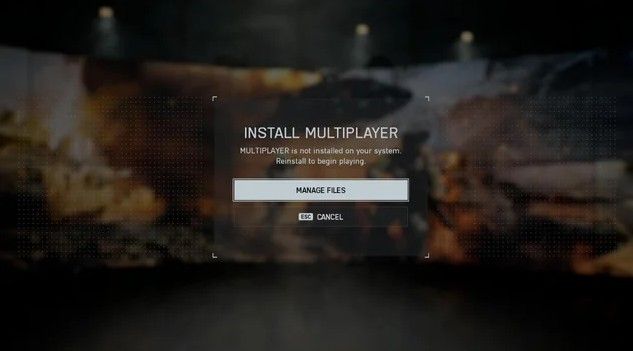
Battlefield 6 has finally launched, but many players are finding that the game refuses to work properly. On various forums and the official Battlefield Discord, players have reported that Battlefield 6 won’t launch with a “Multiplayer Not Installed” or “Campaign Not Installed” error for PlayStation and the EA App.
The main issue here appears to be with how the different components of the game (multiplayer vs single-player) were unpacked during the preload. Multiplayer and single-player are separate add-ons for the game, and it’s possible that the preload unpacking process has corrupted files in some way.
There’s also reports that Steam players are unaffected, so the issue is probably limited to PlayStation and the EA App. The issue is being tracked by the development team and a fix is being worked on, according to Global Community Manager Ganslinger on the official Battlefield Discord. No ETA on a fix has been given.
How to Fix the Multiplayer Not Installed Bug on EA App
EA App users can try this somewhat simple workaround that has worked for some people:
- Go to Your Library and select Battlefield 6.
- Click Manage.
- Choose Repair.
If the above doesn't work, try these further suggestions:
- Go into Modify Install, uncheck Multiplayer and then check it again to force a reinstall of that portion of the game.
Some have claimed to have had success in getting to community servers through the Portal tab.
- Click on Community, then Browse, select a server, then View More Info before clicking to join the server. Servers with XP enabled and normal settings work best.
For Console and Steam Players
PlayStation
- If you have the same issue, please try rebuilding the database in Safe Mode. This will also fix various installation and license errors that might be preventing the game from detecting installed game parts.
Xbox
- For Xbox, if the problem persists, do a full reinstall as repair options are limited.
Steam
- Although most people on Steam aren't affected, it's worth trying to verify the integrity of game files from your Steam library to make sure no corrupt or missing files are affecting the game's launch.
What’s Causing the Bug?
It looks like Battlefield 6’s new modular installation system that will allow people with HDDs and SSDs to manage file sizes is causing the issue. Multiplayer and single-player are separate add-ons, and preloading has broken the license validation in some cases.
No one knows for sure if or when a permanent solution will be released, but the dev team knows about it and is working on it. Until then, Repair or Modify Install should be a quick and easy solution for the majority of EA App users.
DON'T MISS: