Trending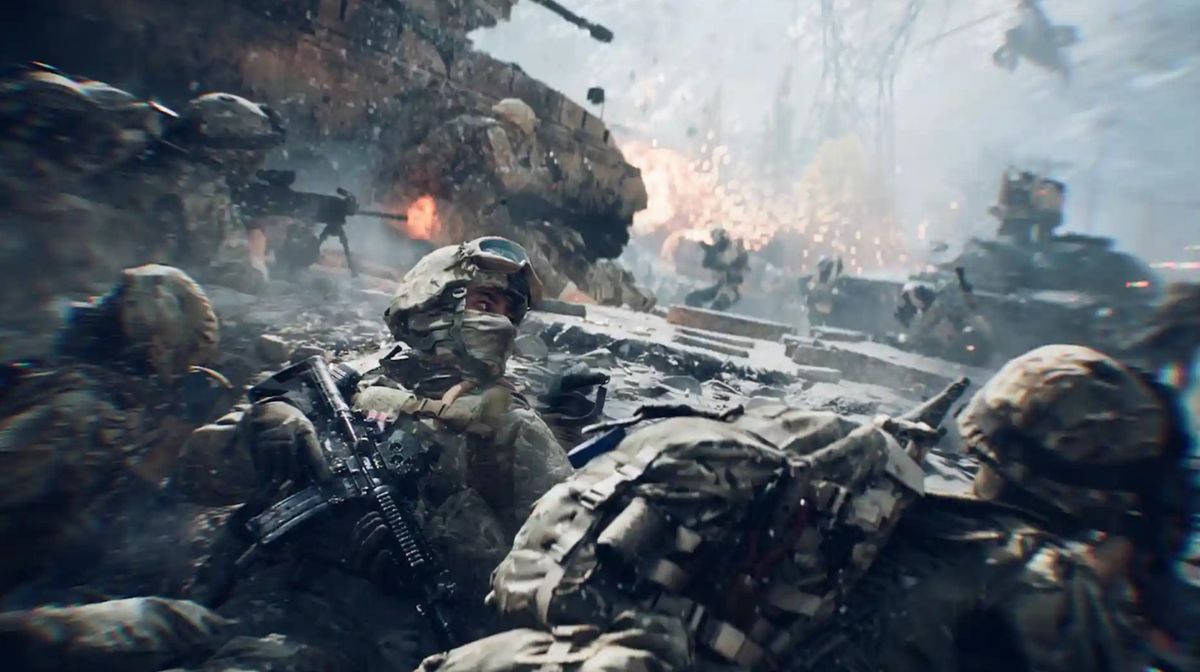

Battlefield 6 is out on Xbox Series X|S, PlayStation 5, and PC and while it’s a shiny, great-looking game with overhauled classes and fun destruction, its launch hasn’t been without a few hiccups.
As is usually the case with most AAA launches, the game has suffered from a lot of bugs at launch, which range from connection and stability issues, to installation woes and missing content.
Dice and Electronic Arts are already hard at work on a patch, but in the meantime, players have encountered a number of consistent issues, and we’ve detailed every major one at launch, and what the best-known fixes or temporary workarounds are.
Battlefield 6 “Game Not Released” Error (Steam)
Problem:
- Some players aren’t able to download or update Battlefield 6 on Steam, as a “Game Not Released” error appears in their installation queue.
Solution:
- Exit Steam completely by clicking Steam > Exit at the top of the window.
- Restart Steam and try again.
- Restart your computer and router if the issue persists.
- Wait for EA and Steam to push a server-side fix if this persists, as this tends to resolve on its own once synchronization is complete.
Battlefield 6 Won’t Launch on PC
Problem:
- Players are reporting that Battlefield 6 crashes to desktop shortly after starting the game, usually on Windows PCs running through the EA App.
Solution:
- Make sure to enable Secure Boot in your system BIOS, as this is required to play Battlefield 6.
- Try Repairing the EA App or Verifying the Integrity of Game Files through Steam if this doesn’t help.
- As a last resort, try uninstalling and reinstalling the game.Wait for a patch if you continue to experience crashes, as this appears to be an anti-cheat error on initialization.
DirectX Error “DXGI_ERROR_DEVICE_REMOVED”
Problem:
- This DirectX error indicates that the game has lost access to your graphics card, often caused by conflicts or instability with your GPU drivers.
Solution:
- Update your GPU drivers through NVIDIA GeForce Experience or AMD Adrenalin.
- As a last resort, you can try reinstalling the game or reseating your graphics card (hardware guide here).
- Disable your GPU overclocking if enabled, as Battlefield 6 seems to be sensitive to instability from overclocking.
Battlefield 6 Queue System Issues
Problem:
- Players are experiencing absurd queue times when trying to join matches, as they’re placed in a long queue to launch day. Restarting the game puts you at the end of the queue again.
Solution:
- There is no solution. Waiting is the only option.
- Don’t restart the client, as you will be placed at the end of the queue.
- Queue times should be greatly reduced once the servers have had time to stabilize.
Server Disconnected / Unidentified Error
Problem:
- Players have been disconnected mid-match, receiving either a “Server Disconnected” or “An unidentified error has occurred” error message.
Solution:
- This appears to be a server-side problem.
- Wait for EA and DICE to stabilize matchmaking.If possible, don’t queue during peak hours (usually evenings in your region).
- You can also check the official Battlefield Twitter or Discord for server outage updates.
Battlefield 6 “Purchase to Play” or “Content Not Installed” Error
Problem:
- Users on the EA App are receiving error messages stating they do not own Battlefield 6, or that game content is not installed, even though they have the game installed.
Solution:
- Restart the game, then relaunch the EA App.
- Try joining a friend’s game or through the community server browser as a workaround to get in.
- If this does not work, you may have to uninstall and reinstall Battlefield 6 to revalidate any add-ons.
- EA has confirmed that they are looking into the issue and developing a fix.
Missing “Road to Battlefield 6” Rewards
Problem:
- Some players are not receiving cosmetics and skins they earned through the “Road to Battlefield 6” event in Battlefield 2042.
Solution:
- Restart your game and check after servers have had time to stabilize.
- Rewards may take some time to show up after backend synchronization has completed.
- DICE should roll out a backend patch to restore rewards if they remain missing.
DON'T MISS: