Trending

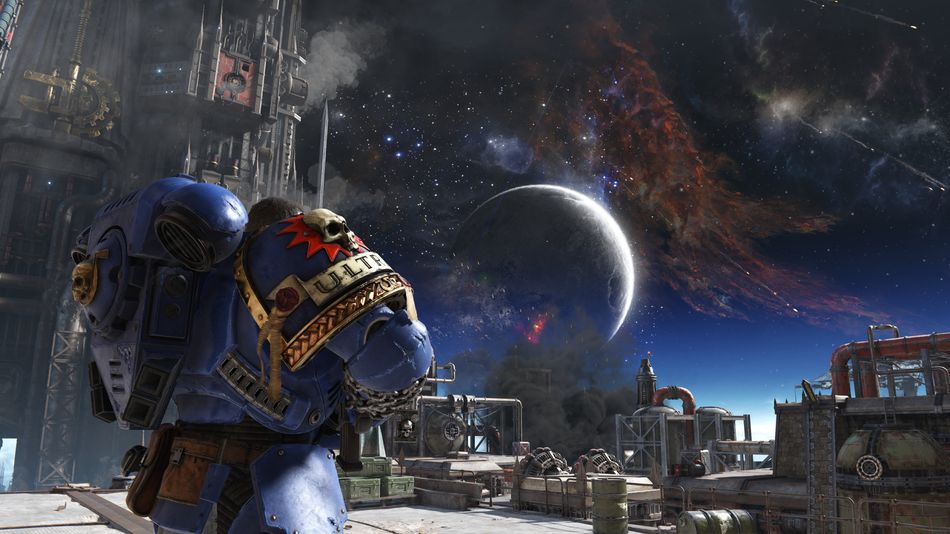
Warhammer 40,000: Space Marine 2 is a third-person hack-n-slash shooter from Saber Interactive. The newest entrant to the Warhammer 40,000 series is the direct sequel to the 2011 title Warhammer 40,000: Space Marine.
Warhammer 40,000: Space Marine 2 has taken players back to the glory days of gaming by introducing fresh gameplay and large-scale battles. The game is visually breathtaking; however, considering the high PC specs requirements, players are facing crashing on startup while playing the game.
So, if you're facing frequent game crashes on startup in Warhammer 40,000: Space Marine 2, here's a complete guide on how to fix it.
How to fix crashing on startup in Warhammer 40,000: Space Marine 2
Many PC players have reported that they are encountering crashing on startup in Warhammer 40,000: Space Marine 2. Here a quick guide on some probable fixes of this problem:
- Match your PC specs with the official Warhammer 40,000: Space Marine 2 PC specs requirement.
- As a visually demanding game, if you're PC doesn't match the required PC specs list of the game, you will face crashing on startup more frequently. Consider playing the game on lowest visual settings to counter this issue.
- Set your frame rate to 30 or 60 FPS from the Video option. Leaving the frame rate uncapped may cause crashing on startup if your PC specs are not enough.
- Run the game as an administrator.
- Verify the integrity of your game files.
- If any of your game files are corrupt, then you'll face crashing on startup in Warhammer 40,000: Space Marine 2.
- To verify the integrity of your game files:
- Click on Warhammer 40,000: Space Marine 2 in your library.
- Then select Properties and navigate to the Installed Files tab.
- Now click on Verify Integrity of Game Files.
- Any corrupt file will be automatically removed and downloaded.
- Check if your Drivers are up to date and update if found otherwise.
- Reinstall EAC.
- Go to the x86 Program Files and delete the Easy Anti-cheat folder.
- Then go to the files of Warhammer 40,000: Space Marine 2 and open the folder of Easy Anti-cheat, there will be a setup file for the EAC.
- Uninstall and download Warhammer 40,000: Space Marine 2.
If the crashing on startup problem is still persistent after trying out the mentioned methods, we recommend waiting for an update or contacting the game's support.
DON'T MISS: