Trending
Starfield, Bethesda's latest sprawling RPG, is a game widely renowned for its immense scale, setting a new benchmark for the quality of sandbox RPG experiences.
While many developers, particularly those in the RPG genre, typically stick to a single gameplay perspective, Bethesda chose to elevate Starfield in this aspect by incorporating three fully functional gameplay perspectives.
If you're curious about how this mechanic operates in real-time and how the perspectives seamlessly shift in Starfield, we've prepared a guide for your reference.

How to switch perspectives in Starfield
While it's not a groundbreaking innovation in gaming, as we've witnessed several games offering both first-person and third-person playability, Starfield's execution of these different perspectives sets a remarkable standard. Notably, games like GTA 5 introduced this option through updates, but Starfield's ability to deliver high-quality experiences from both perspectives, leaving players torn between choosing first or third person, is unparalleled.
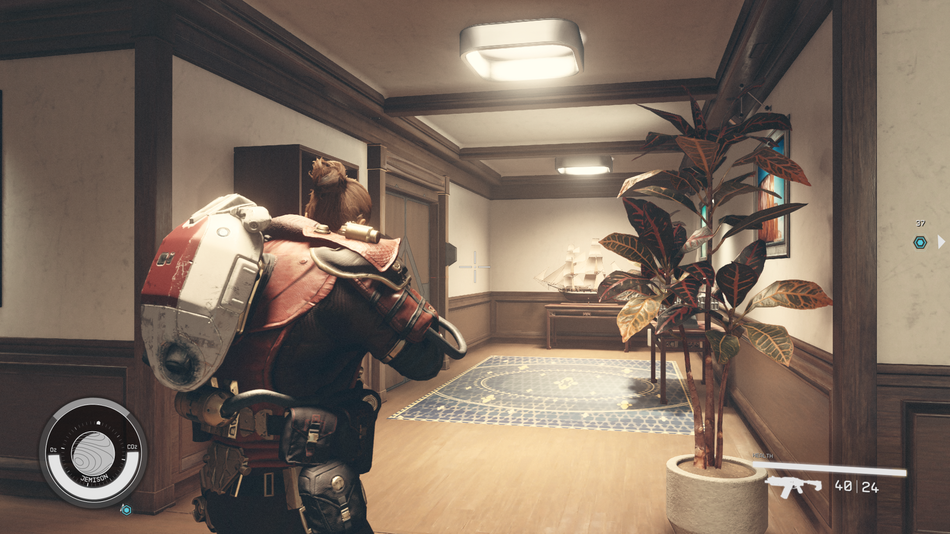
Now, let's get back to the topic at hand and address the question of how to switch between perspectives in the game, which is as seamless as it gets. With just a press of the back button on your Xbox controller, you can effortlessly switch between three perspectives:
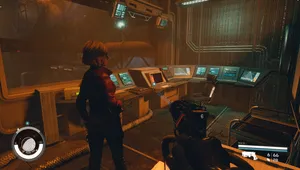
- the over-the-shoulder third-person view (TPS)
- the remote camera TPS
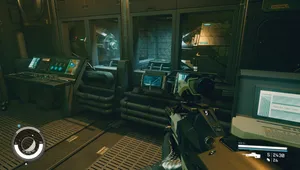
- the classic first-person view (FPS)
Each of these perspectives functions flawlessly. Furthermore, none of these perspectives come with limitations, allowing you to switch between them at your discretion, whether you're in the midst of combat, exploring, or casually moving about the vast Starfield universe.
DON'T MISS!