Trending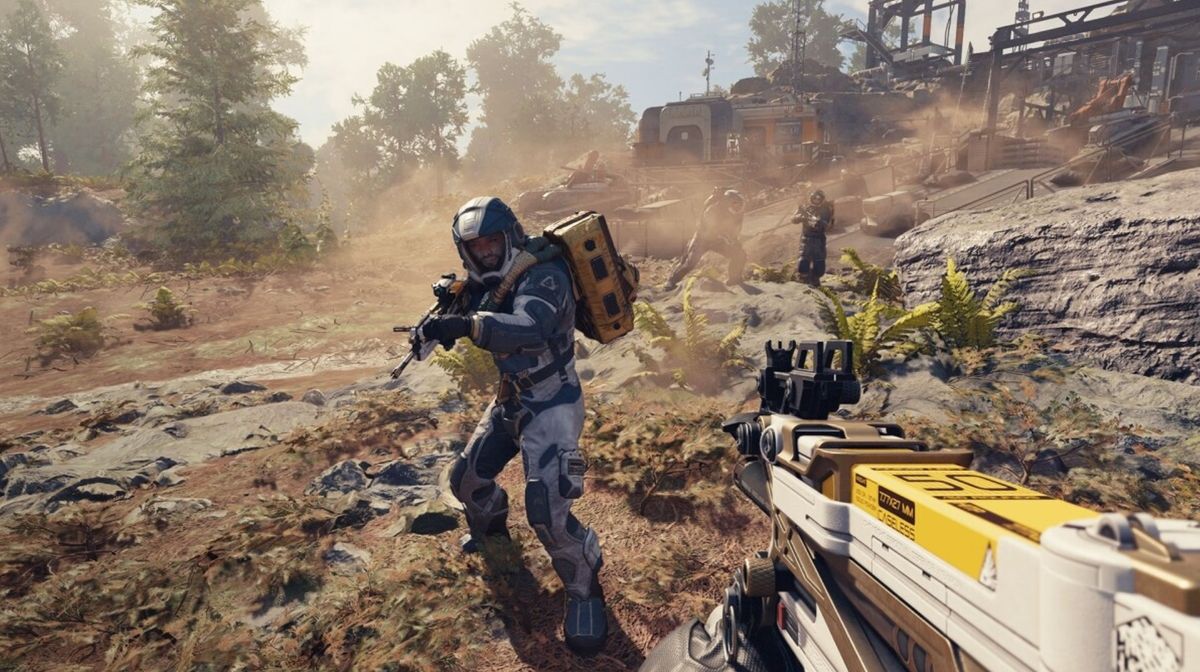
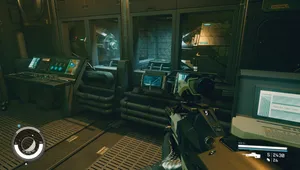
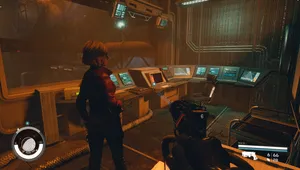
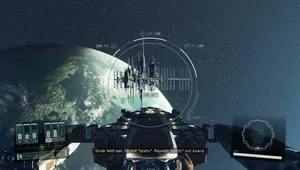
If you're one of those players who simply cannot play their video games unless the FOV slider is bumped to 100+, Starfield is going to dissapoint you. Sadly, Bethesda did not implement an FOV slider in the game, which is a big shame as the majority AAA games in 2023 should ship with this feature on both consoles and PC.
Luckily, just like other Bethesda games, Starfield can be easily modded on PC, allowing you to increase the FOV to your liking. In this guide, we'll show you a very simple and quick way to increase the field of view and enjoy the game without feeling nauseous.

Starfield FOV slider trick
- Go to Documents then My Games then open the Starfield folder.
- Inside the folder, create a new text document and name it StarfieldCustom.ini
- Inside the newly created document, add the following code:
- [Camera]
fFPWorldFOV=100.0000
fTPWorldFOV=100.0000
- [Camera]
Notice that the fFP is for the first person perspective while the fTP is for the third person camera so adjust the field of view to your liking.
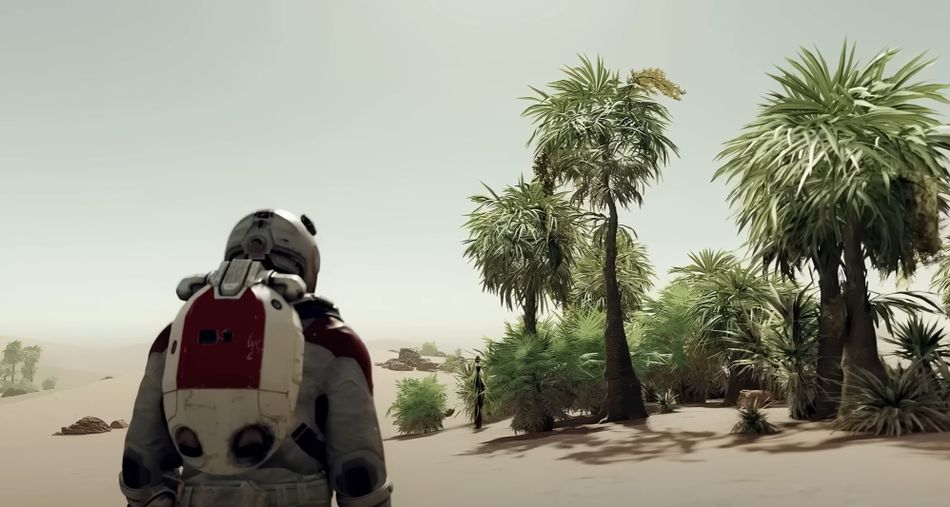
And that's it! If you did everything as instructed here, your FOV in Starfield will be bigger. Keep in mind that this is unofficial workaround until Bethesda release the patch with the FOV slider. Hopefully that will happen soon as it's really unaceptable that a game of such a scope and ambition lacks such basic features.
Starfield is out now for those who have early access. The standard edition of the game is officially launching on September 6, 2023. For more about the game, check out the content below:
DON'T MISS: