Trending
It wouldn't be a Bethesda game if it weren't riddled with bugs and even though Starfield may be more polished than their previous titles, it is still suffering from major issues at launch.
One of them involves being unable to start the game on Steam at all due to the "Play" button being greyed out as if the game were downloading or updating.
It happens in two different instances but the fix for both is the same.
The answer is to simply restart Steam but you need to completely close it and any remnants that may stay up after the initial shutdown.
First, right-click the icon on the system tray and click Exit Steam.
Second, and more important of the two, open the Task Manager and close all instances of Steam in the Processes tab.
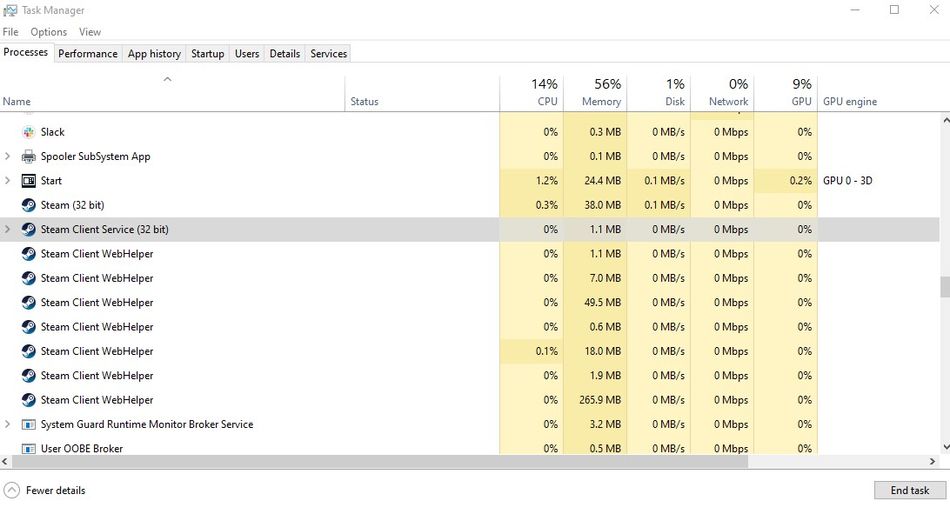
You can simply click each of them and then click End Process.
When all of them are shut down, you can start Steam again and Starfield should now be playable.

Most of the players reported the problem after just unpacking the files they preloaded but some are having the issues even without the preload. In any case, closing Steam properly will allow you to fly among the stars.