Trending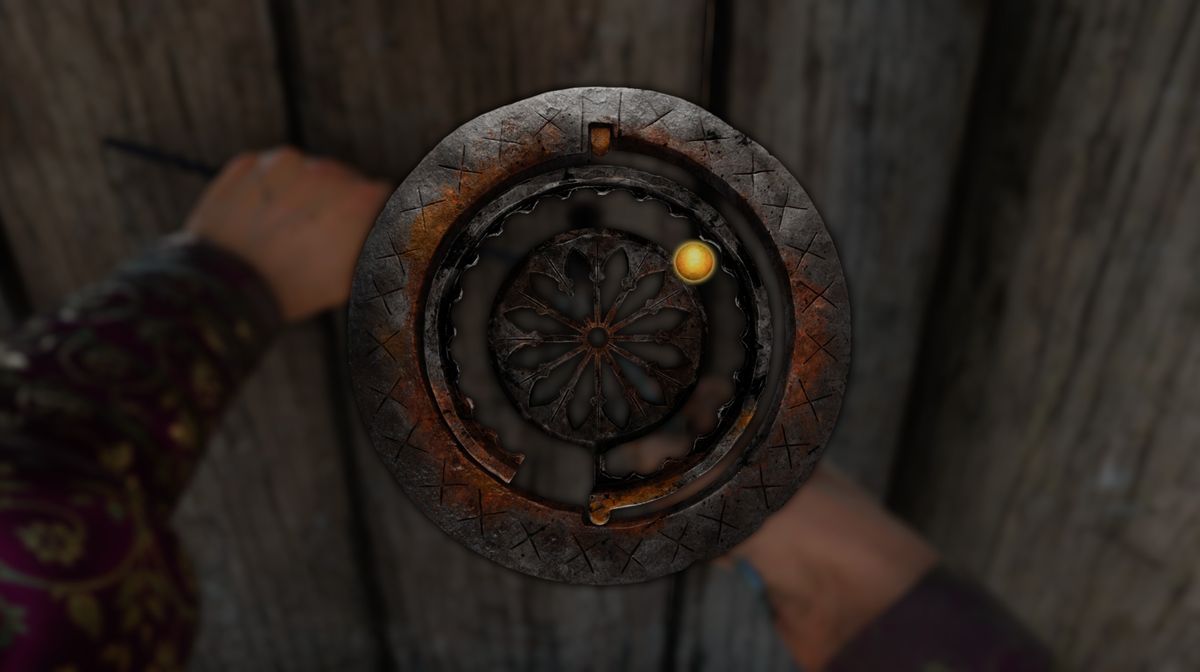

Kingdom Come: Deliverance 2, the newest RPG from Warhorse Studios, is a game of many mechanics, with so much to learn that a casual gamer can easily lose himself trying to comprehend everything the game has to offer.
Like in almost all the RPGs and many other genres as well, coming across a locked door usually means that you either have to find a key or the way to pick that lock. In Kingdom Come: Deliverance 2, you'll have the opportunity to unlock many doors, but unfortunately, not with the keys, but rather doing lockpicking, which is, by the way, illegal action.
If this mechanic is confusing for you, we have a guide that will teach you how to do it properly and what else you need to make lockpicking quite an easy job.
How to pick locks
To pick locks in Kingdom Come: Deliverance 2, you'll need a lockpicking tool. These lockpicks will be given to you by the begger very early in the game as part of the main story. However, this begger person will give you only one lockpick, and given that you still don't know how this lockpicking minigame actually works, it is highly likely that you'll break the first tool after you try to pick the first lock.
If you need to pick the other locks further into the game, you'll have to find more of the lockpicks. Those can be found in the world from time to time, but very rarely, and, of course, you can always buy them from merchants called traders, the ones that deal with general staff. One such merchant can be found inside Troskowitz; just look for the trader on the map.
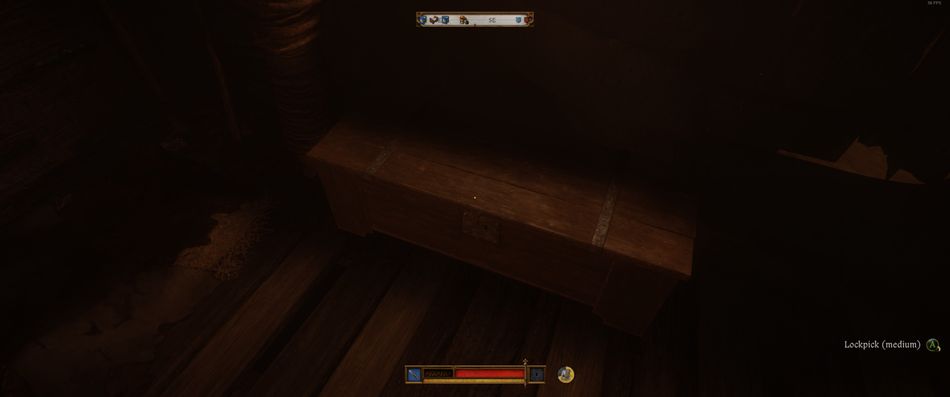
The best advice before starting the lockpicking process is to manually save the game just before commencing it. Once the game is saved, if you break the lockpick, simply load the last save to save yourself from losing a lockpick. Once you begin, you'll see a circle and a small yellow ball in the middle of it. Use the right stick (if you use a controller) and place the yellow ball inside the gap between the middle and outer parts of the lock.
Place the ball anywhere inside this in-between space and slowly press the LT/L2 button and release it. Check out many places until the ball starts to glow brighter. When you discover this spot, you'll be half way there. Now, you must be very careful. Holding the LT/L2 button will rotate the lock, but as the lock rorates, you must move the ball at the same speed.
You move the ball with the right stick. Sinchronize those movements perfectly, and the lock will open. If you move the ball too slow or too fast, or if you move the lock too slow or too fast, the lockpick will break. It all seems like too much of a fuss, but once you master it, it really isn't that difficult.

DON'T MISS!