Trending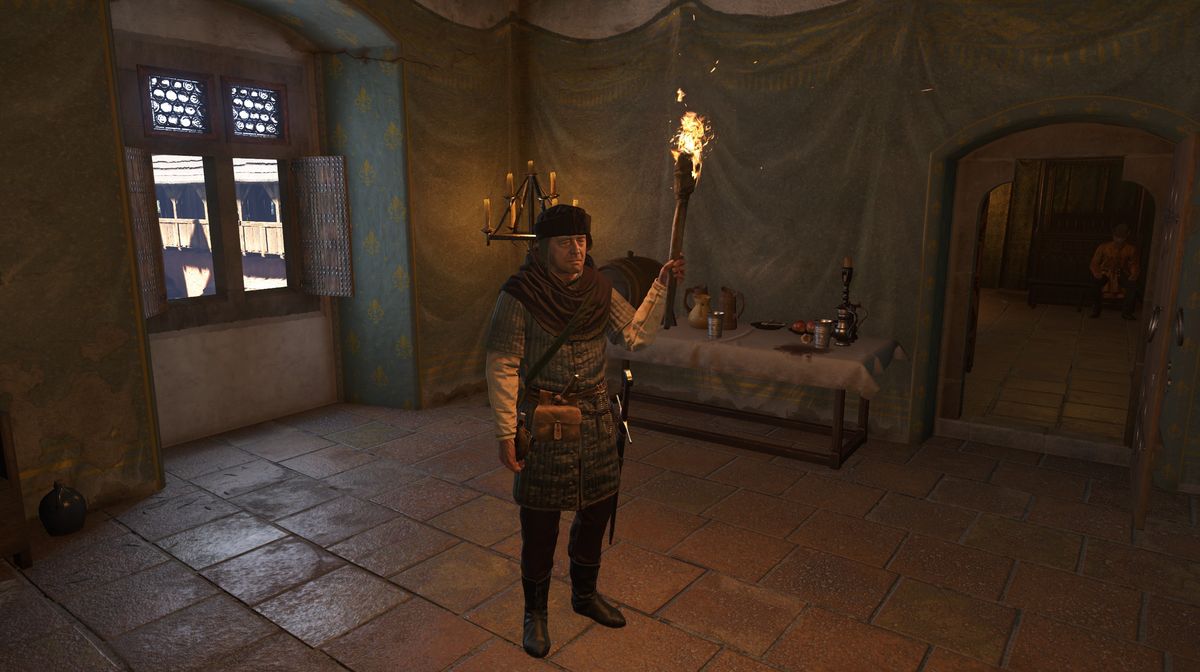
If you find yourself surrounded by darkness in Kingdom Come: Deliverance 2, the latest RPG from Warhorse Studios, the best option would be to find a source of light, and since the game is set in mediaeval times, a torch will do the trick.
To be perfectly correct, guards and common folk will warn you if they see you walking around without a torch, and if you don't heed their warnings, you might even get arrested.
To avoid such a fate, you’ll have to equip a torch and light it each time you wander around after the sunset. If you don’t know how to equip and light the torch, we have a guide for you.

How to light the torch in Kingdom Come: Deliverance 2
The torch will behave like any other weapon, and you’ll even be able to use it in combat in combination with all one-handed weapons.
To use the torch, you’ll first have to obtain one. Every general store will usually have one for purchase, and if stealing isn’t strange to you, many chests and other places you can rob will have one too.
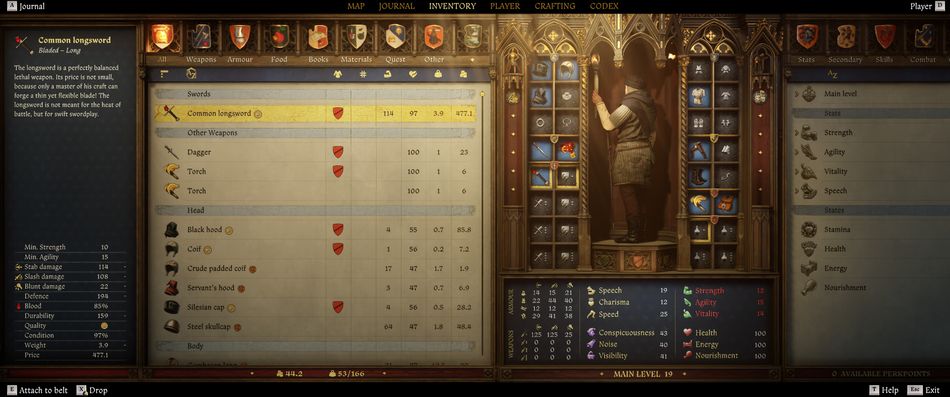
Once you have a torch in your inventory, make sure to press A (Xbox controller) to actually equip it, like all other weapons. With the torch equipped in your inventory, whether you’re using a weapon or not, just hold down the down button on the D-pad, and Henry will light the torch. If you don’t want to use it anymore, simply repeat the command, and Henry will extinguish it. If you play the game using a keyboard and mouse, hold down R to light the torch, and use the same command to extinguish it.
DON'T MISS!