Trending
Sony's long-awaited looter shooter Helldivers 2 is finally out after years of waiting and it's safe to say that the game had a very successful launch across all platforms both Steam and PS5.
While the experience is pretty much smooth, players do have a couple of complaints, especially those who play on PC. From various connection errors, to small but annoying bugs, Helldivers 2 has it's fair amount of troubles and one of these pesky issues is related to GameGuard anti-cheat software.
Game Launch Failing Due To GameGuard Errors on Helldivers 2
Whenever this problem occurs, players are unable to even start the game. This is because Gameguard, an anti-cheat and anti-hack measure to prevent players from abusing the game and cheating is preventing the player from starting Helldivers 2.
The reason why this happens is probably because Gameguard is catching false positives. This means that Gameguard is mistaking one or more of the software running in the background as hacking or cheating software.
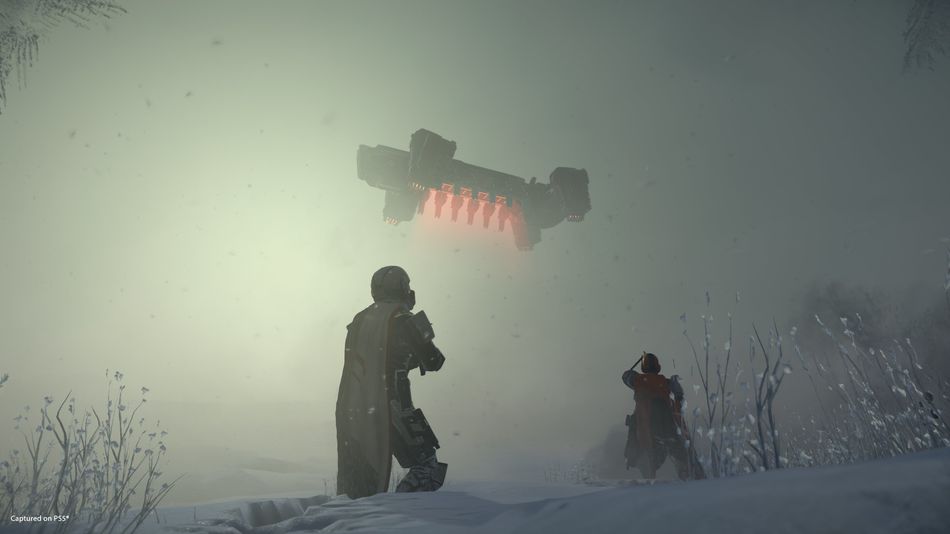
According to Arrowhead Game Studios, 1 in 150 players are suffering from this problem and have reported about it. They also added that they are working with the Gameguard company and working on a solution. As soon as they have one it will immediately be released.
However, the developers have noticed a pattern. They have found that Helldivers 2 is facing difficulty in running together with some common background software like fan cooling, antiviruses, streaming overlays, etc. Make sure to turn all these unnecessary apps off and then start the game. It's likely that you will be successful as Gameguard will no longer block the launch now that you have those apps closed.

Don't Miss:
- Helldivers 2 system requirements and PC features revealed
- PlayStation State of Play brings new Marvel's Spider-Man 2 and Helldivers 2 trailers
- Magicka and Helldivers developer are working on next-get co-op shooter
- GTA Online celebrates Lunar New Year with exciting events and rewards.
- Genshin Impact Patch 4.4: All Updates and Changes