Trending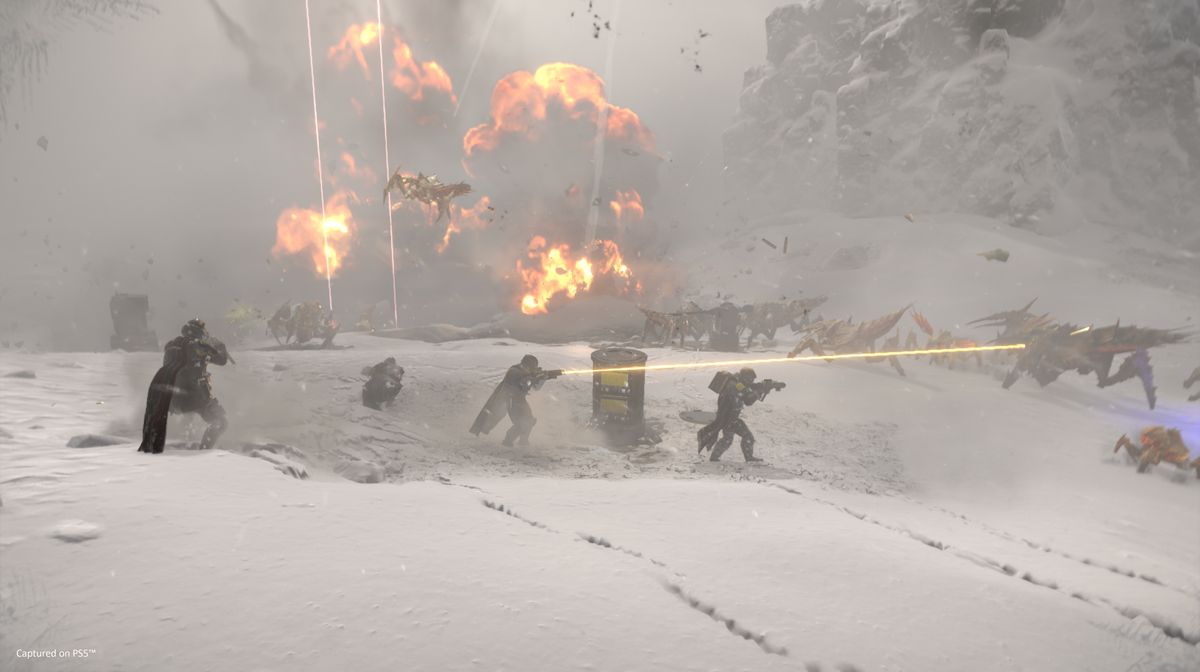

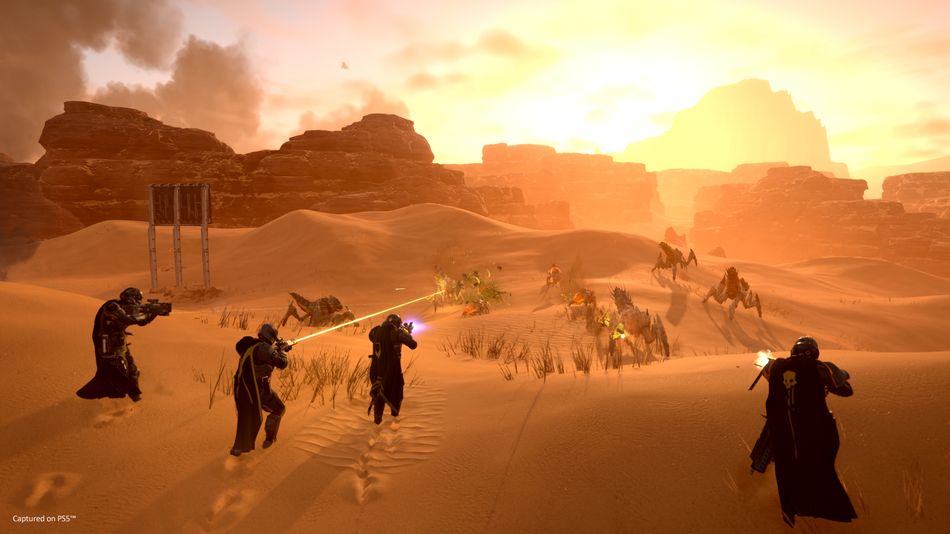
PlayStation's first big live service title Helldivers 2 has been a mega-hit on Steam over the weekend, amassing over 150k concurrent players. The developer Arrowhead Studios have announced that the game is "blowing through their estimates" with over one million copies sold across PlayStation 5 and PC.
However, just like with every live service game launch, bugs, various error codes and other issues are preventing some players from squashing some bugs. Among these problems, is the issue where the game automatically sets your graphics card to the CPU's integrated GPU, resulting in poor frame-rates.
Luckily, there is a potential solution to this problem and the dev team have already shared it on their troubleshooting forums. We've listed a couple of the solutions below in the article so read on if you're having problems with this particular bug.
Helldivers 2 - How to select graphics card in settings?
This issue is mostly affecting Nvidia graphics card users. One of the solutions is to go to the Nvidia control panel, then Manage 3D Settings which should be under the 3D settings category. From there, click on the Program Settings and add Helldivers 2 to the list of applications by using the button "Add" and then select High-performance Nvidia processor for your preferred GPU.
More solutions
If the above does not work, you can try a couple of other solutions. Launch the game and go the the graphical settings. Set everything to the lowest setting and turn post-processing effects to off where possible. After that, exit the game and enter the Nvidia Control Panel and try the above.
You can also try re-installing your graphics driver as some players reported that this helped them fix the issue.
If this does not work, you can always try verifying the game files on Steam as a last resort. If that does not work, you'll have to wait for the official patch from the developers, which should be probably coming soon.
Arrowhead have already released some updates to fix the connectivity issues so it's safe to assume that more patches are imminent.
DON'T MISS:
- Call of Duty: Modern Warfare 3 - How to Unlock All New Weapons in Season 2
- Call of Duty: Modern Warfare 3 - Best Ranked Play Loadouts
- Call of Duty: Modern Warfare 3 Season 2 finally nerfs melee weapons
- Sony are reviewing their live service games: "Quality should be most important"
- Subnautica 2 will be a live service title with four player co-op