Trending

In the vast expanse of Helldivers 2, where battles rage and strategies unfold, effective communication is the key to victory. Whether you're orchestrating a complex maneuver, coordinating with your team, or simply bantering with fellow players, a functioning microphone is your lifeline.
But what if your voice falls silent amidst the chaos? Fear not, for we've got you covered with this comprehensive troubleshooting guide.
Helldivers 2 may dazzle with its action-packed gameplay, but navigating its audio settings to fix microphone issues can be a daunting task. Unlike many games, Helldivers 2 lacks a straightforward option to switch audio devices within its settings menu. Instead, players must delve into the labyrinth of Windows settings to unearth a solution.

Possible Fixes
For those navigating the terrain of Windows 11, here's a simple fix:
- Close Helldivers 2 to begin your troubleshooting journey.
- Right-click on the volume icon nestled in the bottom-right corner of your screen.
- Select "Sound settings" from the dropdown menu.
- Scroll down and click on "More sound settings."
- Journey to the "Recording" tab.
- Left-click on your preferred microphone and anoint it as the chosen one by clicking "Set Default."
Alternatively, you can start this by typing "Change system sounds" into your Windows search bar.
Windows 10 Fixes
For players using the Windows 10 and its predecessors, the path is similar:
- Right-click the volume icon, summoning forth the sacred Sound control panel.
- Repeat the ritual outlined for Windows 11, affirming your chosen microphone as the savior of your audio endeavors.
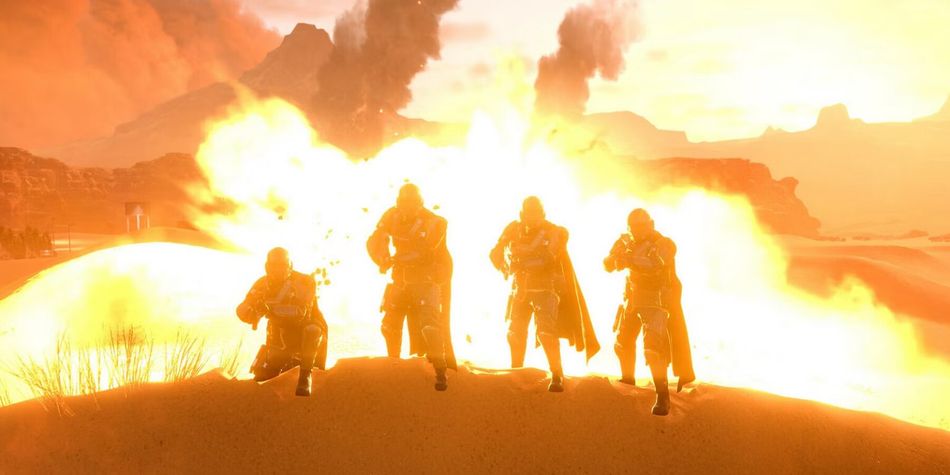
With your microphone now ensconced as the default device in your Windows settings, return to the world of Helldivers 2 with confidence. Speak, strategize, and revel in the joy of communication restored.
Our Take
In the seas of Helldivers 2, where every word uttered can mean the difference between victory and defeat, a malfunctioning microphone is a formidable foe.
Yet, armed with the knowledge gleaned from this guide, players can overcome this obstacle and reclaim their voice on the battlefield. So, fear not the silence, for with perseverance and a touch of Windows wizardry, your voice shall echo once more amidst the chaos of war.

DON'T MISS:
- Helldivers 2: How to Defeat Bile Titans in Any Difficulty
- Helldivers 2 patch 1.000.12 is here with increased server capacity
- AFK players in Helldivers 2 are finally getting the boot
- Helldivers 2 data mine reveals new stratagems, factions, enemy types and more
- Helldivers 2: How to Defeat Chargers in Any Difficulty