Trending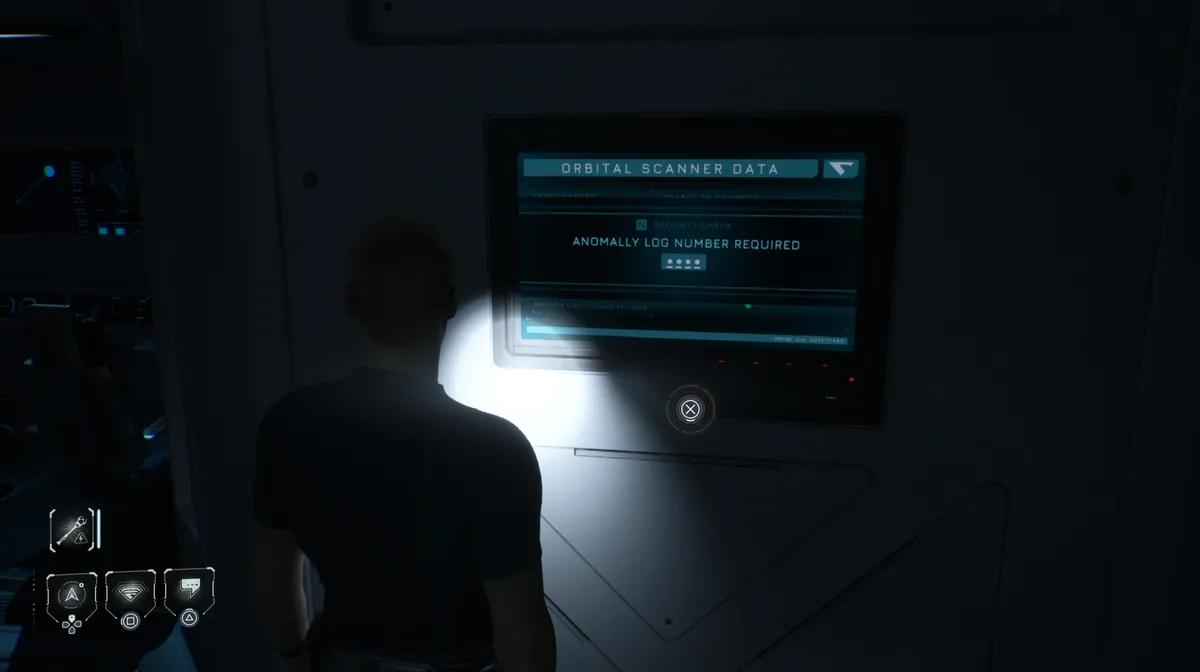
Directive 8020 is a story-driven horror adventure from Supermassive Games, the studio behind the Until Dawn series. As mentioned in our other guides for this game, the code puzzles grow progressively more demanding as the episodes go on, and this one is a good example of that escalation.
It appears during Episode 5, Mr. Williams, after the sequence in which Mr. Williams encounters the extra-terrestrials for the first time. You'll take control of Cernan, whose objective is to reunite with the rest of the crew. If you take the time to explore the Bridge Ops area rather than heading straight for the objective, you'll find a locked terminal at the top of the stairs that's worth the detour.
Step 1: Find the terminal in Bridge Ops
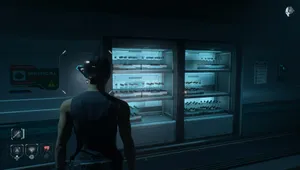
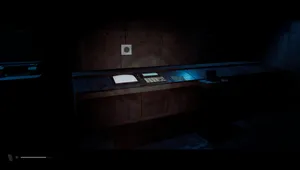
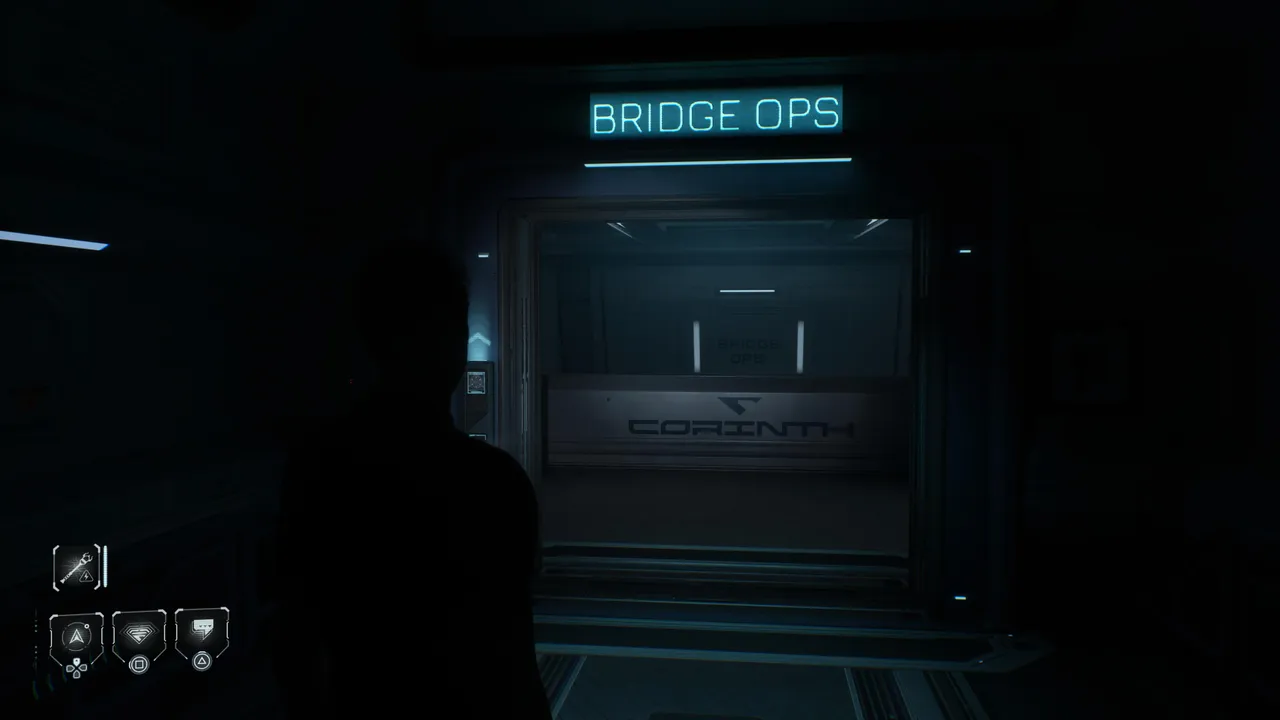
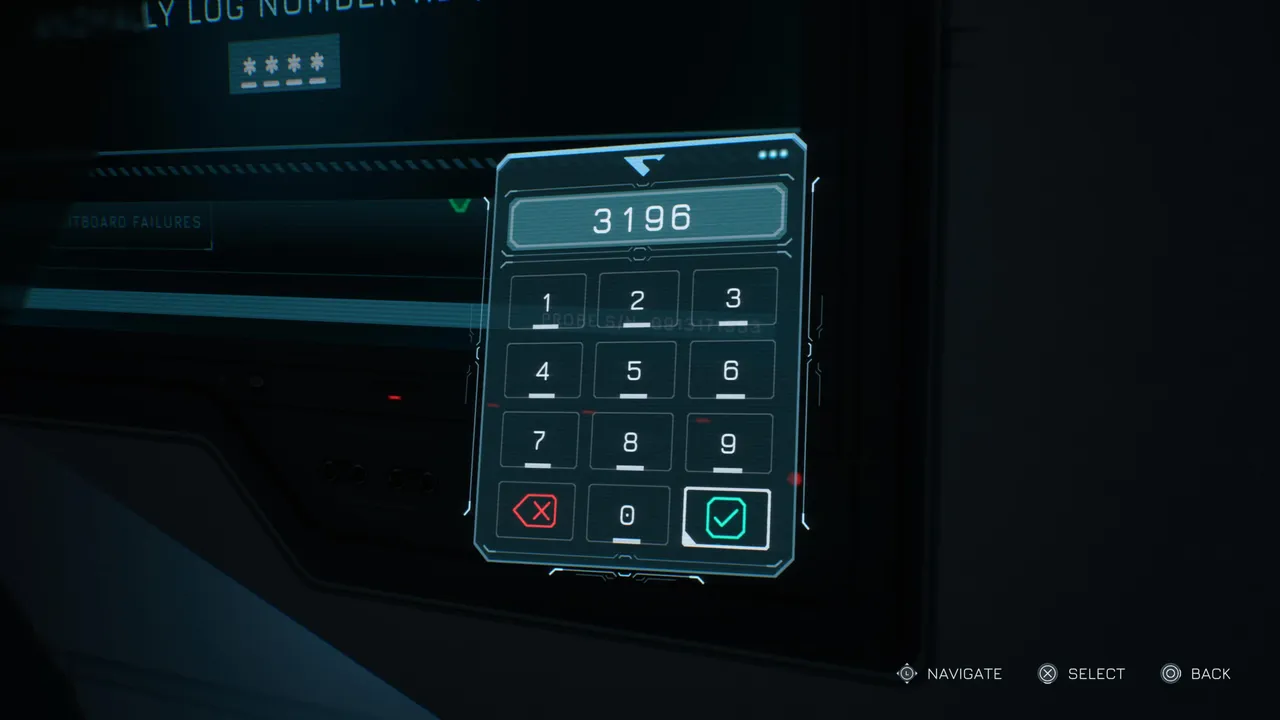
Head up the stairs in the Bridge Ops area, clearly marked by the cyan sign above the entrance. At the top, you'll find a terminal on the wall displaying the Orbital Scanner Data screen. When you interact with it, a security check prompts you to enter a four-digit anomaly log number. The input field is waiting, but you don't have the code yet.
Step 2: Locate the hint in the cockpit
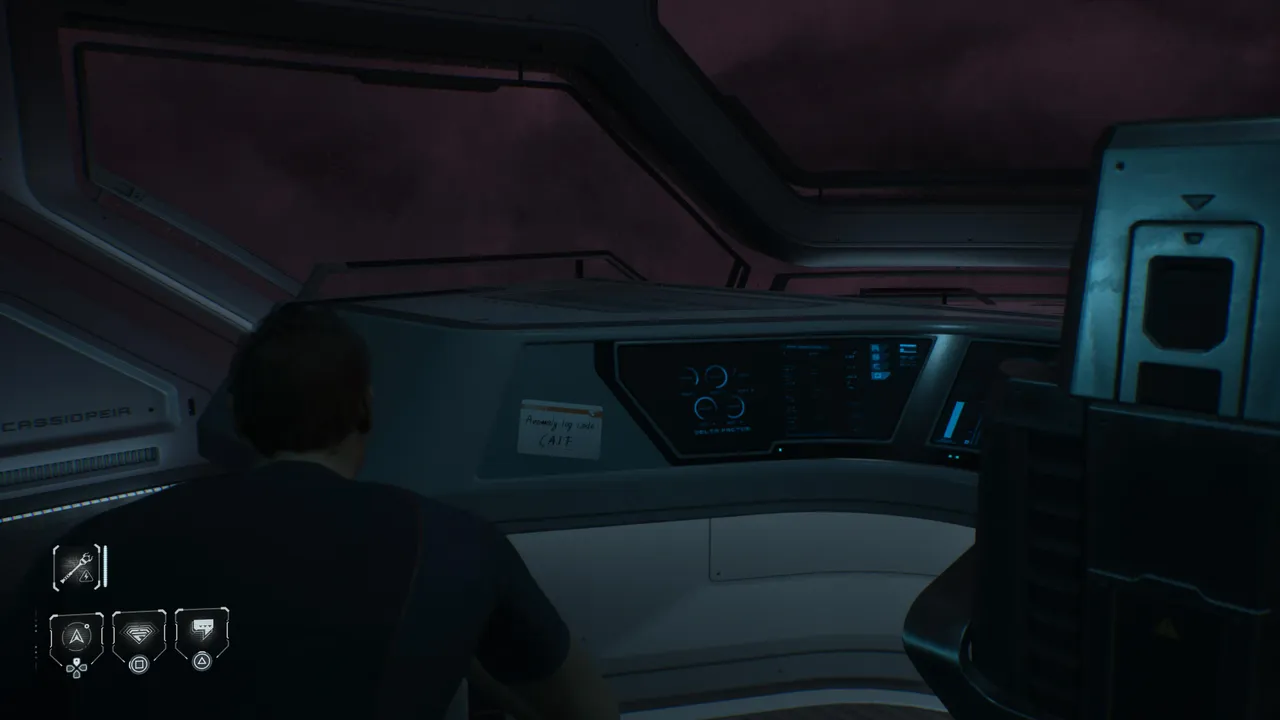
Leave the terminal and head through the hallway beside it. This corridor leads you back through to the ship's cockpit. Once inside, look closely at the back of the left seat. There's a piece of paper stuck to it, partially out of sight. Crouch down to read it properly, and you'll find the anomaly log number written there. The catch is that it isn't a number at all. It reads: CAIF.
Step 3: Decode the letters into numbers
This is where the puzzle gets interesting. CAIF is not a code you can enter directly into a numeric keypad, so you need to translate it. The method is straightforward once you see it: each letter corresponds to its position in the English alphabet. Work through them one by one:
- C is the 3rd letter of the alphabet
- A is the 1st letter of the alphabet
- I is the 9th letter of the alphabet
- F is the 6th letter of the alphabet
That gives you 3196. Head back to the terminal in Bridge Ops, enter the code, and the terminal unlocks.
Step 4: Read the Satellite Log
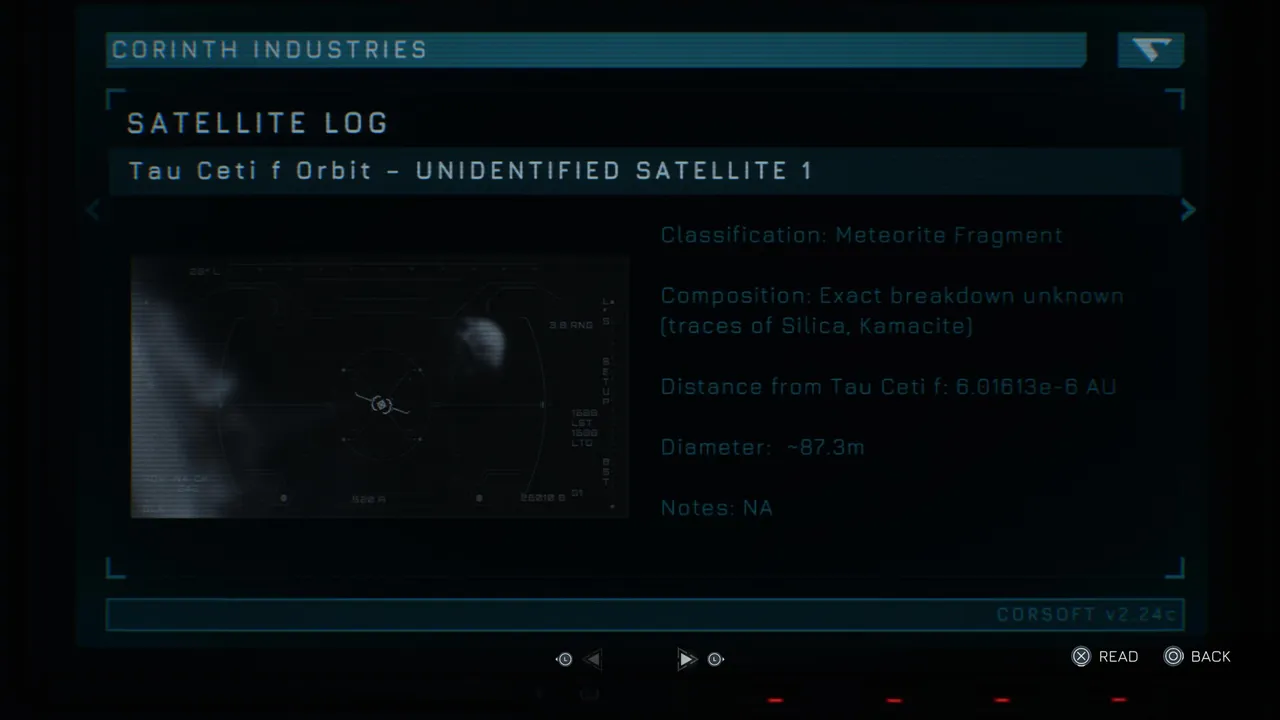
Once the terminal opens, you'll gain access to the Satellite Log document. The log is filed under Corinth Industries and details an unidentified satellite in Tau Ceti f orbit, classified as a meteorite fragment with traces of Silica and Kamacite. It's a small but meaningful piece of the game's broader mystery, and one you'd miss entirely if you skipped the terminal.
Quick tip: The piece of paper in the cockpit is easy to walk past if you're not crouching. If you've already been through the cockpit once and missed it, go back and crouch near the left seat before returning to the terminal.
DON'T MISS!