Trending
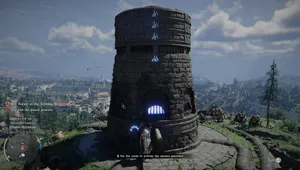
Fast travel in Crimson Desert, a highly popular open-world action RPG from Pearl Abyss, is built around two types of location: Abyss Cressets and Abyss Nexuses. Both are unlocked through story progression, with additional examples of each scattered across the world for you to discover. Once unlocked, they let you jump across the map without making the journey on foot.
How to unlock fast travel
The first Abyss Cresset becomes available during the 'Reunion' main quest, while the first Abyss Nexus is unlocked during 'Abyss without Balance'. Completing these quests opens up fast travel for the first time, giving you at least one point of each type to work with.
How to find more fast travel points
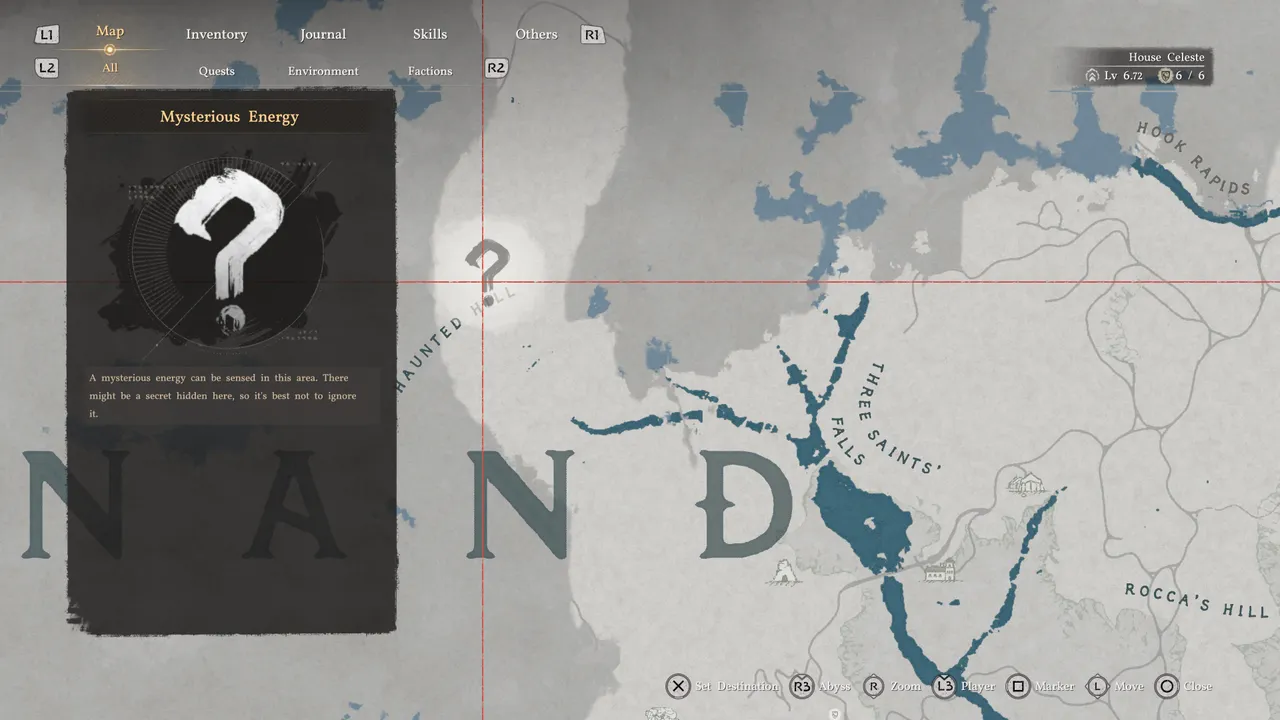
Additional Abyss Cressets and Abyss Nexuses are hidden throughout the world, but the game signals their presence. On the main map, keep an eye out for a large question mark icon. Selecting it brings up a tooltip reading "Mysterious Energy," with a description noting that something is hidden nearby. Head to that area on foot and search the surrounding environment. You'll find either an Abyss Cresset or an Abyss Nexus waiting to be discovered.
How to teleport using the map
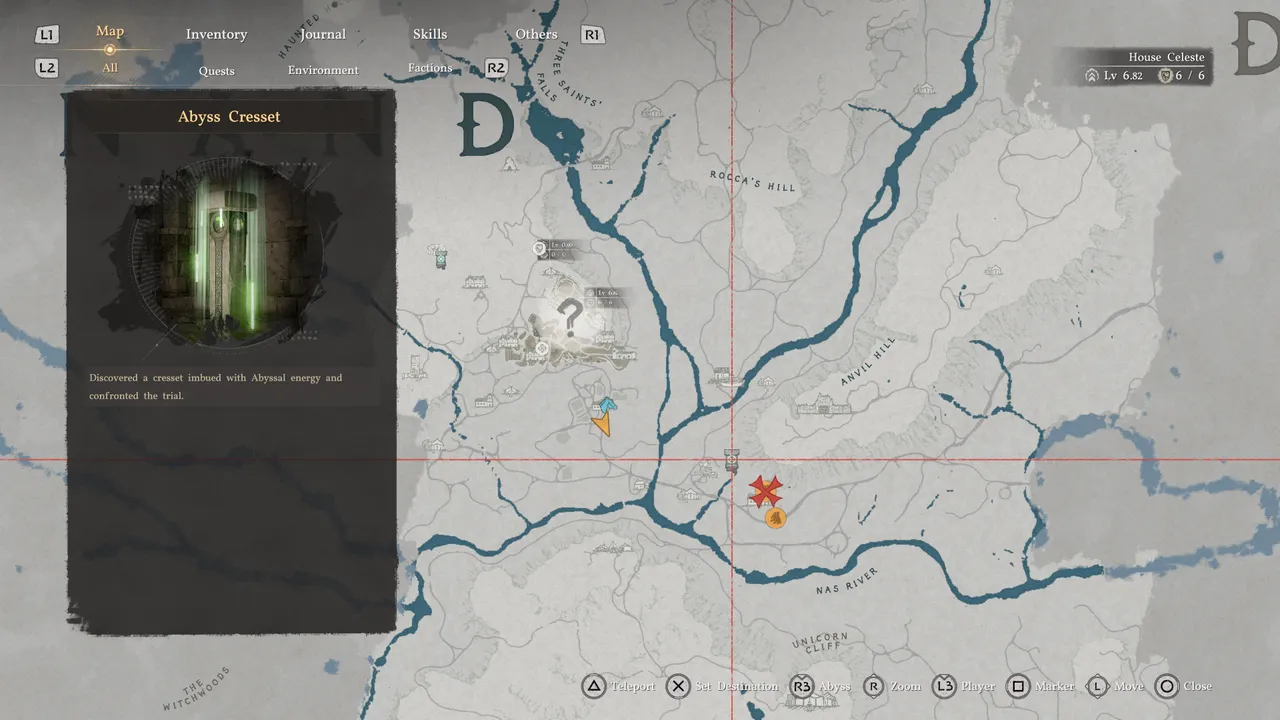
To fast travel to any unlocked point, open the main map and move the cursor over an Abyss Cresset or Abyss Nexus. Once it's highlighted, press Triangle on PlayStation (the Teleport command shown at the bottom of the screen) and you'll be transported there directly.
How to teleport from within the Abyss
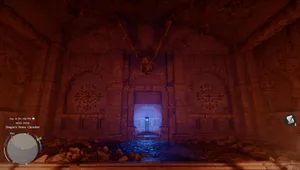
Once you unlock the Abyss, you'll have a second option for fast travelling. Open the map and press R3 to switch to the Abyss view. From there, you can browse all unlocked Abyss Nexuses and teleport to any of them directly, without returning to the surface first.

DON'T MISS!