Trending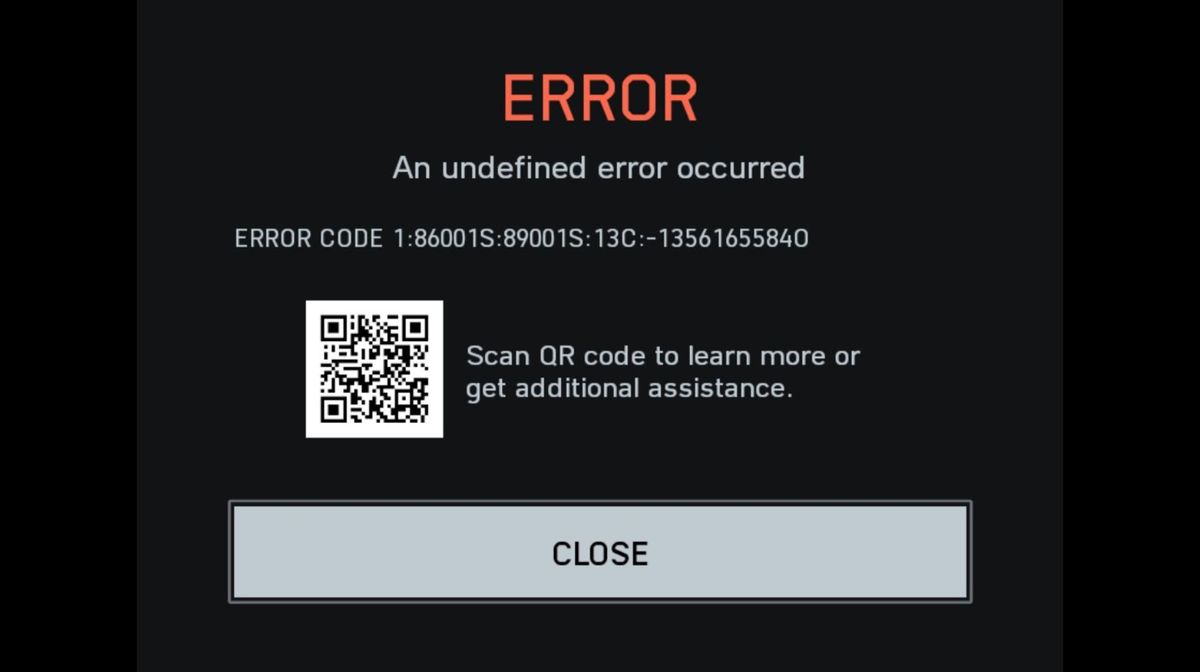

Battlefield 6 is out now across all platforms. The large-scale shooter title from EA and DICE has broken the player count record on Steam, surpassing the record number of players seen in the beta.
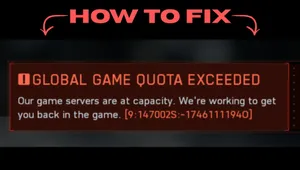
As far as an AAA game launch goes, Battlefield 6 has launched smoothly across all titles. Players have reported facing no server or optimisation issues while playing the game from the get-go. However, some players have reported facing a few errors here and there, like the 'multiplayer not installed' error and error code 1:8600.
If you're facing the undefined error code 1:8600 after launching Battlefield 6, then here are some possible fixes you can use to get rid of the issue.
What is Error Code 1:8600?
The error code 1:8600 or 1:86001S:66003S:468882297O:0B in Battlefield 6 is an issue attached to the authentication of the game. As Battlefield 6 is a completely live-service title that needs constant internet connection to play all modes, the game performs an authentication check once the game launches and connects to the servers.
If there is an interruption during this authentication process, then the error code 1:8600 pops up. Moreover, it can also pop up due to anti-cheat services being interrupted during boot-up. The issue is mostly fixable by following a few simple methods.
How to Fix Error Code 1:8600 in Battlefield 6
Verify Game Files
If you're facing this error on Steam or Epic Games, then try to verify the game files by closing all instances of the game. Here's how you can verify the game files for Marvel Rivals:
- Head to the game's page through your game library.
- Click on Manage, then select Properties
- Now select Installed Files
- Click on Verify Integrity of Game Files
Steam will verify the game files, delete corrupt files, and automatically update the game with the latest game files. Once you are done with the game file verification, launch the game, and it should be running properly now. If the error is still persistent, then move on to the next fix.
Log Out and Log In Again
If the error code is still persistent after verifying game files, then log out of the EA account from all platforms and the EA app. Then log in again with the correct credentials. Make sure the account you are using to log in to the EA app owns a licensed copy of Battlefield 6 from any PC shopfront. Logging out and then logging in again will most likely fix this problem in case the game was having problems authenticating your identity.
Check your Internet Connection
If the servers are working properly, it's time to check if your internet connection is running properly. In most cases, if the client-sided network is unstable or poor, it leads to a stricter NAT type. A stricter NAT type leads to connection and lag issues for most games, and Battlefield 6 is not an exception. You can check in with your ISP support and ask them to fix your internet connection.
Also, before booting up Battlefield 6, make sure there are no VPNs or proxy software like ExitLag and Cloudflare WARP running in the background. These softwares make the game unable to verify your game licence and might cause interruptions with the launch of anti-cheat services.
In a worst-case scenario, if you are still facing the error, contact the game support through Discord or their official X account for more information. A future major update or hotfix will be the best solution for any players facing the error even after trying our fixes mentioned above.

DON'T MISS: