Trending
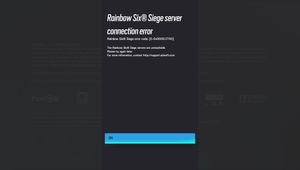
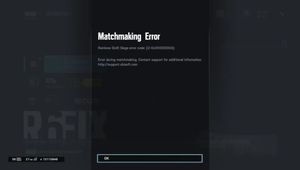
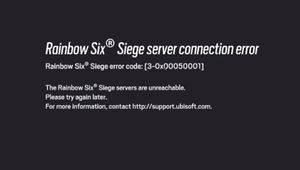
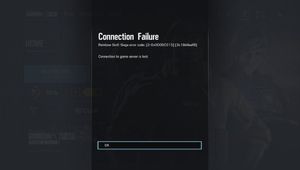
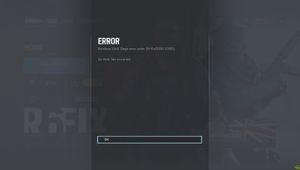
Rainbow Six Siege has been around for seven years. While a lot can happen and a lot of things can change in seven years, this error seems to stay the same.
Error code 10-0x00000 is related to the connectivity of Ubisoft's online servers and sadly, it has been around for a very long time. How are players supposed to play an online shooter game if they can't connect to the servers? We have a solution!
1. Check Ubisoft's server status on their website
2. Restart your PC
You never know, maybe it works.

3. Make sure your internet connection is stable and working properly
4. Switch from a wireless connection to a wired connection
5. Clear your game's cache
6. Check your NAT type
If it is anything other than Open or Single, proceed with the steps below. These steps will change your network port.
To do this:
- Go into your web browser
- Type in your IP (to find your IP, TCP and UDP: Open Command Prompt and type ipconfig /all and press enter)
- Head into the forwarding section
- Insert your IP address, TCP and UDP
- Restart your router and PC

7. Check for Windows or Antivirus updates
8. Reset your hosts file
To do this:
- Navigate to c:\Windows\System32\drivers\etc
- Find the file hosts in this folder and rename it to hosts.old
- Create a new default hosts file:
- Open a word processor of your choice (Notepad and WordPad).
- Copy and paste the following text into a new document:
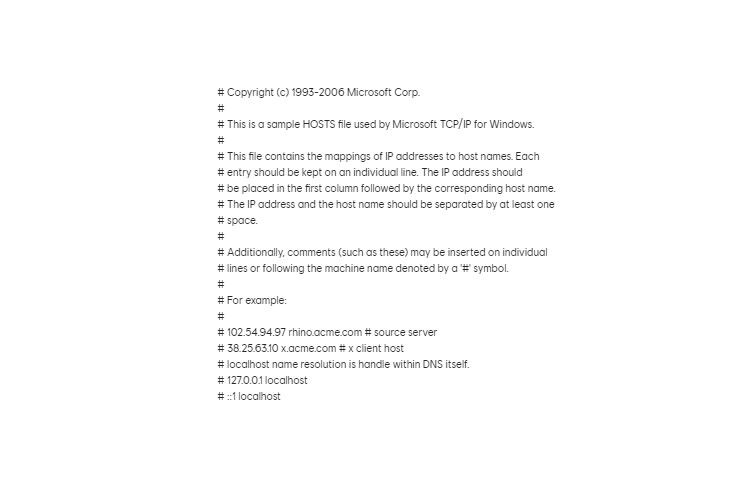
- Save the file as a plain text document in the same folder as the hosts.old under the name hosts. The file extension should be *.txt. You can close the word processor afterwards.

9. Enable UPnP
10. Contact Ubisoft Support
If the previous steps do not work, your last resort is Tech support
DON'T MISS: