Trending
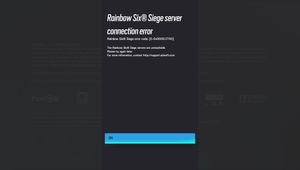
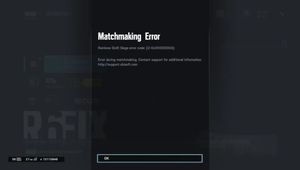
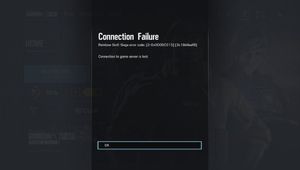
Rainbow Six Siege developers, Ubisoft, absolutely love naming their errors after a sequence of numbers. From friend invite errors to numerous server connection errors.
This error specifically is related to connectivity issues between your game client and the Rainbow Six Siege servers. Here are some steps you can try to fix this error:
1. Restart the game
2. Check Server Status
3. Restart your router
4. Switch to a wired connection
5. Check for updates
The reason why this error occurs tends to be the servers being shut down right before the launch of a new season so the season can be launched smoothly.
Most players will encounter the error if they are trying to play the game while the new season is being launched or if they are playing the game in the new season without updating from the previous season.
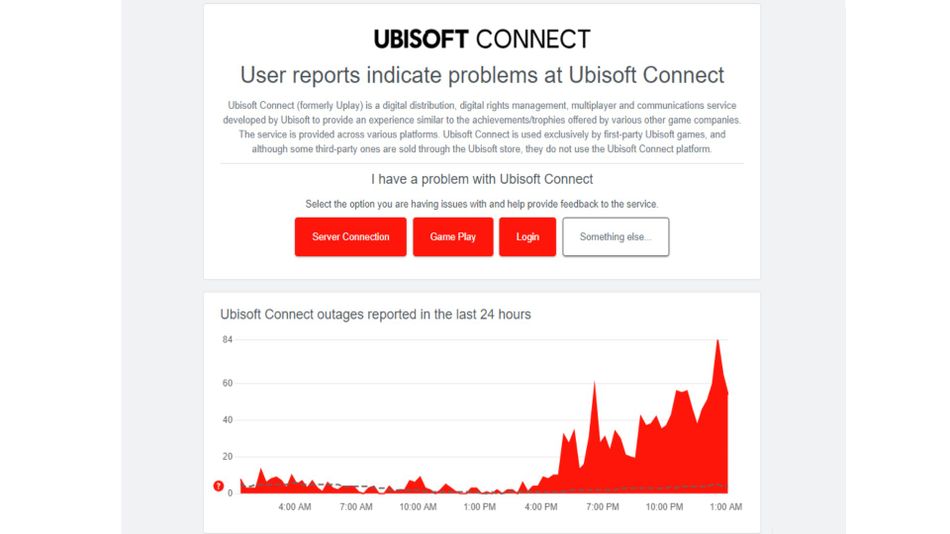
Usually, this issue does not occur if players leave the game and launcher closed during the maintenance period up until the maintenance is over but if it does occur, a restart of both the game and the client should fix it 95% of the time without any further complications.
If players have encountered the error, it means that the new season is started so good luck with getting the new rank grind and have fun with the new content!
- Rainbow Six Siege - How to fix mouse stuck on screen
- Is there aim assist in the console version of Rainbow Six Siege?
- When is the new Valorant map coming out?
- Valorant patch 7.04 - Jett, Astra, Breach and Skye get massive nerfs
- Valorant: Riot Games reveals its newest map - Sunset
- Valorant's new story trailer hints at a potential new map