Trending
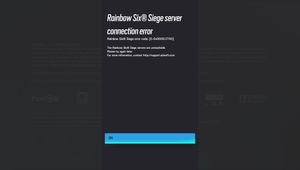
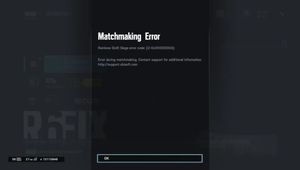
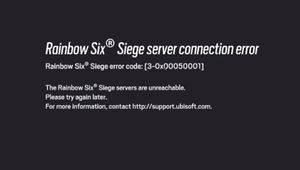
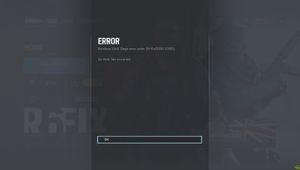
Another day, another random error code in Rainbow Six Siege, this time the error code is 2-0x0000c015 or in normal people terms, the connection to Rainbow Six Siege has been lost.
Usually, Ubisoft always suggests that relaunching the game fixes the issue but if it doesn't, don't worry we have a fix for you. The following steps require you to close the game and forget about it for now.

How to fix it
1. Open the start menu and search for "Control Panel"
2. Once in the Control Panel, click "Network and Internet" and then head to "Network and Sharing Center"
3. On the left side of the panel there are 3 options, click the "Change Adapter Settings" option
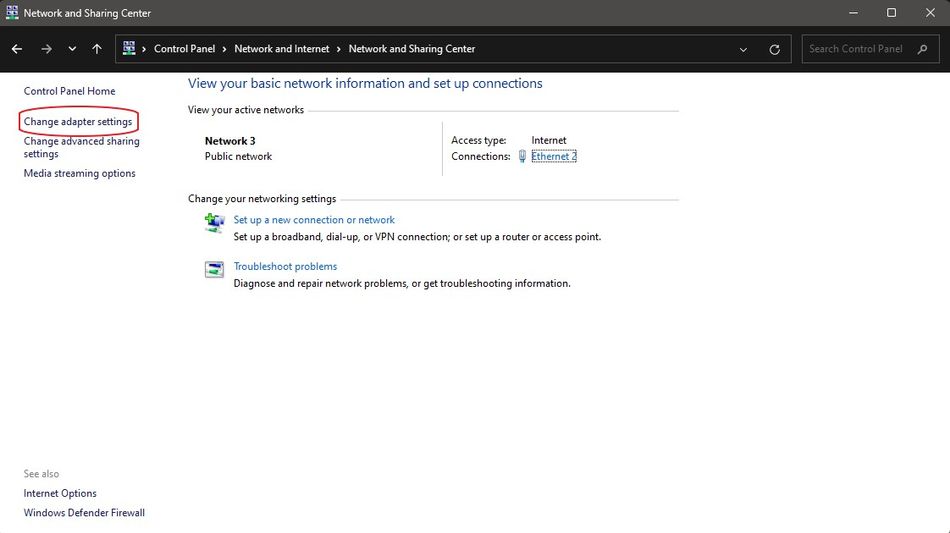
5. Right-click on your main internet connection (WiFi or ethernet) and click "Properties"
6. On the list, select Internet Protocol Version 4 (TCP/IPv4) and click the button "Properties"
7. At the bottom, instead of "Obtain DNS automagically," choose "Use the following DNS server addresses" instead
8. Enter 64.6.64.6 to connect to VeriSign's public DNS server as the "Preferred" entry, and then for the "Alternate" entry do VeriSign's second one, "64.6.65.6" (If you wish to connect to Google's DNS instead, type 8.8.8.8. and 8.8.4.4. respectively)
9. Restart your PC and launch the game
If the steps above do not work, you can always contact Ubisoft support and the assistant will help you work through your ISP issues. Either way, a fresh redownload of the game will probably not be necessary as the game itself is fine and there are no corrupted files.
- Rainbow Six Siege: What is XIM and does Mouse Trap detect it?
- League of Legends 13.15 Patch Notes: Prestige Soul Fighter Shaco, Kai'sa nerf and more
- Valorant's Champions 2023 Anthem is called Ticking Away
- Valorant 7.02 patch notes: Esports Hub, bug fixes and more
- Valorant: List of all chat commands and shortcuts you can use