Trending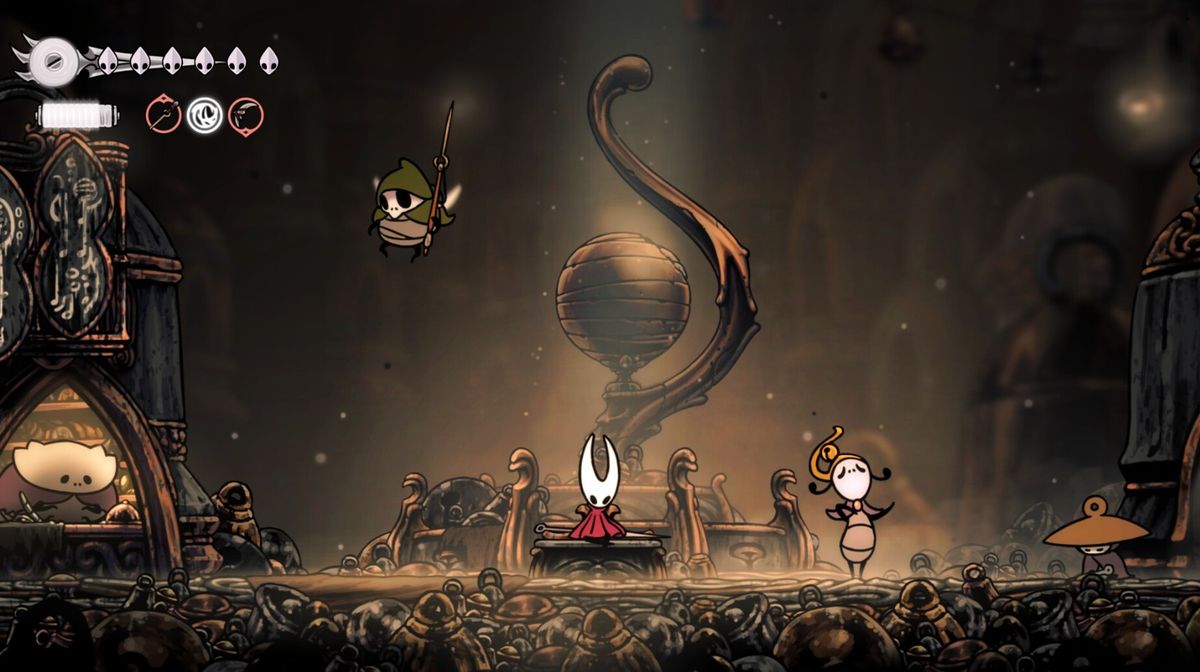

The official release date for Hollow Knight: Silksong was September 4, 2025, and you're no doubt knee-deep in Pharloom, battling enemies and checking out all the places you can't get to yet.
But you may have noticed a few glitches, too. Team Cherry is aware of the issues, and they've offered some workarounds and noted upcoming patches to iron out the problems. Here are the major bugs that have been discovered so far and how to work around them.
Major Known Issues in Hollow Knight: Silksong
Slab Escape Battle – Permanent Cloak Loss
- Issue: Dying during the final wave while delivering the killing blow may cause players to respawn without their cloak.
- Fix: Roll back using the “Caged” autosave (replay required).
- Status: Fixed internally; patch coming soon (Public Beta branch first on Steam/GOG).
Quick-Map Soft-Lock
- Issue: Quick-mapping can rarely freeze the player in place.
- Fix: Save and Quit, then reload.
- Status: Will be patched in the next update.
Lace Tool Deflect Soft-Lock
- Issue: Throwing a tool at Lace while restarting her Deep Docks fight can cause loss of control.
- Fix: Save and Quit, then return.
Chapel of the Reaper Battle Halt
- Issue: A Silk Snipper enemy may get stuck out of bounds, preventing progression.
- Fix: Save and Quit to reset the encounter.
Controller Detection on PC
- Issue: Some controllers may not be recognized or behave incorrectly.
- Status: Still under investigation.
- Save File Problems
Broken Save / Stuck State
- Use the Save Restore function (Select Profile screen) to roll back to earlier autosaves. Be aware this overwrites your current file.

Save File Locations
- Windows: %USERPROFILE%/AppData/LocalLow/Team Cherry/Hollow Knight Silksong/
- Mac: ~/Library/Application Support/unity.Team-Cherry.Silksong/
- Linux: ~/.config/unity3d/Team Cherry/Hollow Knight Silksong/
- Steam saves are tied to your Steam ID.
Error: “Save could not be written”
- Typically caused by antivirus blocking write access. Add an exception for the save folder and ensure there’s enough storage.
“Version Incompatible” Warning
- Occurs if a save file was opened in a newer build of the game. Older versions cannot read it to avoid corruption.
Reporting Bugs and Getting Support
Team Cherry recommends visiting the official FAQ page first. If the problem still exists, players are encouraged to visit the bug reporting form in order to provide detailed feedback.
Final Thoughts
Despite a few early technical issues, Hollow Knight: Silksong has a robust amount of content that has proven mostly bug-free through Team Cherry’s beta testing period.
The developer is already rolling out patches to fix existing issues, and many of the game’s most severe bugs already have workarounds available. With more patches on the way, Pharloom will only get easier to traverse.
DON'T MISS: