Trending
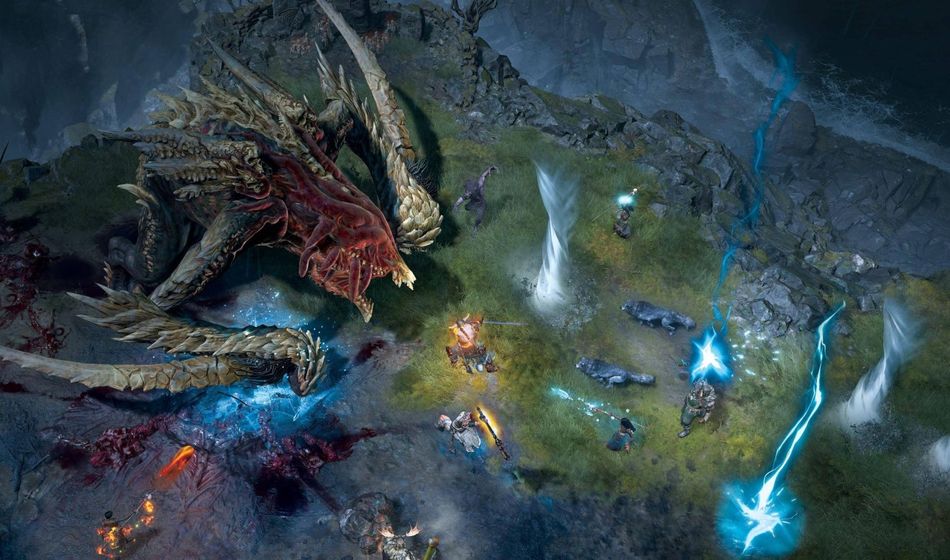
Diablo 4 is finally here if you bought one of the editions that gives you early access to the game. And while the launch of this action RPG has been fairly smooth so far and many players are enjoying the game, there are a couple of issues and error codes that pop up here and there.
Some of these issues include an Invalid License error and error code 315306, which can pop up as you are trying to connect to the game's servers. You'll be happy to hear that Blizzard are aware of the problem and are working on this right now as per the Blizzard community director Adam Fletcher.
"We are seeing reports regarding PlayStation users experiencing Invalid License errors. The team is looking into this right now and will update once we have more information."

How to resolve error code 315306 / Invalid License error?
If you don't have the patience to wait for Blizzard's fix there is a potential workaround that will, believe it or not, cost you real-world money. You can "fix" this issue by buying the platinum currency from the PlayStation Store if you're playing on PlayStation consoles.
We know, it's a pretty bizarre solution but according to many players on Blizzard's forum, this actually works. All you have to do is simply buy the cheapest pack of Platinum and the issue should not appear anymore.
Keep in mind that there is a small number of players who report that this did not fix the issue for them. Players on Xbox seem to report that the fix did not help them so we suggest you stay patient and wait for that official fix. It should be coming soon.

DON'T MISS:
- Blizzard create fake social media profiles to ask themselves easy Diablo 4 questions
- Diablo 4 Season 1: Release date, battle pass tiers, cosmetics and seasonal objectives
- Diablo 4 system requirements: Minimum, Recommended and 4K PC specs
- Diablo 4 Xbox Series X and S Performance Modes explained
- Diablo 4 pre-order bonuses and Standard, Deluxe and Ultimate Editions explained