Trending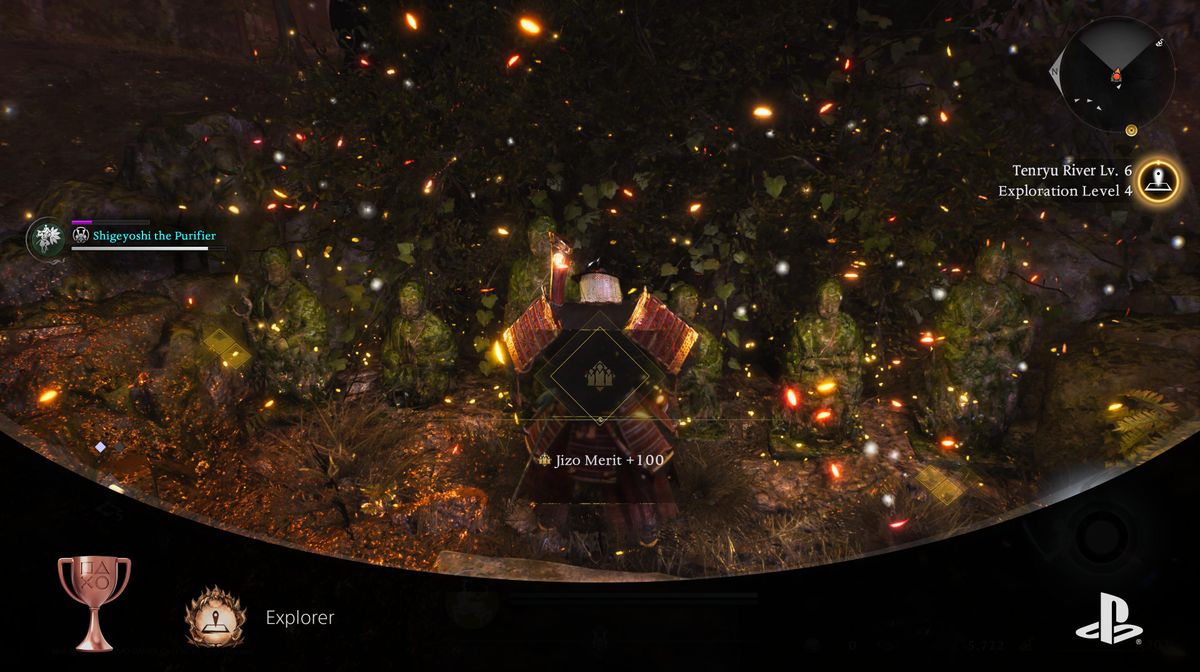
Every Souls-like heavily depends on good exploration, where those games usually let you collect important items by wandering off the path and taking risks in exploring the unknown.
Being a true Souls-like with a pinch of its own flavour, Nioh 3 elevates everything regarding the exploration to a whole new level, making this mechanic perhaps more engaging than From Software managed to do with Elden Ring.
You might wonder how this is possible. Well, it seems boys and girls from Koei Tecmo did their homework properly and created a game where exploration really has meaning. In this guide, we will explain everything regarding exploration, so without further ado, let's begin.

Map and open world
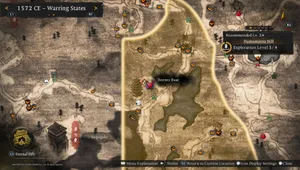
Nioh 3 is an open-world game that features a map divided into sections or regions. Once you reach a certain region, you'll be able to open its map, but that map will be quite useless in such a state.
To make a map more useful, you'll have to raise its exploration level. Each map has its own exploration level, which we will explain in detail here.
Exploration levels
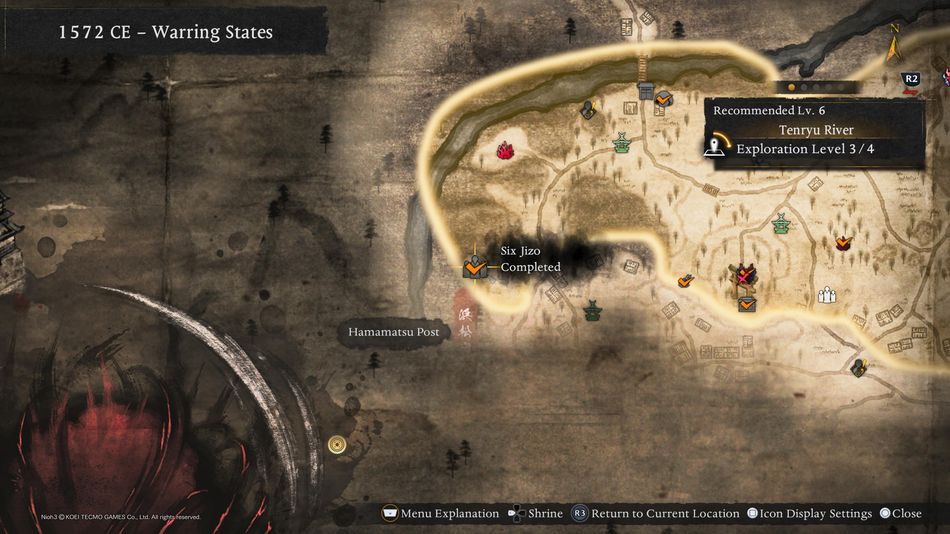
Each map section or region, once visited, starts with exploration level zero, and it can be raised all the way to level four. As you explore and discover new stuff inside the map, the exploration level rises, and once it reaches the next level, some new benefits unlock within the map.
Not every map unlocks the same benefits with levelling, but they are usually similar, or at least, the main benefits regarding map behaviour are pretty much the same.
- The exploration level 1, as all other levels, rewards you with some buffs, like improved attack or defence for your character.
- Level 2 displays the entire map inside the area.
- Level 3 displays some major exploration spots, and
- Level 4 displays collectibles
The more you explore a certain area, the more stuff you can see on the map, and eventually everything will be shown, which makes exploration really interesting and engaging.
Fast travelling
Exploring the maps is considerably eased by making fast travelling as simple as possible. You can fast travel through shrines, which are shown on the map with the green icons. Once you hover over this icon, you can fast travel by pressing the X button (PlayStation 5 controller), and by doing so, you can easily select whichever place on the map you like to explore and just fast travel to the nearest shrine.
How to check out what is left to collect within a certain map
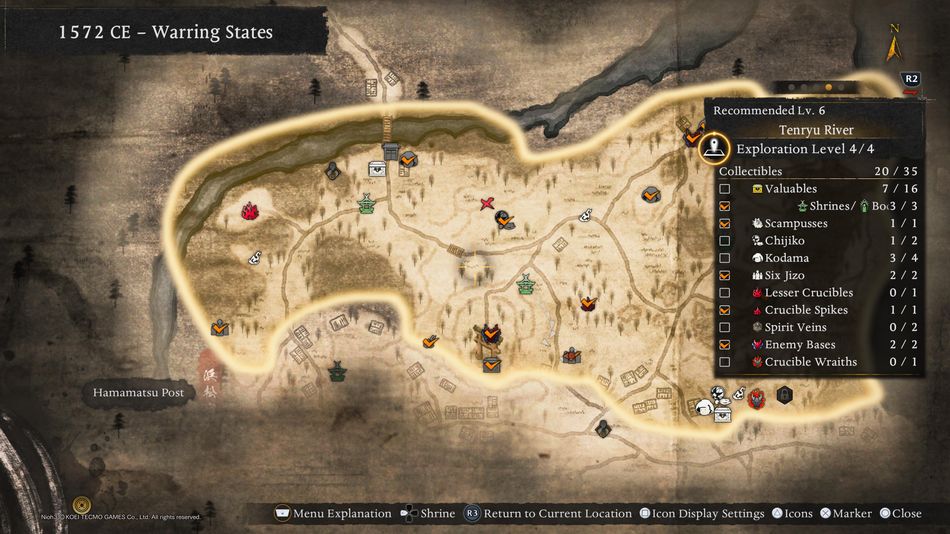
Open the map and hover over the area you wish to check out. Once you do that, simply press the R2 button until you see all the collectables and activities shown on the right side of the screen.
Here, you'll see every activity, and those that are completed will be checked out, while the others will have a number next to them to see how many of them are left to collect.
Pressing the R2 button will show you the exploration level as well, and here, you'll see what benefits you got from raising the exploration level.

DON'T MISS!