Trending
To transfer your existing skins to Overwatch 2 you will need to connect your console account with your Battle.net account. While it’s not the easiest way, this will allow you to get your skins back. We’ve explained the steps you need to take below.
Here is how you do it:
- Load up Overwatch 2
- Using your phone, scan the QR code that pops up
- Follow the link to the Battle.net website
- Enter the code that comes up on your console
- Log in to your Battle.net account, or make one if you don’t already have one
- Log into Overwatch 2 on your console
- Press Confirm
For PC users, getting your previous skins into Overwatch 2 is much easier. In fact, they won't have to do anything because the skins will be waiting for them.
This is mostly due to the fact that you must first create or connect to your Battle.net account in order to play Overwatch 2. After you log in, the game will remember your prior progress and provide you with all of your hard-earned goodies.
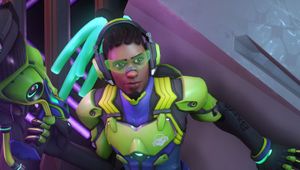
With Blizzard's release of Overwatch 2, a large number of gamers have returned to the chaotic first-person shooter. Fortunately, fans who liked the previous title don't have to start from scratch.
Not only do players receive a few new characters, but they also get to keep the skins they acquired in the previous game.
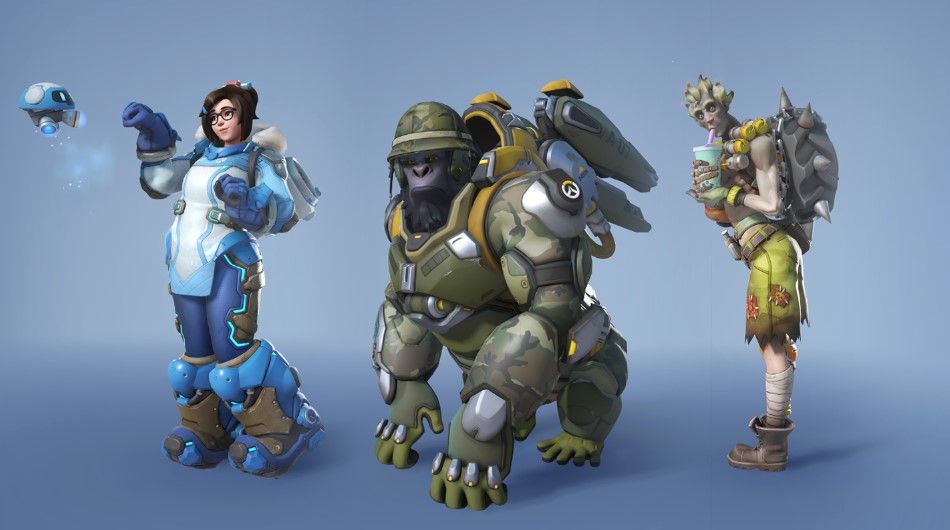
Of course, with a free-to-play game like Overwatch 2, there’s a battle pass system which occasionally rewards you with new character skins.
In Overwatch 2, you can avoid the trouble of actually having to play the game to get skins by simply purchasing fresh new threads for your favourite heroes instead.