Trending

Call of Duty: Modern Warfare 3's Zombies mode promised an adrenaline-fueled experience, but for many, it brought the unwelcome guest of crashing issues.
This guide unveils key insights into what causes these crashes and offers practical solutions for PC players to ensure a seamless gaming experience.
By following these steps, you can liberate your MW3 Zombies experience from the shackles of crashes and immerse yourself in the undead mayhem without interruption.
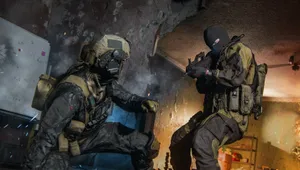
What causes MW3 Zombies crashing on PC?
Server Exploitation
- Players exploiting servers, often through item duplication glitches, lead to server overload and subsequent crashes.
Graphic Settings Interference
- Certain graphic settings may interfere with the game's stability, triggering crashes.
Corrupted Game Files
- Issues within the game files, whether corrupted or missing, can be a source of persistent crashes.
callofduty.com
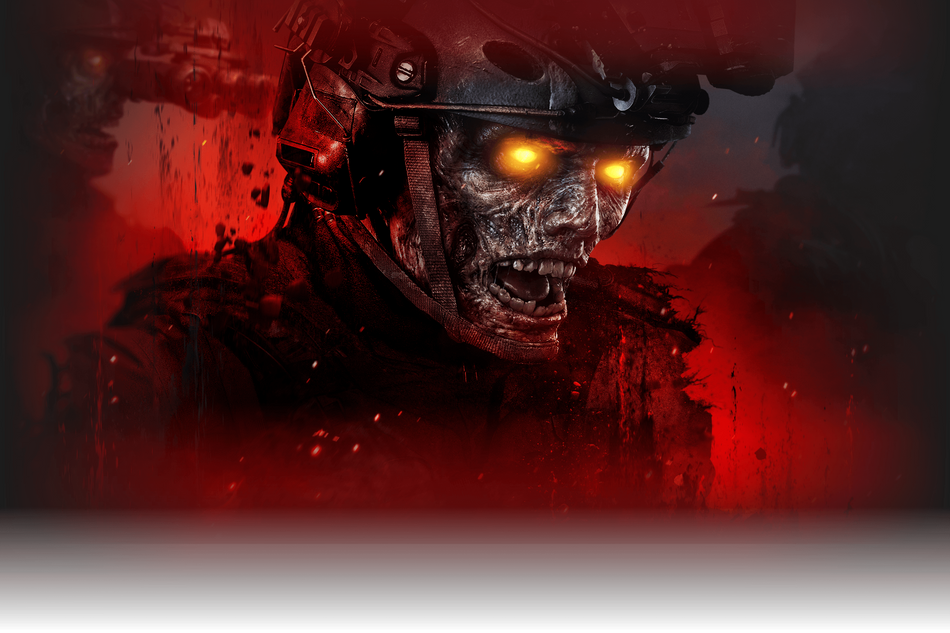
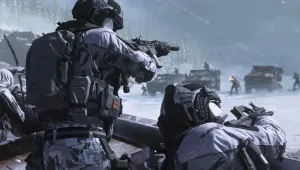
CoD: MW3 brought the unwelcome guest of crashing issues to the game mode.
How to fix MW3 Zombies crashing on PC
1. Launching The Game In Safe Mode:
- Precaution: Safe Mode may compromise graphics, but it provides a crash-free experience.
- Launch MW3 normally, then use Task Manager to end the MW3 process.
- Relaunch MW3, and when prompted, opt to launch the game in Safe Mode.
2. Dealing with Exploiters:
- Exploiters causing server crashes can be mitigated by promptly leaving lobbies where suspicious activity is observed.
3. Updating GPU and Validating Game Files:
- Update GPU drivers via a clean install for stability.
- Validate game files to identify and rectify any corrupted or missing files.
4. Disabling Variable Rate Shading:
- Variable Rate Shading, a potential culprit, can be disabled to enhance stability.
- This graphics rendering technique, while optimizing performance, might contribute to crashes.
Other possible solutions
- Safe Mode Salvation: Launching in Safe Mode proved effective, providing a crash-free gameplay experience.
- Exploiter Woes: Addressing server exploitation is crucial; leaving glitched lobbies can prevent crashes.
- GPU Vigilance: Updating GPU drivers and validating game files ensure a stable gaming environment.
- Variable Rate Shading Quest: Experimenting with graphic configurations led to the discovery that disabling Variable Rate Shading resolved crashes for numerous players.
DON'T MISS:
- Fixing Call of Duty: Modern Warfare 3 party joining issues - A quick guide
- Call of Duty: Modern Warfare 3 Campaign Review
- How to fix Call of Duty: Modern Warfare 3 Vault edition not working?
- Does Soap die in Call of Duty Modern Warfare 3? - Revealing Soap's fate in the game
- How to enable 120 FPS Mode in Call of Duty: Modern Warfare 3 on PS5