Trending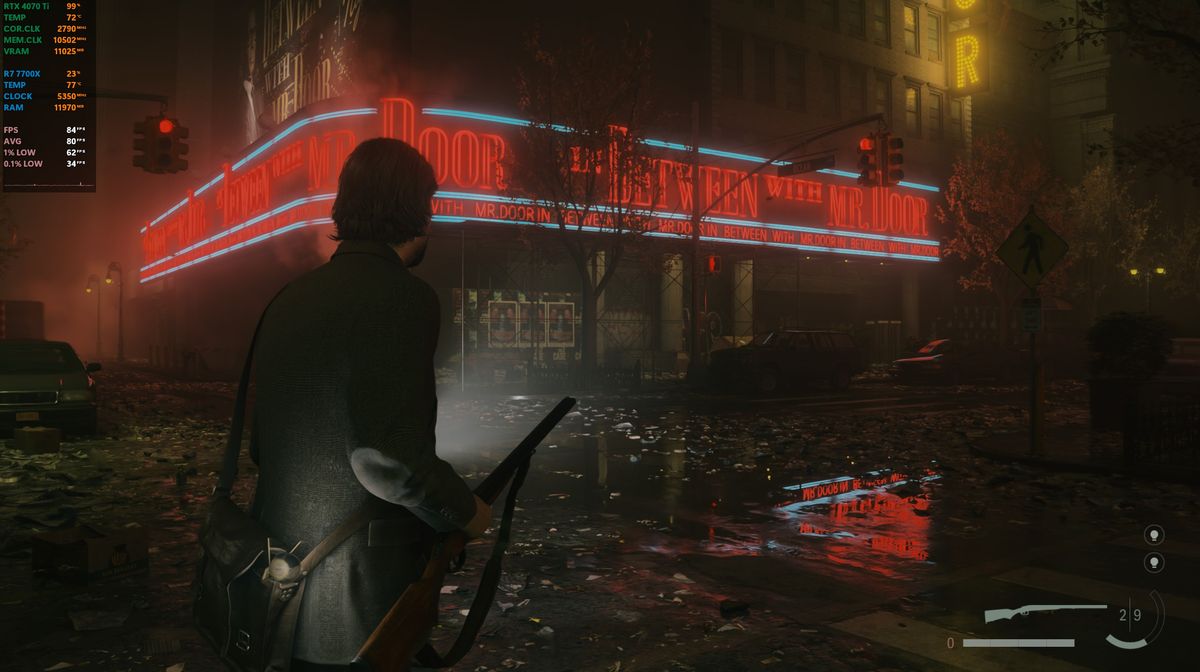
Alan Wake 2 on PC is exclusive to the Epic Games Store and when you try to launch the game in very specific scenarios, the game may crash as soon as splash logos start to appear on the screen, returning the following error message: "menu _ authentication_failed _ epic".
Luckily, the fix for this error is fairly easy and in this guide, we'll have a couple of simple solutions that will help you solve the problem and enjoy this excellent horror title.

Alan Wake 2 menu _ authentication_failed _ epic fix
The fix for this one is quite simple. You'll have to turn off overlays like MSI Afterburner (Riva Tuner Statistics Server) before launching the game. You can also try updating the software or using the low compatibility mode if you're really keen on having the overlay in the game to see the performance numbers.
We've also discovered that launching the game from the Desktop icon does not result in this error so try that too, instead of launching the game from the Epic Games Store.
Also, make sure to have the latest version of the game installed as the devs will probably fix this in one of the post-launch updates.

Obviously, if you're experiencing issues when playing the game, you should update your drivers as Nvidia released fresh game-ready drivers yesterday. Additionally, make sure that you turn off unnecessary apps in the background as those can sometimes cause small issues.
If this guide was helpful, feel free to check more Alan Wake 2 content below.
DON'T MISS: