Trending
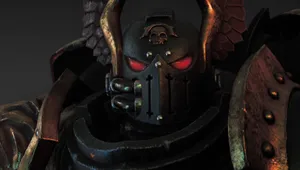
Warhammer 40,000: Dawn of War is one of the games that pushed Games Workshop's franchise to the forefront of the video games industry and that fame is going strong in 2022.
Unfortunately, the works under the hood of this Relic Entertainment gem don't keep up as well. Downloading the game and trying to run it these days can result in clicking on the icon without any errors showing up while the game refuses to launch.
Should such a failure to launch happen to you, the solution is quite simple and it involves just creating an empty folder.
First, you will need to locate the installation folder of the game. If it's on Steam, this is easily done by finding the game in your library, right-clicking it and choosing Properties. At that point, click on the Local Files to the left side of the newly open window and then click "Browse...".
Once you do that, the install folder of your Dawn of War game will open. Click on the Engine folder, right-click an empty space and create a new folder. Name it "Data" without quotation marks. Close the explorer window and launch your game, which will now run without issue.
While I mentioned only Dawn of War, this issue and the same fix work on all games related to the first DoW, including Dark Crusade, Winter Assault and Soulstorm.
More from AltChar - Latest news: