Trending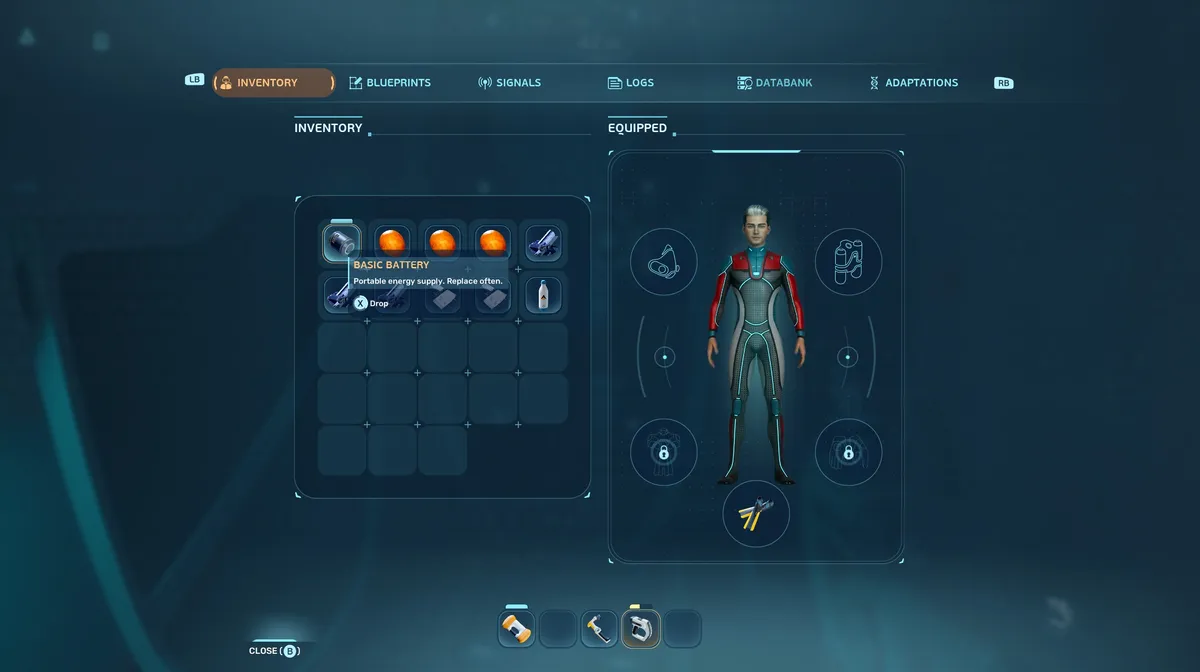
Subnautica 2 drops you into your lifepod with a limited inventory grid and a pair of objectives to follow. The first sends you to investigate a signal belonging to your missing comrade, Anita. Once that is done, a second signal points you toward Chap's last known location, roughly 100 metres from your starting lifepod. Making the trip is worth doing as soon as possible, because inside Chap's lifepod is the first biobed in the game, and interacting with it adds three additional slots to your inventory.
Step 1: Complete the Anita signal objective
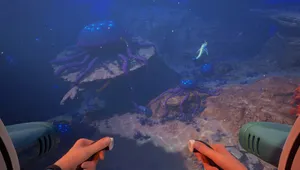
Follow the first objective marker to investigate Anita's signal. This needs to be done before Chap's signal becomes the active objective, so work through it first.
Step 2: Head to Chap's lifepod
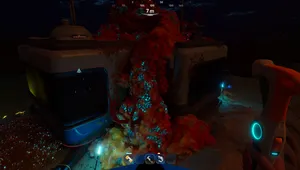
With Anita's signal resolved, your next objective points you toward Chap's last known location. The signal is around 100 metres from your starting lifepod. Swim out and follow the marker.
Step 3: Scan and interact with the biobed
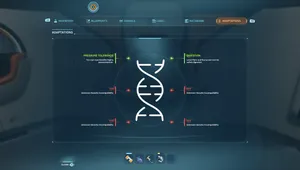
Inside Chap's lifepod, you will find a biobed. Scan it first to add it to your databank for future reference, then interact with it. Your inventory will expand by three slots immediately.
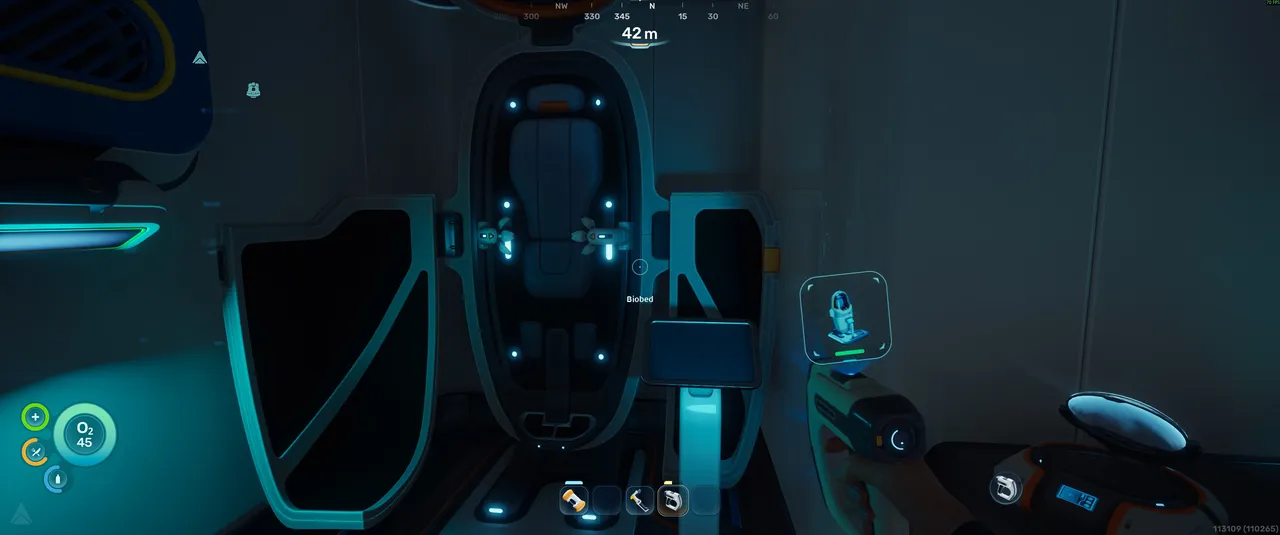
Quick tip: The biobed in Chap's lifepod is one of several you will find as you explore. Each one you interact with expands your inventory further, so it is worth keeping an eye out for them as you progress rather than waiting until your storage is already full.
Read More

Subnautica 2 Preview
DON'T MISS!