Trending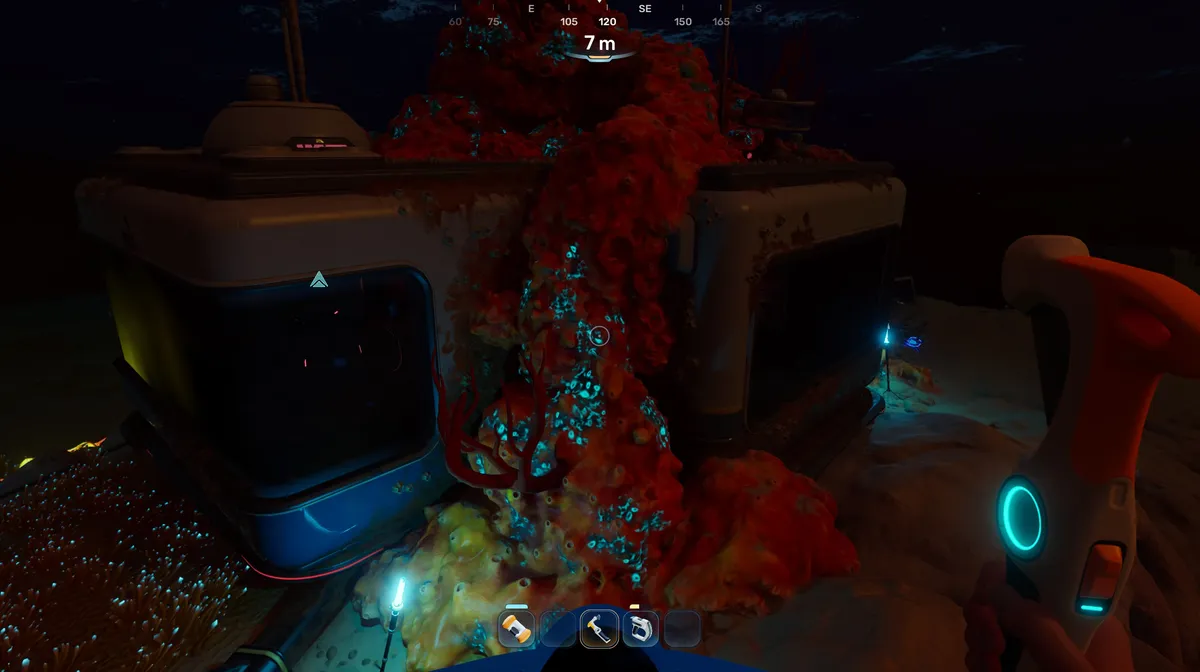
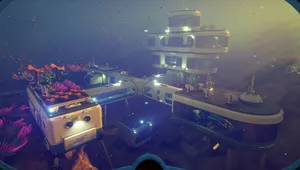
Around 100 metres to the southeast of your starting lifepod in Subnautica 2, the latest survival from Unknown Worlds Entertainment lies a submerged, abandoned structure called the Welcome Centre. The game does not direct you here, but exploring it rewards you with story context and scans that are useful later. The catch is that the building has no power when you first arrive, so nothing inside can be interacted with until you sort that out. All it takes is a basic battery, which you can either craft or find nearby.
Read More
Subnautica 2 Preview
Step 1: Get a basic battery
There are two ways to obtain a basic battery.
Option 1: Find it in Chap's lifepod. If you have already completed the objective to locate Chap's signal, his lifepod contains a working battery you can simply pick up and take with you. This is the faster option if you have already been there.
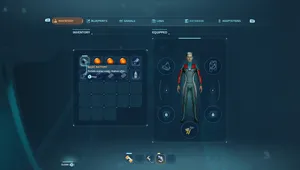
Option 2: Craft it at the Fabricator. Open the Fabricator inside your starting lifepod and navigate to the Electronics section under Basic Materials. A basic battery requires two materials: Copper and an Acidic Raion Pouch.
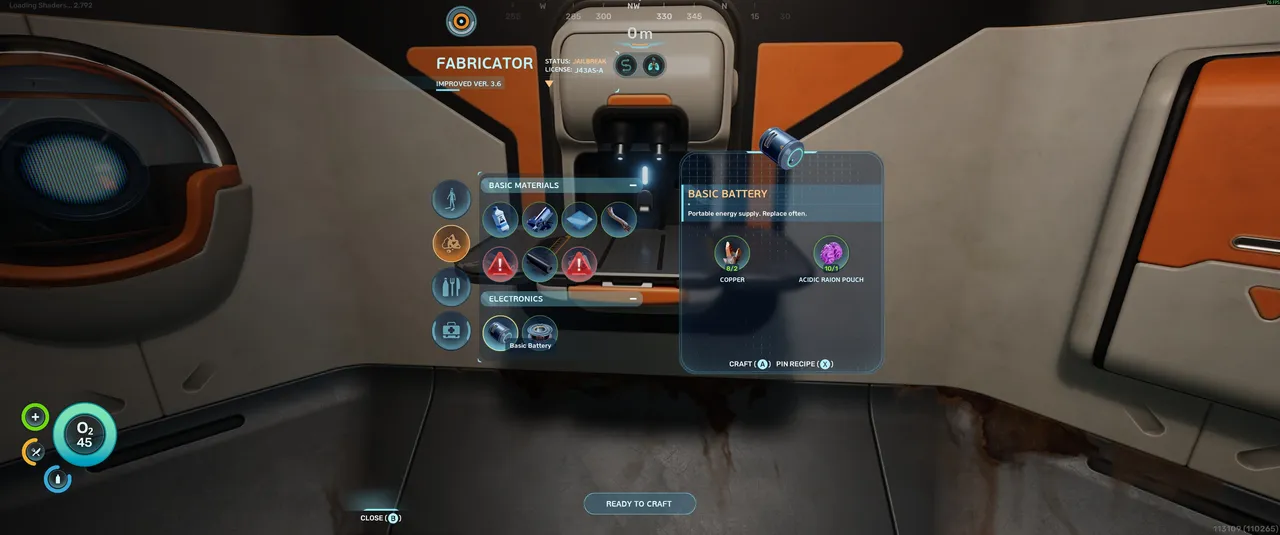
Copper is a basic mineral found in caves and alcoves near the starting lifepod and can be harvested by hand without any tools. Acidic Raion Pouches require a bit more preparation. You will need to craft a Survival Multitool first, which is found under the Tools section of the Fabricator and requires three pieces of Titanium, also easily gathered by hand from the surrounding area.
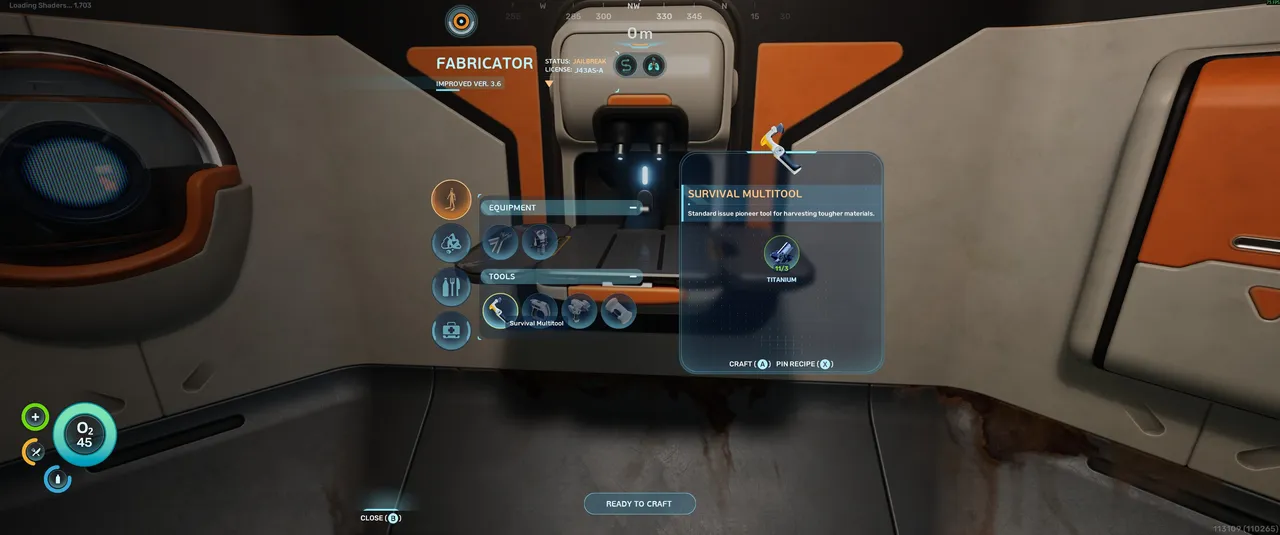
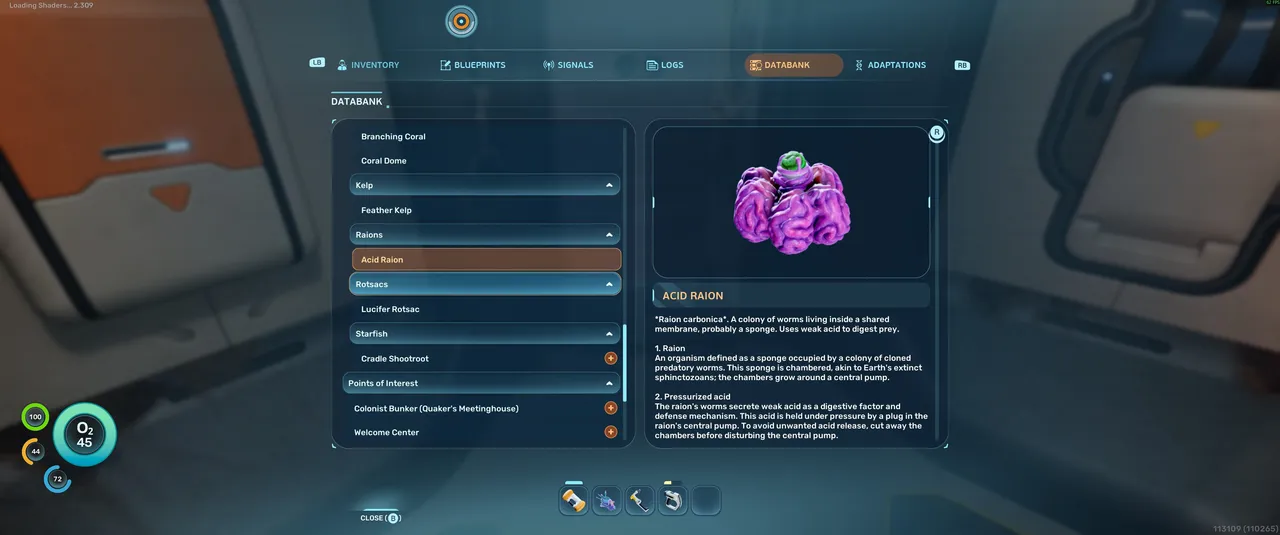
Once you have the Survival Multitool, find Acid Raions in the environment and hit them with it to harvest the pouches. Each Acid Raion yields four pouches, and you only need one for the battery recipe. Return to the Fabricator and craft the battery.
Step 2: Head to the Welcome Centre
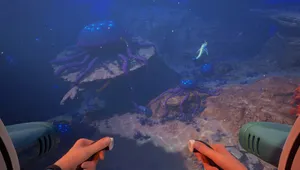
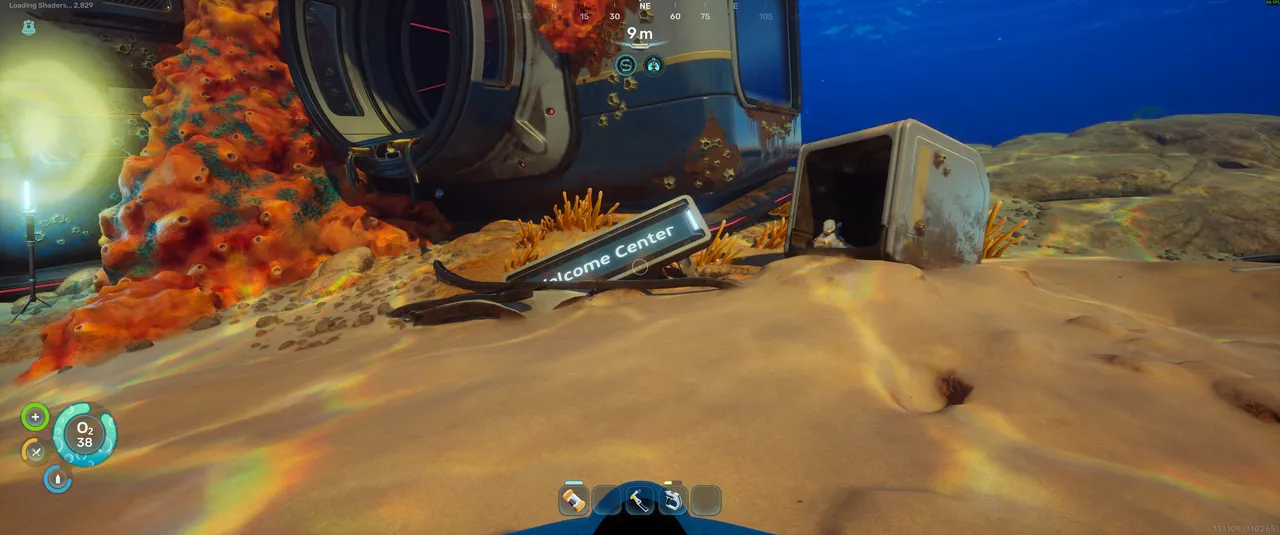
Swim southeast from your lifepod for roughly 100 metres. The Welcome Centre is a submerged structure sitting on the seabed, identifiable by the partially buried sign out front. Head inside.
Step 3: Insert the battery
The power slot is the device mounted on the wall in the middle of the room, glowing orange to indicate it is empty. Insert your basic battery into it to restore power to the building.
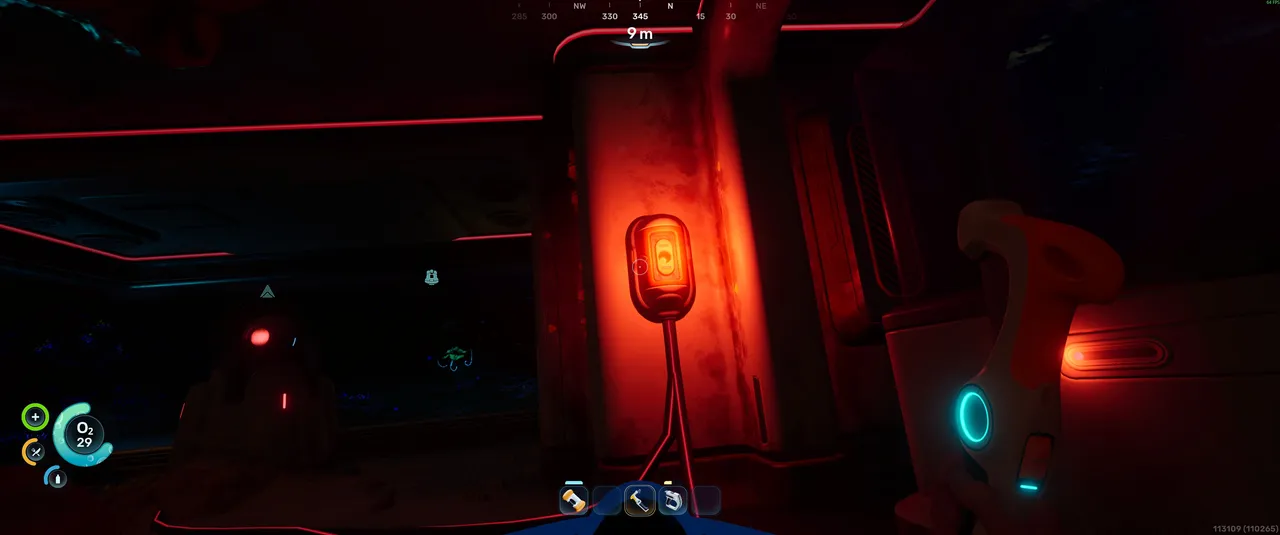
Step 4: Interact with everything and scan all devices
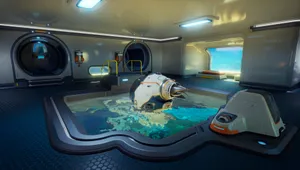
With the Welcome Centre powered up, work through the entire space and interact with every device and point of interest you find. Scan everything that can be scanned. The Welcome Centre contains story information and databank entries that fill in important background detail, and several of the scans here are referenced later in the game.
Quick tip: If you are planning to craft the battery rather than find one, gather your Titanium and Copper first before going after the Acid Raions. The Survival Multitool is needed to harvest the pouches, so having the three Titanium ready to craft it the moment you open the Fabricator saves you an extra trip back to the seabed.
DON'T MISS!