Trending

Spectre Divide is a new 3v3 tactical first-person shooter from Mountaintop Studios. The game was built with a new Duality feature that allows players to control two bodies in the battlefield.
The game has caught attention of many players as a hybrid mixture of Overwatch and Valorant. Moreover, the game is also in the spotlight due to the involvement of one of the most famous streamers, Shroud.
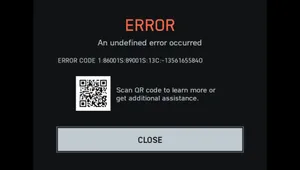
While as a new game Spectre Divide has been running flawlessly for majority of the player base, a few players have reported that they are facing an online services error while entering matchmaking. So, here's a guide on how to fix it.
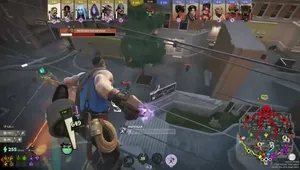
What is the "Online Services Error" in Spectre Divide?
The online services error is a matchmaking error that stops players from entering matchmaking in Spectre Divide. The apparent reasons for encountering this error is corrupt game files, poor internet connection, firewall restrictions and using VPNs.
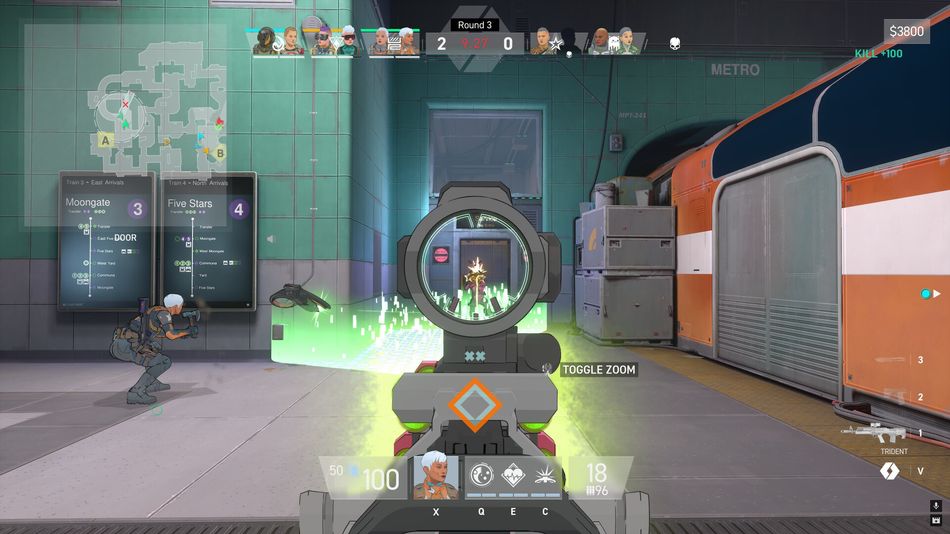
How to fix "Online Services Error" in Spectre Divide
The fix for the online services error in Spectre Divide is comparatively easy. Here's a list of possible fixes for this unfortunate error in Spectre Divide:
- Verify the integrity of game files from Steam's game properties.
- Once the verification is done, all corrupt game files are redownloaded and replaced.
- Try running the game as an administrator.
- Check your anti-virus and windows defender to see if Spectre Divide is blocked or not.
- Check Spectre Divide's Twitter and Discord to find out if the servers are up and running. If the server is going through maintenance, you will not be able enter matchmaking.
- Lastly, check if your internet connection is stable. If your internet connection is facing difficulties, try contacting your Internet Service Provider.
While most of the fixes listed above will end up fixing the online services error, if it still ends up bothering you during matchmaking we recommend waiting for an update or contacting support.

DON'T MISS: