Trending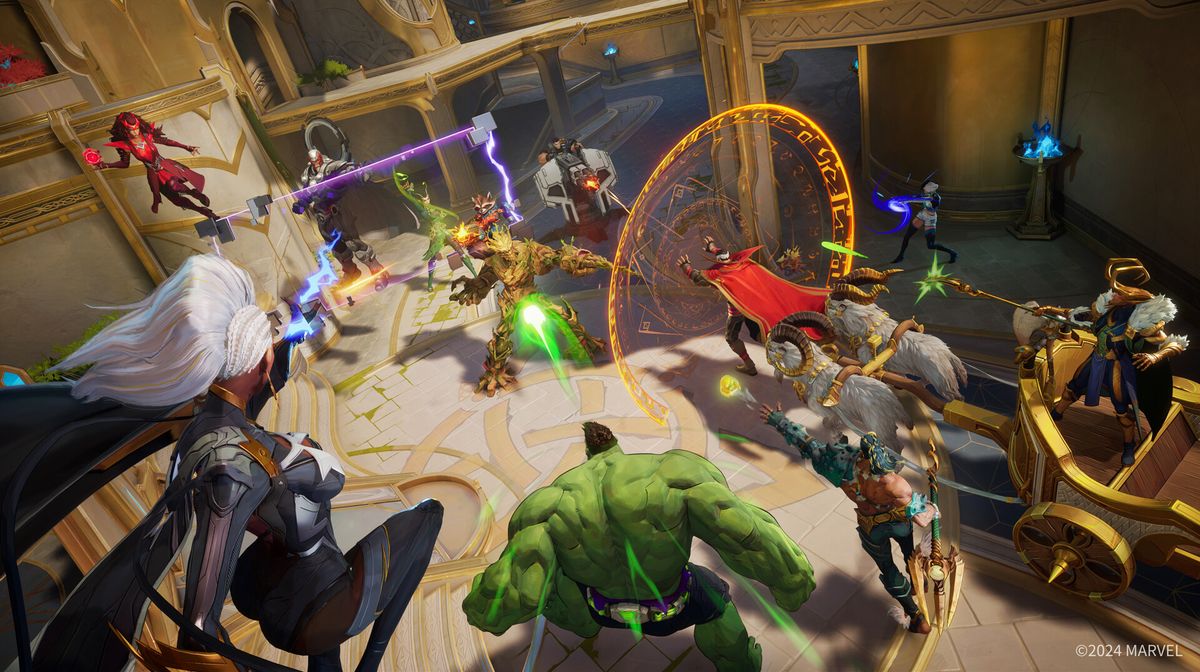

Closed Alpha Test for Marvel Rivals recently begun, and naturally it comes with some errors. Some players already reported troubles while trying to connect to NetEase’s game servers. If you are among the players that have issues with the Marvel Rivals network error, we got some fixes for you.
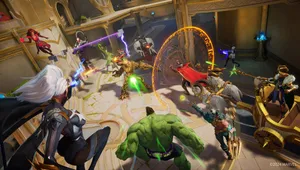
NetEase released the long-awaited Closed Alpha Test for Marvel Rivals along with the “Dawn of the Legends” event, where players will have the opportunity to play five different game modes.
This game will be an always-online type shooter, but players will sometime be removed from the game by a network error.
Fixing the Network Error
Various factors might be included on why this error occurs and how it leads to disconnecting players from the game.
If you are among the players that had this issue, a notification appeared on your screen when you try to launch the Marvel Rivals game.
In case that this problem is connected to the NetEase’s servers, players can stay updated on the server status by checking the Marvel Rivals official social media platforms or on Marvel Games’ Discord server.
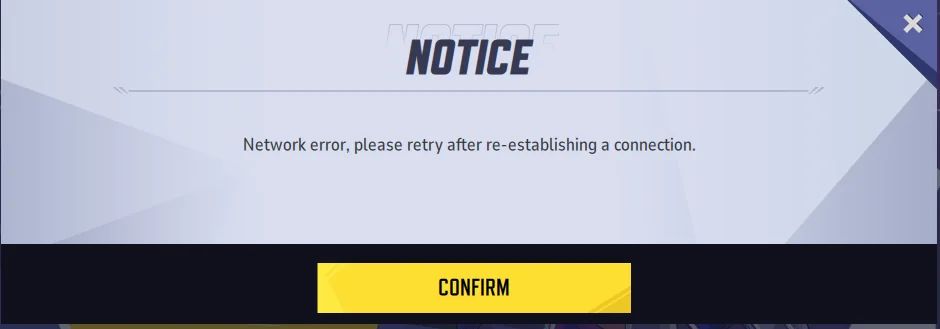
But, to rule out any potential troubles on your end, you can try the following troubleshooting possible fixes:
- First step is to ensure that your internet connection is working fine. If the NetEase servers are online and working okay, than check your internet stability. In the end, restart your router before attempting to enter the game again.
- In your Windows Firewall and Antivirus software, create an exception for your Marvel Rivals game.
- The last step would be to verify the game cache’s integrity. If you are playing on PC platform , access Steam and navigate to the Marvel Rivals hub. From there, access the Properties tab, proceed to Local Files, and select "Verify integrity of game files."
By trying these steps, you may be able to resolve the Marvel Rivals “network error” issue. We hope you can resume playing without any interruptions.
DON'T MISS:
- Marvel Rivals: NetEase accidentally revealed first two maps in the game
- Marvel Rivals - List of all game modes confirmed so far
- Marvel Rivals: Is it free-to-play and will it have microtransactions?
- NetEase and Marvel announce 6v6 hero shooter called Marvel Rivals
- Marvel Rivals beta datamine reveals 20 new characters including Wolverine, Venom and Blade