Trending
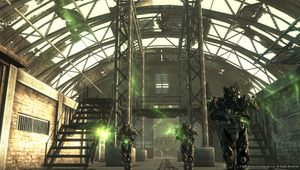
As the name suggests, Fallout 3 is Bethesda Softworks' 3rd instalment in the top-rated Fallout series. While the game was released in 2008, being made available for free on Epic Games has made it spike in popularity yet again.
With Patch 1.7.0.4, players who use Steam have noticed their games failing to boot up, making them completely unplayable. The solution to this issue is very simple and direct.
- Find your "My Games" folder - This folder is usually whiting the "Documents" folder
- Locate the "Fallout 3" folder, once inside the "My Games" folder
- All of the files that end with .ini should be deleted
- Delete "Renderinfo.txt" as well
- Go back to Steam and relaunch Fallout 3
Once you have relaunched Fallout 3, the game will start detecting your video hardware. Once it does that, the game will tell you what settings it chose for you. If you do not want to use the settings that the game chose for you, you can always readjust them in the settings tab.
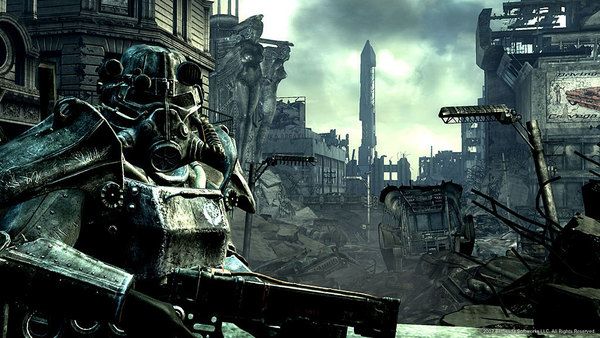
The root of the problem is the outdated Games for Windows Live integration which just recently got removed, changing the required file structure for launching the game.
If the issue persists, the only choice the player is left to make is to uninstall and reinstall their game again as this will ensure that the proper version of the game is ready to be played.

DON'T MISS:
- A Plague Tale: Requiem - 10 ways to fix low frame rates and crashes
- Rainbow Six Siege: How to fix "Content unavailable" Alpha Pack error
- Valorant: How to find the perfect sensitivity
- Resident Evil 4 Remake gets new gameplay trailer and official PC specs
- Rainbow Six Siege back to basics: How to play Support on attack