Trending

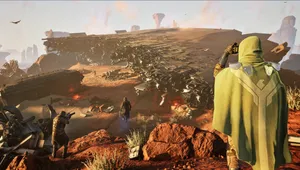
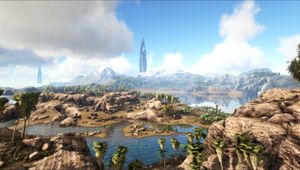
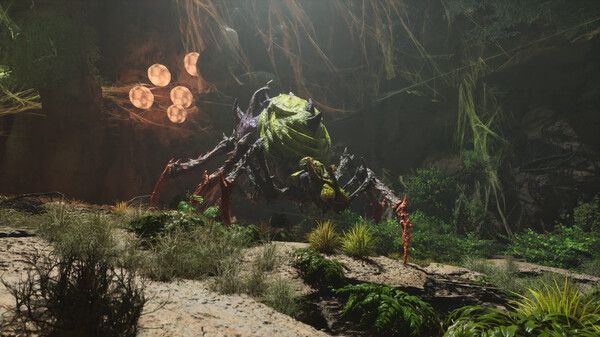
ARK: Survival Ascended, developed by Studio Wildcard, while bringing substantial improvements in graphics and performance, isn't free from issues. One common problem encountered by players is the appearance of floating rocks during gameplay.
While this bug may not hinder gameplay, it certainly disrupts the immersive experience. Fortunately, we've identified a solution to fix the floating rocks bug in ARK: Survival Ascended, and we'll guide you through it below.
While Studio Wildcard is likely to address this issue in future updates, considering it's not game-breaking, other bugs might take precedence. Until an official fix is implemented, the provided solution serves as a workaround to restore a seamless gaming experience.

How to Fix Floating Rocks Bug in ARK: Survival Ascended
Now, let's proceed with fixing the floating rocks issue by following these steps:
- Press the Escape key.
- Click on Settings.
- Navigate to Video.
- On the right side, scroll down and ensure that Enable Foliage and Enable Fluid Interaction are both set to ON.
- Set the Foliage Interaction Distance Multiplier to 1. If you experience lag, consider adjusting it to 0.5, but avoid going below this value.
- Click Save.
- Restart ARK: Survival Ascended.
After reloading your game, the issue of rocks, pebbles, and trees floating in the sky should be resolved.
ARK: Survival Ascended has undergone a complete transformation, leveraging the cutting-edge Unreal Engine 5 to usher in the next era of video game technology!
In this reimagined experience, you can unite with others, capture and nurture a diverse array of dinosaurs and ancient beings, embark on exploration, engage in crafting, construct elaborate structures, and battle your way to dominance in the ecosystem.

DON'T MISS:
- Ark Survival Evolved: Best maps for beginners
- ARK Survival Evolved trailer shows new places, story and creatures
- Epic Games freebies: ARK Survival Evolved and Samurai Shodown are next
- ARK: Survival Evolved official servers shutting down to sell a remaster before sequel
- ARK: Survival Evolved's Classic PvP Season five announced, EVO Event now live