Trending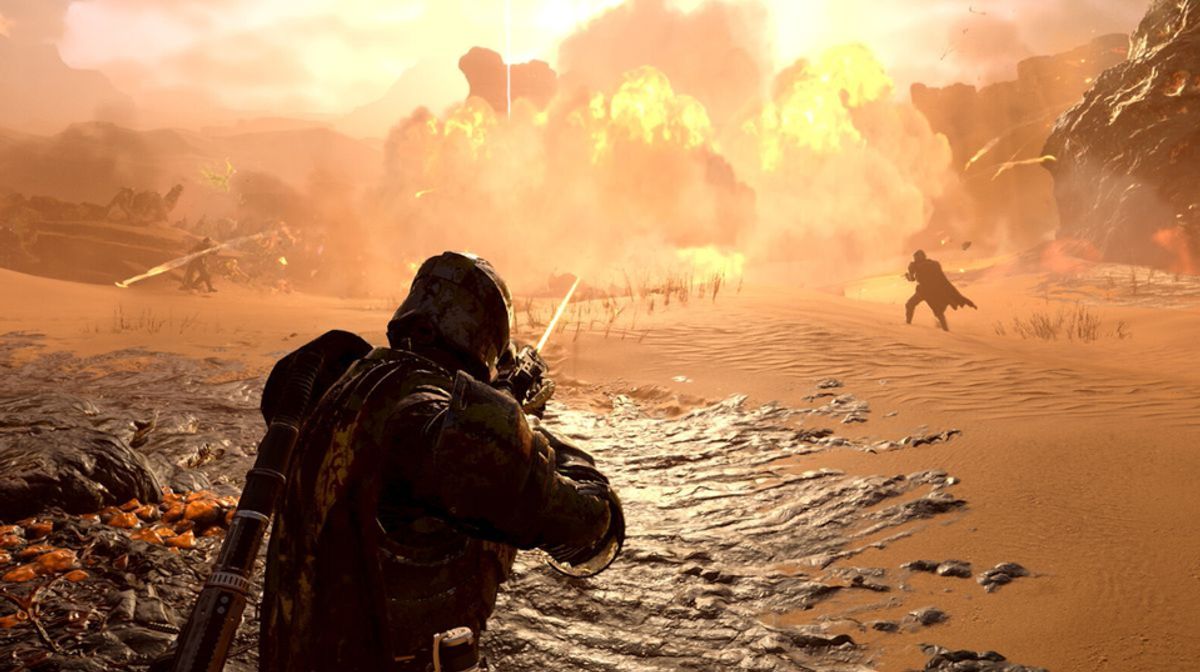

As Helldivers 2 continues to captivate players with its intense co-op action, some unfortunate souls find themselves stranded on the dreaded ship loading screen.
Whether on Steam PC or PlayStation 5, this persistent connection error can disrupt the immersive experience Helldivers 2 promises.
In this guide, we'll explore various solutions, ranging from simple to more intricate, to help you break free from the clutches of the loading screen limbo and dive back into the fray.

Solutions for Helldivers 2 Ship Loading Screen error
Being stuck on the ship loading screen in Helldivers 2 can be frustrating, but with these troubleshooting steps, you can overcome this issue and resume your intergalactic adventures with ease!
1. Watch The Entire Intro Cutscene:
- Some players have found that watching the full intro video helps establish server connections, potentially bypassing freezing issues.
2. Reboot Your Device:
- A classic remedy for many gaming woes, restarting your PC or PS5 can resolve local network connectivity issues.
3. Verify Game Files:
- Corrupted installations might be the culprit. Use Steam's "Verify integrity of game files" function to rectify this.
4. Reset Config File:
- Force the game to reset its settings by renaming the user_settings.config file.
5. Disable Firewall:
- Temporarily turning off the firewall or creating an exception for Helldivers 2 can mitigate interference.
6. Disable VPN:
- VPNs can sometimes hinder server connectivity. Consider disabling or changing VPN settings temporarily.
7. Change DNS Server:
- Switching to more reliable DNS servers like Cloudflare's may improve connectivity.
8. Disable IPv6:
- Disabling IPv6 and reverting to IPv4 has shown success for many players as a last resort.
Whether it's watching the intro cutscene or making technical adjustments, there's a solution for every player.
So, don your gear, rally your squad, and prepare to dive back into the chaos of Helldivers 2 without the shackles of the loading screen holding you back.
DON'T MISS:
- Fixing the Helldivers 2 "Server Request Failed" error
- More than 50k people sign petition to bring Helldivers 2 to Xbox
- Helldivers 2 devs are adding new servers to keep up with player demands
- Helldivers 2 - How to fix error code 10003001
- Helldivers 2: Patch 1.000.10 now live - Arrowhead fixes critical issues for PC and PS5