Trending
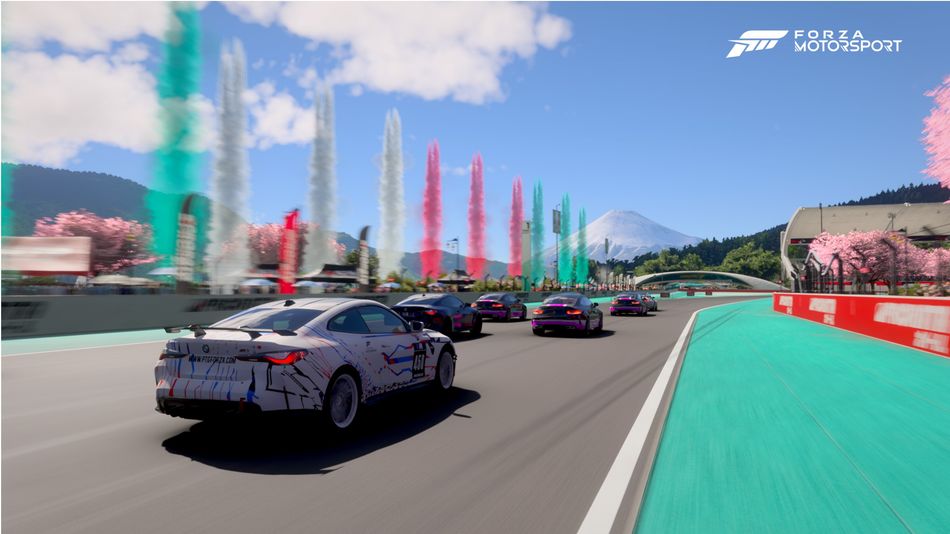
Forza Motorsport is finally out in early access but just like with every other major release, some PC players are reporting that some crashes can occur when launching the game.
If you are encountering these issues, specifically crashing when launching the game which results in Error Code: 0x0, below you will find a potential fix for this problem.
Keep in mind that this solution is not guaranteed to work as the team are currently investigating the issue and will probably release a patch that includes a fix for the crashing problem.
Read More
Forza Motorsport Review
Forza Motorsport Error Code: 0x0 fix
This solution was initially used to fix Forza Horizon 5 not launching and crashing but it can work for Motorsport too.
- Open the Xbox App
- Click Name/Gamertag in the upper left
- Select Settings
- Select Install Options
- Make sure the default folder is set to C:XboxGames
- Uninstall and reinstall the game and install to the C:XboxGames folder
If the fix doesn't work, you can try other potential fixes including updating drivers, Windows, turning off third-party software and more. The list of all potential fixes can be found on Forza Motorsport's official website.

DON'T MISS:
- Forza Motorsport PC specs and features explained: FSR, DLSS, ray-tracing and more
- Forza Motorsport showcases three early game races in new lengthy gameplay trailer
- Disc-less Xbox series X console and new Xbox controller with haptics coming in 2024
- Bethesda exec shares unprecedented buzz for Xbox exclusive Indiana Jones