Trending

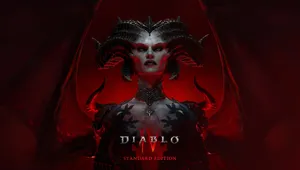
Diablo 4 is set to launch on Xbox Game Pass for PC and Xbox Series X|S consoles tomorrow, March 28, 2024. The Game Pass launch is a significant event for both Xbox and Blizzard given that it marks the start of the introduction of Activision Blizzard games to the popular subscription service, following Microsoft's completion of the big deal.
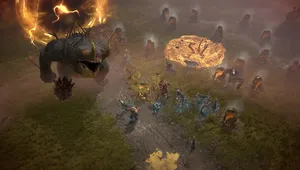
Along with the Game Pass release, Diablo 4 also comes with some new features like ray-traced reflections and shadows, which should provide the game with a big visual boost.
In addition, Blizzard recently announced a massive overhaul to the game, which fans are ecstatic about so it's safe to say that now is probably the best time to visit Sanctuary if you ever had thoughts about that.
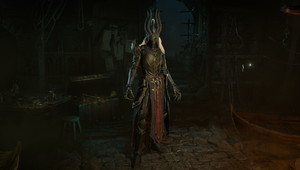
Given that the installation process of Diablo 4 on Game Pass for PC can be a bit complicated, especially if you're not really familiar with all the storefronts on PC, Xbox made a handy guide that should make the download and installation a cakewalk.
Below, you'll find a detailed description on how to install Diablo 4 on Game Pass for PC.
How to install Diablo 4 via Game Pass on PC?
- Open the Xbox App on PC, make sure you are signed in with your Microsoft account tied to your Game Pass membership, and then click on Diablo IV and then the Install button.
- Click "Install Battle.net" when prompted and complete the installation.
- You'll be prompted to connect your Battle.net account to your Microsoft account. If you already have a Battle.net account you can log in to complete the connection or create an account to make the connection.
- Once you have downloaded Battle.net and connected your accounts, you can complete the installation of Diablo 4.
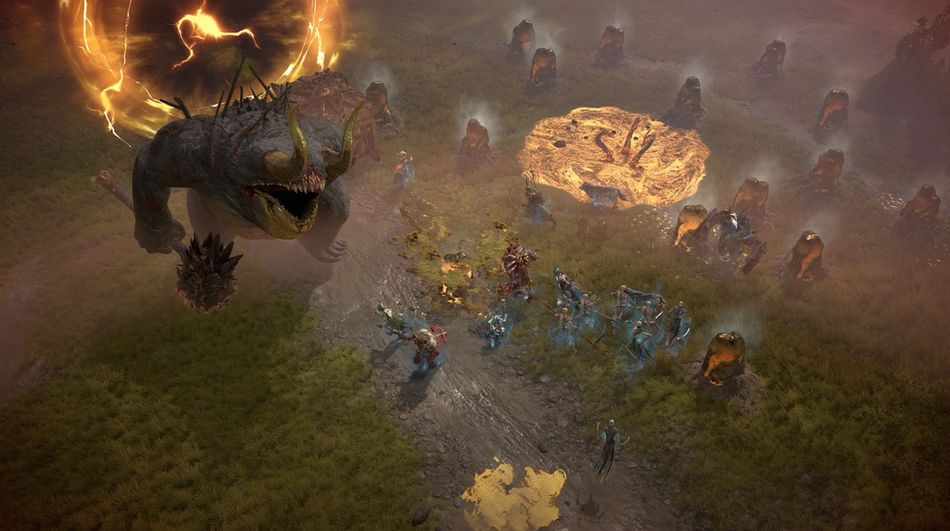
Diablo 4's Game Pass version supports cross-play and cross-progression across all available platforms, which means you will be able to play it with your friends regardless of their preferred platform.

DON'T MISS:
- Star Wars Outlaws rated by Australian ratings board, which suggests a close release date
- Rise of the Ronin: List of all romance options
- Bethesda provide an update on The Elder Scrolls 6: "Early builds have us filled with excitement"
- Dragon's Dogma 2 is adding new game option and 30 FPS cap in upcoming patch
- South Park: Snow Day! Review