Trending

LEGO Fortnite is a standalone survival game available through the Fortnite client. Since its release with the Chapter 5 Season 1 update, the game mode has made its place in the hearts of thousands of players.
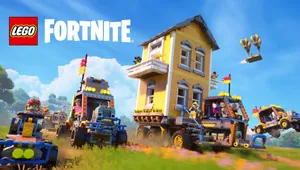
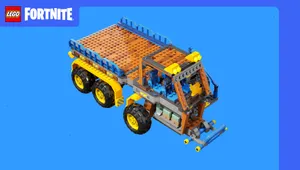
With each seasonal update, Epic Games has made LEGO Fortnite even better by including new features such as map biomes, vehicles, farms, new village functions and more. Moreover, with the recent LEGO Fortnite v31.40 update, Epic Games has introduced the most-awaited splitscreen feature.
How to enable Split-screen in LEGO Fortnite
Epic Games has added split-screen in LEGO Fortnite, which enables two players play the same LEGO Fortnite world on the same device. The new feature brings the old-fashioned way of playing coop.
If you're eager to play LEGO Fortnite with your friends or family with split-screen, here's a step-by-step guide of how you can do it:
- Start Fortnite and go to the LEGO Fortnite Lobby.
- Connect the second controller.
- Select the second player's console account.
- Guest and Quick Play console accounts are not supported.
- After picking a console account, Fortnite will automatically ask the player to link their Epic account.
- If they link their Epic account, they can access their locker outfits, passes, quests, and other progress.
- After the second player is logged into Fortnite, they will appear in the Lobby.
- Split-screen mode will automatically begin when you start LEGO Fortnite.
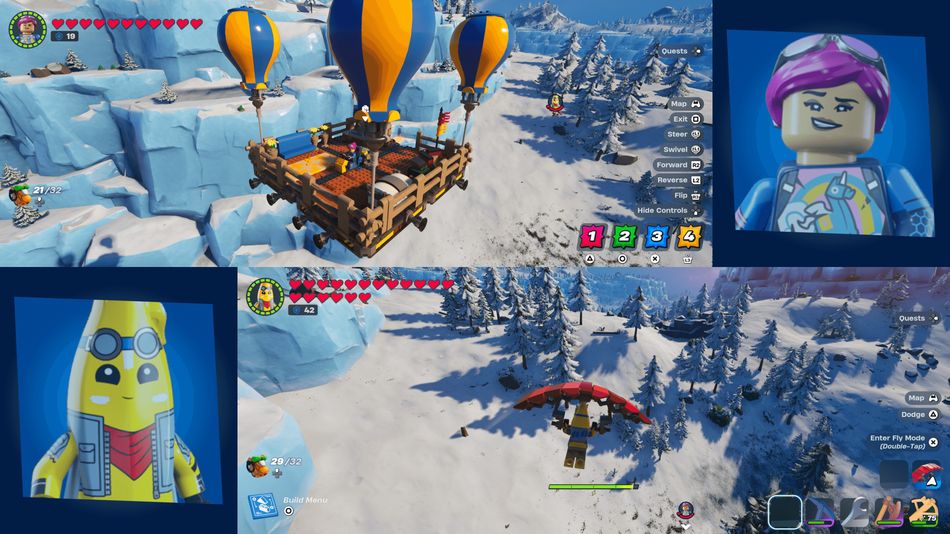
LEGO Fortnite now supports split-screen on PlayStation 5, PlayStation 4, Xbox Series X|S, and Xbox One. For best results in the split-screen mode, we recommend playing LEGO Fortnite on a larger screen.
Unfortunately, Epic Games has not added the feature for PC players. So, if you want to play split-screen in LEGO Fortnite, you might have to break the bank and get a console with two separate accounts.

DON'T MISS: