Trending

Apex Legends, a beloved online game, developed by EA and Respawn Entertainment sometimes encounters connection issues preventing players from enjoying the gameplay.
If you're facing the "Unable to connect to the EA servers" error, this comprehensive guide will help you troubleshoot and resolve the issue.
We prepared some possible solutions and fixes for you in order to overcome these problems and enjoy your game as soon as possible.

Preliminary Checks
- Stable Internet Connection: Ensure a stable internet connection. Consider using an ethernet connection for better stability.
- Restart PC and Router: Restart your PC to eliminate minor glitches. Also, restart or reset your router if necessary.
- Check System Requirements: Verify that your system meets the minimum requirements for the game.
- Run as Administrator: Log in as an administrator and run the game. If it works, set it to always run with administrative privileges.
Ways to Fix the Error
Here's what you need to do:
- Log into Another Game: Try logging into another EA game using the same account to check if the issue is specific to Apex Legends.
- Change Date & Time Settings: Ensure your system's date and time settings are set to automatic.
- Close Background Applications: Close unnecessary background tasks using Task Manager to free up system resources.
- Update Apex Legends: Ensure the game is updated to the latest version to avoid conflicts.
- Update Windows: Keep your Windows OS updated to maintain compatibility with game files.
- Allow Game Through Firewall: Add an exception for Apex Legends in Windows Defender Firewall settings.
- Delete Game Cache & Temp Files: Clear the cache and temporary files associated with Apex Legends.
- Disable VPN Client: If you're using a VPN, disable it and check if the error persists.
- Change DNS Server Setting: Change DNS server settings to Google's DNS (8.8.8.8 and 8.8.4.4).
- Contact EA for Technical Support: If the issue persists, reach out to EA for assistance.
EA
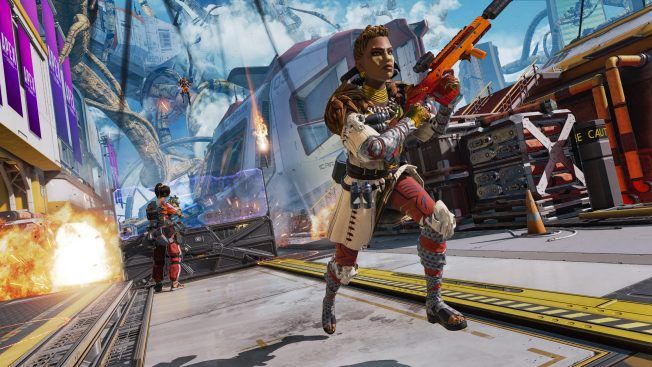
By following these steps, you should be able to resolve the "Unable to Connect to EA Servers" error in Apex Legends and get back to enjoying the game
Troubleshooting Platform-Specific Issues
- PlayStation: Ensure active PlayStation Plus and EA Play subscriptions.
- Xbox: Verify active Xbox Live Gold and EA Play subscriptions.
- PC: Check EA Help for server status and ensure an active EA Play for PC membership.
- Nintendo Switch: Confirm active Nintendo Switch Online membership.
By following these steps, you should be able to resolve the "Unable to Connect to EA Servers" error in Apex Legends and get back to enjoying the game seamlessly.

DON'T MISS:
- Apex Legends Season 20 “Breakout” Battle Pass overview and rewards
- Apex Legends Season 20: Season 4 Battle Pass Reactive Flatline skin is making a comeback
- Apex Legends Season 20 "Breakout" - Ranked changes, new Mixtape map, events, rewards and more
- Respawn Entertainment takes a stand against controller config abuses in Apex Legends
- Apex Legends: Respawn vows to address "Ratting" concerns in Season 18