Trending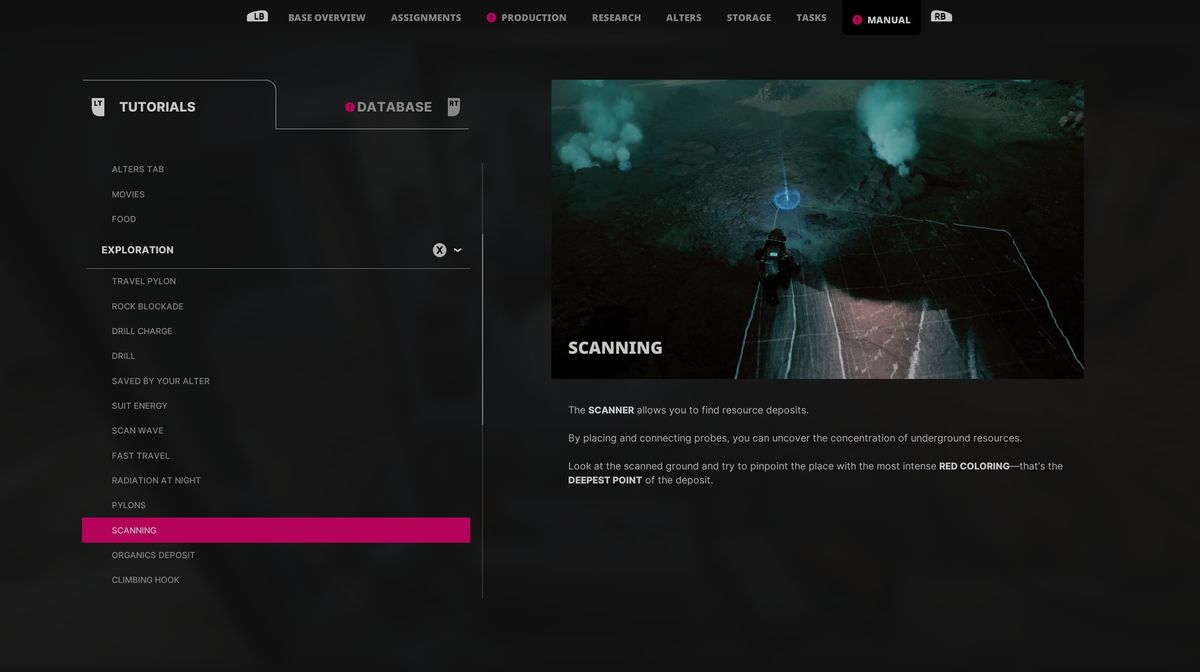
The Alters, the latest survival action-adventure game from 11 Bit Studios, features a vast array of mechanics, and comprehending all of them thoroughly will require considerable time. Although all those mechanics are explained in a separate section of the game, sometimes additional explanation is needed if you want to understand them properly.
One such mechanic is scanning for resource deposits, or using scanners, as the case may be. This mechanic is a bit complicated, but if you know how to use it as it is supposed to, you'll make your life much easier in this game.
If this mechanic is confusing to you as well, we have a guide that will explain how to use it properly step-by-step, from setting the scanners to ultimately finding the deposit itself.
How to use scanners in The Alters
Once you find the organic, metal, or any other resource deposit, to start extracting it, you'll need to find the place where the respective resource is concentrated the most, and to do so, you'll need to use the scanners.
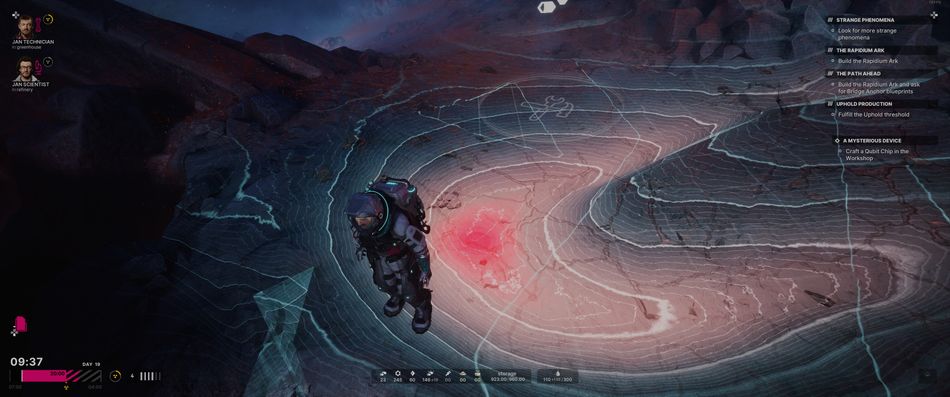
Press and hold the LB (Xbox controller) to bring up the tools menu and choose the scanner from it. Now, you can place the scanners to form a closed shape; it will require at least three scanners to form a triangle or four or more to form another closed shape. Once you form such a shape, you'll see the structure of the ground beneath the scanned area.
You'll have only a limited number of scanners, and once you run out of them, simply hold the Y button to retrieve them; do not worry, the area you've already scanned will remain visible even without scanners.
You'll notice the shape of the scanned ground is like a map, featuring lines and curves. If you're far away from the centre of the deposit, the lines will be white, and the closer you get to the centre, the lines will turn redder.
If your suit has the energy, you can hold the X button to send a wave that will help you determine in which direction you should scan to find the source. Once you form a shape above the deposit centre, all the scanners will return to you automatically, and the prompt for setting the outpost will appear on the ground.

DON'T MISS!