Trending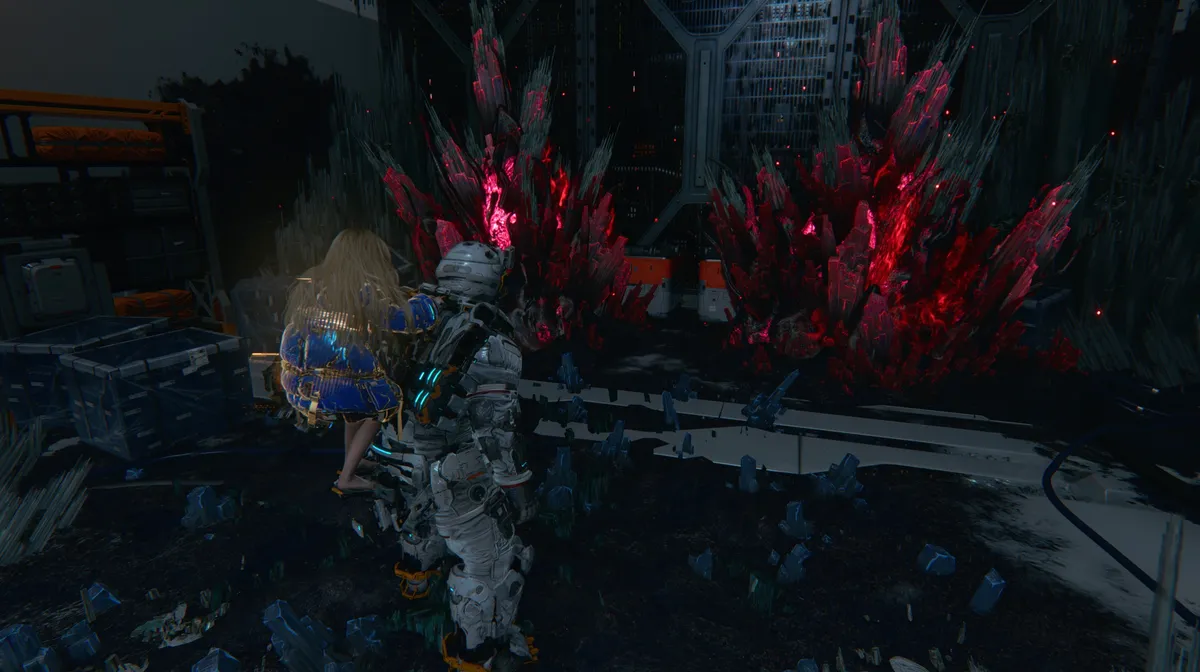
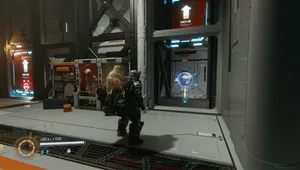
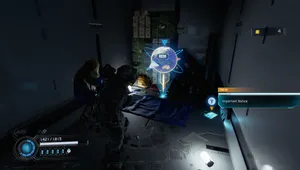
While exploring the Business District in Mass Production Array in Pragmata, scanning the area will reveal two boxes sitting on higher ground. Taking the hand elevator up to them makes the problem obvious: both are blocked by deposits of red crystals that cannot be cleared with anything in your current kit. These are not the same as Lim crystal deposits, and the Lim Eraser does nothing to them. Clearing them requires a specific ability that Diana acquires much later in the game, well into the fifth area.

How to Clear Red Crystal Deposits
Warning: story spoilers follow.
After completing the main objective in Lunum Mines and defeating the area's boss, the story takes a significant turn. Diana is badly injured, and a large portion of the following sequence is dedicated to repairing her. Once she recovers, Diana gains a new ability called Cleanse. Cleanse allows her to remove enemies and objects corrupted by dead filament matter, including the red crystal deposits found throughout the game's earlier areas.
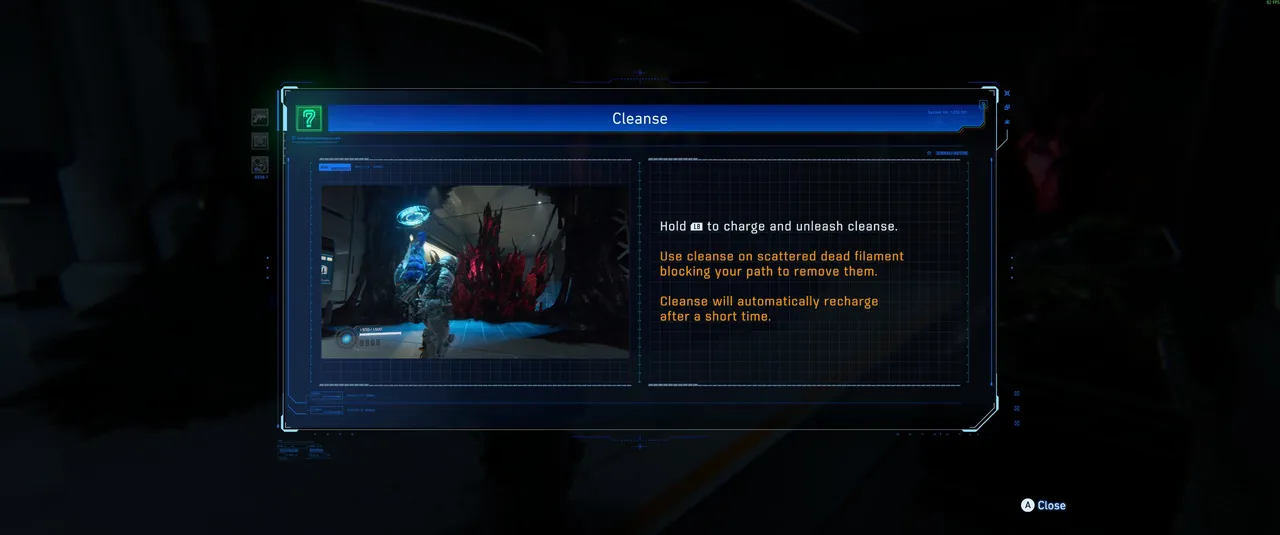
To use it, approach the deposit and hold the button prompted on screen. Diana will charge and release the ability, clearing the crystals entirely. The ability recharges automatically after a short cooldown, so you can clear multiple deposits in one visit without waiting long between uses.
Once you have Cleanse, you can fast travel back to any area where red crystal deposits were blocking loot or collectibles and clear them all at once. The Business District boxes are a good first stop, but it is worth scanning every area you have already visited for anything that was previously blocked.
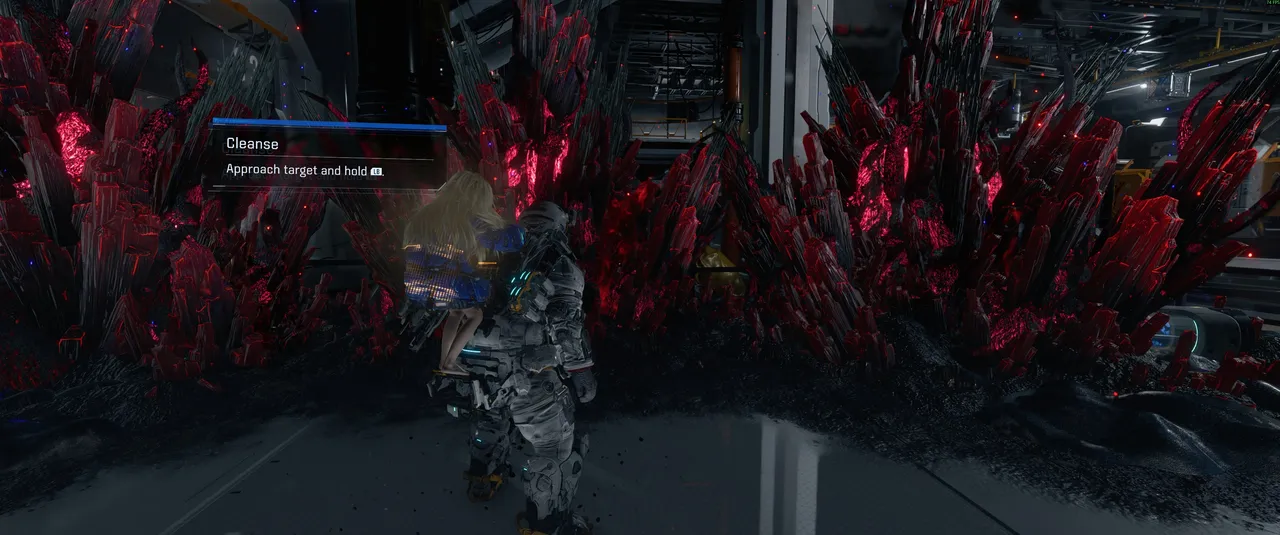
Quick tip: When you gain Cleanse, consider doing a full sweep of every area you have already completed before pushing forward. Red crystal deposits appear in several locations across the earlier areas of the game, and clearing them all in one organised pass is far more efficient than trying to remember where they were individually.
DON'T MISS!
- Pragmata: How to Easily Unlock 'You're Not Getting Away That Easy' Trophy/Achievement
- Pragmata: How to Find the REM in Regolith Lab
- Pragmata: All Mini Cabin Locations in Central Port
- Pragmata: All Mini Cabin Locations in Lunum Mines
- Pragmata: How to Easily Unlock the Courage in Desperation Trophy/Achievement