Trending
Most settings for boosting the frame rate in New World are quite obvious but some are flying under the radar and others may help you in a large group of players from both sides.
Here is a quick rundown on things that will help you in mass PvP, be it Outpost Rush or Wars.
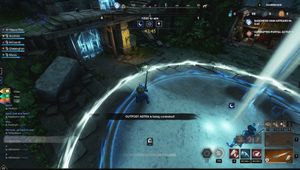
New World settings for OPR and Wars
- Video
- Window Mode - Fullscreen
- Field of View - 70 (Get it slightly lower if you are ranged and need to aim)
- Max FPS - Uncapped
- Effects, Lighting, Object, Post Processing, Shadows, Terrain, Texture and Water Details - Low
- Dynamic Resolution Scaling - On
- V-Sync - Off
- Game
- Auto Traverse - Off
- HUD - Everything On, except Contextual Fading
- Player Nameplate Amount - Ideally 50 but if you are still having FPS problems, lower it to 25 or even less
- Lowering the nameplate amount will increase your FPS significantly but you will lose situational awareness in large battles
- Bandwidth Mode - High
With these settings, you will get much better frame rates but the game will obviously look worse. High FPS is much more important in PvP though as it will allow you to actually hit enemies who will constantly try to kite you and move out of the way of your attacks.
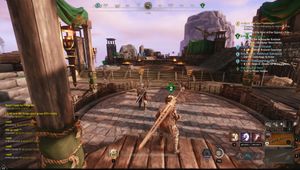
Auto Traverse option will not actually affect your FPS but it is best to leave all the controls up to the player as the game will sometimes automatically try to climb an obstacles while you are mid-fight, which is extremely infuriating.
More New World: